

-
Introduction
The phrase “best free AI creator” can mean a lot of things: writing smarter drafts, turning prompts into images, summarizing research, or debugging code at 2 a.m. In practice, two options dominate for everyday creators who don’t want to pay: ChatGPT Free from OpenAI and Google’s Gemini (free) in the browser.
This comparison focuses on what matters most to solo creators, marketers, and indie builders: output quality, versatility, privacy, speed, and how well each tool plugs into your daily stack.
-
Overview
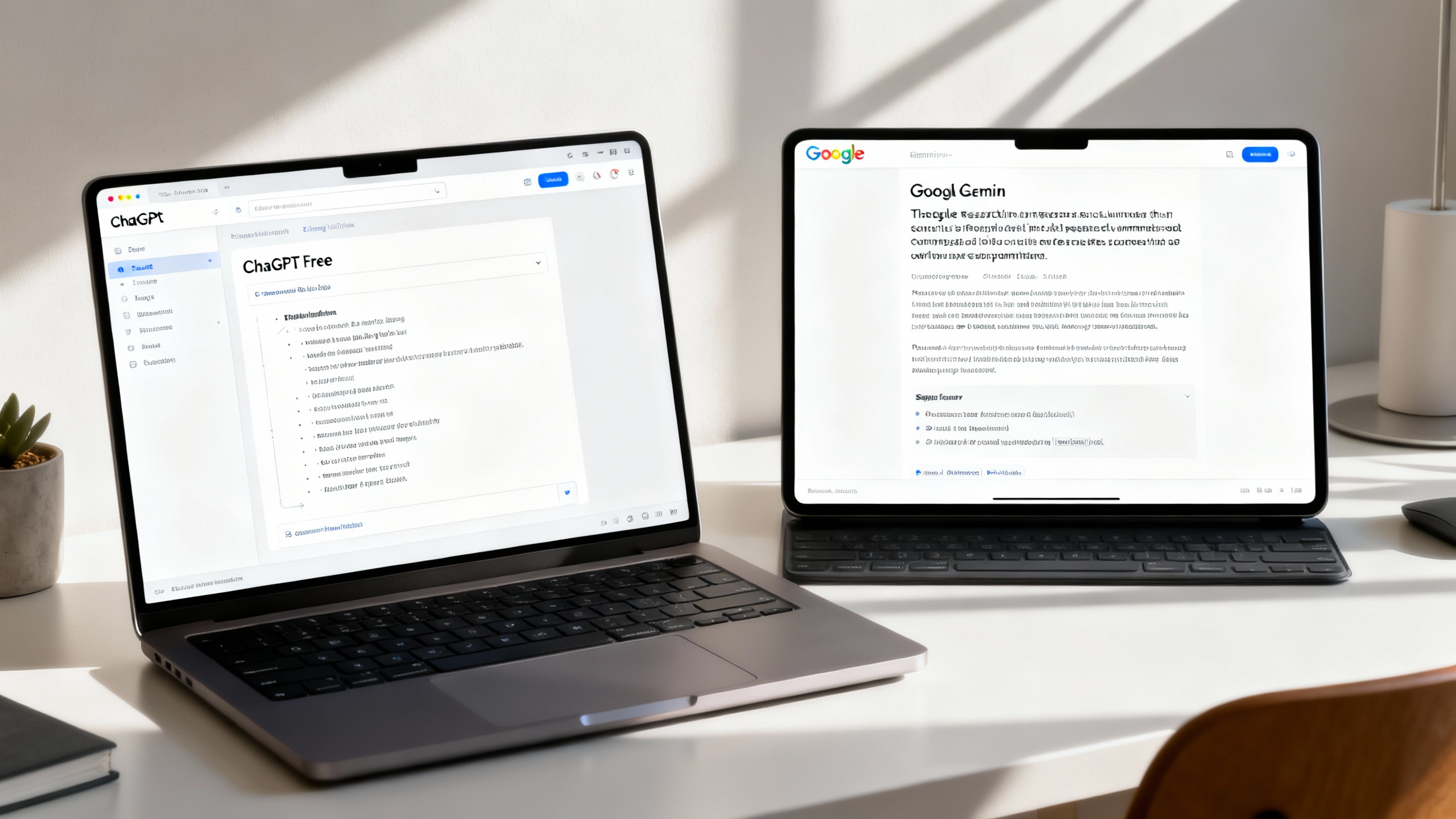
ChatGPT Free is OpenAI’s no-cost chat assistant available on the web and mobile. It’s built for general creative work—drafting posts, outlining scripts, brainstorming angles, and light coding. The free tier supports multimodal inputs (you can describe or upload an image for analysis) and, at times, limited browsing and file handling with daily caps. It doesn’t include third-party plugins, and heavier tasks may hit rate limits quickly. See OpenAI’s policy and product notes for current capabilities and data use details: OpenAI Privacy Policy, ChatGPT Help Center.
Google Gemini (free) runs in your browser at Gemini. It excels at search-infused answers, rapid brainstorming, and converting prompts into structured outputs. In many regions, Gemini can also generate images directly and interpret images you upload, subject to safety filters. It plays nicely with your Google Account and Chrome, though deep Workspace integration (e.g., Gemini in Docs/Sheets) generally requires a paid plan. For scope and data controls, see: Gemini Help, AI at Google Privacy.
-
Key Differences
Output quality and tone
- ChatGPT Free tends to produce cohesive, well-structured prose with strong editing and refinement skills. It’s forgiving with ambiguous prompts and good at “punching up” copy.
- Gemini often shines at fact-forward responses and search-savvy summaries. It’s quick to enumerate sources or related angles, which can help with research-heavy briefs.
Multimodal and images
- Both can analyze images you provide. For generating images from text, Gemini’s free tier is more consistently available (region-dependent) and fast, with conservative safety filters.
- ChatGPT Free’s image generation availability is limited and changes over time; expect analysis to be reliable, generation to be constrained on the free tier.
Coding help
- ChatGPT Free gives solid code explanations, test suggestions, and quick bug hunts. It’s notably strong at step-by-step reasoning for beginners.
- Gemini is excellent at scaffolding small scripts and transforming snippets, and it often provides concise, runnable examples. For deep, iterative refactors, both free tiers may hit context or rate limits sooner than paid options.
Web browsing and research
- Gemini’s search-native DNA makes it feel at home for quick lookups and topical exploration, often returning up-to-date context and reference links.
- ChatGPT Free browsing is more limited and can be turned off during high load. When available, it’s capable but less consistently on.
Speed and limits
- Gemini (free) is typically snappy for short prompts and image generation. Daily limits exist but feel generous for light tasks.
- ChatGPT Free can feel steadier for long-form drafting, but you’ll encounter stricter rate caps and occasional tool unavailability during peak times.
Privacy and control
- ChatGPT Free: Your content may be used to improve services unless you adjust settings; see data controls in the app and OpenAI Privacy Policy.
- Gemini (free): Prompts may be reviewed to improve quality; you can manage Gemini Apps Activity and delete prompts; see Gemini Help and AI at Google Privacy.
Integrations and export
- ChatGPT Free: No plugins, but easy copy/paste, shareable links, and mobile apps.
- Gemini (free): Strong browser integration, easy export to Google Docs/Sheets (when available), and quick sharing via Google account context. Advanced Workspace features usually require a paid plan.
Snapshot comparison (free tiers)
Category ChatGPT Free Google Gemini (free) Writing quality Polished, structured drafts; great editing Fast, search-savvy summaries; modular output Image generation Limited/variable availability Generally available in supported regions Image understanding Yes Yes Coding help Strong for explanations and debugging Strong for scaffolding and transformations Web browsing Limited/episodic Strong search-infused answers Rate limits Stricter caps at peak Generally generous for short tasks Integrations No plugins; simple share/export Smooth browser/Google export; Workspace features mostly paid Privacy controls Opt-out settings; deletions Activity controls; deletions -
Pros and Cons
ChatGPT Free
- Pros:
- Excellent long-form drafting and editing polish
- Strong step-by-step reasoning for learners and non-coders
- Reliable image understanding; mobile apps are mature
- Cons:
- Stricter daily limits; browsing and tools can be unavailable
- Image generation on free is limited/inconsistent
- No plugins or deep integrations on the free tier
Google Gemini (free)
- Pros:
- Quick, search-aware answers and topical summaries
- Snappy image generation (where supported) with helpful safety rails
- Easy export to Google Docs/Sheets; smooth in Chrome
- Cons:
- Long-form prose can feel terse or segmented
- Advanced Workspace automation typically requires paid plans
- Regional limitations on some features (notably image generation)
- Pros:
-
Use Case Recommendations
- You write and edit long-form content: Choose ChatGPT Free. It’s great at outlines, tone shifts, and smoothing awkward paragraphs.
- You need fast, source-aware research and “first drafts of facts”: Choose Gemini. It accelerates discovery and produces structured notes quickly.
- You’re a beginner coder or automating small tasks: Start with ChatGPT Free for stepwise explanations. If you need quick snippet transformations (e.g., “convert this to Node/Python”), Gemini is very efficient.
- You want text-to-image on a budget: Prefer Gemini (free) in supported regions; quality is solid, safety filters are predictable.
- You live in Google Docs and Sheets: Gemini for frictionless export and Google account share flows.
- You want consistent mobile use: ChatGPT Free has stable iOS/Android apps and works well offline for drafting (no inference offline, but drafting and organization are smooth).
TipPower move: Use both without context switching
Pin Gemini as an app tab in your browser and use ChatGPT’s mobile app for drafting on the go. Create two keyboard shortcuts: one to send selections to Gemini for research, another to paste cleaned text back from ChatGPT. This pair covers 90% of everyday creative work—free.

-
Verdict
If you’re picking a single, best free AI creator, the slight edge goes to ChatGPT Free for everyday creators who value polished writing, iterative editing, and approachable coding help. It’s dependable for drafts and rewrites, even with tighter daily limits.
However, if your workflow leans on research, quick fact-checked outlines, or text-to-image without paying, Gemini (free) is likely the better day-one fit—especially if you already live in Chrome and Google Drive.
The pragmatic choice for most teams? Keep both at hand. Draft and refine in ChatGPT; research and illustrate in Gemini. You’ll cover more creative ground, faster, without spending a cent.