


1. Introduction
Is AI a productivity tool? Yes—but which AI matters. On most desks today, two very different approaches compete for your time and budget: conversational assistants like ChatGPT and workflow automation platforms like Zapier. One thinks alongside you; the other tirelessly executes repeatable tasks.

Early research is encouraging. Users report sizable time savings from AI copilots, and process automation keeps delivering dependable, compounding gains.
from Microsoft’s Work Trend Index echoes what many teams feel anecdotally, while McKinsey estimates current technologies could automate
of work activities over time. See Microsoft Work Trend Index and McKinsey’s generative AI report for details.
2. Overview: What we’re comparing
-
ChatGPT (OpenAI): A conversational, generative AI assistant for drafting, summarizing, brainstorming, coding, and analysis. It shines with unstructured problems and fuzzy starting points. With features like Advanced Data Analysis and custom GPTs, it adapts to many knowledge tasks without setup. Learn more at OpenAI’s ChatGPT.
-
Zapier: A no-code automation platform that connects thousands of apps with triggers, filters, and actions. It excels at repeatable, cross-app tasks—think “when a lead arrives, enrich it, notify Slack, create a CRM record, and log it to a sheet.” It’s deterministic, logged, and built for reliability at scale. Explore Zapier.
In short: ChatGPT is a thinking partner; Zapier is an execution engine.
3. Key differences that matter in daily work
-
Task shape
- ChatGPT: Best for creative, exploratory, or ambiguous tasks—writing, analysis, research, first drafts, and idea generation.
- Zapier: Best for structured, repetitive workflows with clear triggers and steps across multiple apps.
-
Reliability vs. flexibility
- ChatGPT: Highly flexible but not perfectly predictable. Great at “first 80%” work; you review and refine.
- Zapier: Deterministic runs with logs, retries, and error handling; less flexible for ad-hoc thinking.
-
Time to value
- ChatGPT: Immediate. Type a prompt and get results. Minimal setup.
- Zapier: Requires mapping processes into triggers and actions, but yields compounding, hands-free savings once built.
-
Integrations and extensibility
- ChatGPT: Can be extended with custom GPTs and API “actions,” but this often needs developer setup and is still maturing.
- Zapier: 6,000+ app integrations with robust patterns (multi-step, paths, webhooks). Mature ecosystem for day-to-day business apps.
-
Cost and scaling
- ChatGPT: Seat-based (e.g., Plus/Team). Scales with number of users.
- Zapier: Plan tiers scale with task volume and feature depth. Savings grow with more automated work.
-
Data and governance
- ChatGPT: Policies differ by tier. OpenAI states API data isn’t used for training, and ChatGPT Team/Enterprise exclude use of your business data for model training; consumer settings allow opting out. Review your tier’s data controls.
- Zapier: Clear audit trails, run logs, and role-based controls are built in; still requires sensible handling of credentials and PII.
Quick comparison at a glance
| Dimension | ChatGPT | Zapier |
|---|---|---|
| Primary mode | Conversational, generative | Deterministic workflows |
| Best at | Drafting, summarizing, analysis, coding help | Cross-app task execution at scale |
| Reliability | Variable, requires review | High, with logs/retries |
| Setup effort | Minimal prompts | Map processes into triggers/actions |
| Scaling | By seats | By task volume/complexity |
| Extensibility | Custom GPTs, API actions | 6k+ app connectors, webhooks |
| Governance | Depends on tier/policies | Strong run logs and roles |
For a balanced academic angle, see the BCG/MIT field experiment on gen‑AI and knowledge workers, which found significant gains—especially for non-experts—on certain tasks but drop-offs on others when the task didn’t suit AI’s strengths. Read the study.
4. Pros and cons
ChatGPT
- Pros
- Instant lift on writing, summarizing, brainstorming, and analysis
- Excellent for turning messy notes or ideas into usable drafts
- Adapts to many roles without heavy configuration
- Can analyze files and data for quick insight
- Cons
- Outputs need review; can fabricate or gloss over details
- Not ideal for high-volume, repeatable execution without extra scaffolding
- Governance varies by plan; enterprises must validate data policies
Zapier
- Pros
- Reliable, hands-free execution with detailed logs
- Scales neatly from a single Zap to hundreds
- Deep app ecosystem with tried-and-true patterns
- Great for enforcing process consistency and reducing manual errors
- Cons
- Requires process clarity and upfront mapping
- Less helpful for “think with me” creative or analytical work
- Costs can grow with task volume if you automate everything indiscriminately
5. Use case recommendations
- Solo creator or consultant: Start with ChatGPT to accelerate content, proposals, and research. Add a handful of Zaps for publishing, filing, invoicing, and reminders. You’ll feel the impact in days.
- Sales, CS, or RevOps: Use Zapier to keep CRM hygiene flawless (lead routing, enrichment, follow-ups). Use ChatGPT for call summaries, email drafts, and deal notes.
- Operations and finance: Zapier first for approvals, reconciliations, and notifications. ChatGPT for policy drafts, variance explanations, and report narratives.
- Product and engineering: ChatGPT for code comments, tickets, and RFC drafts; Zapier to sync issues, alerts, and stakeholder updates across tools.
TipA simple blended playbook
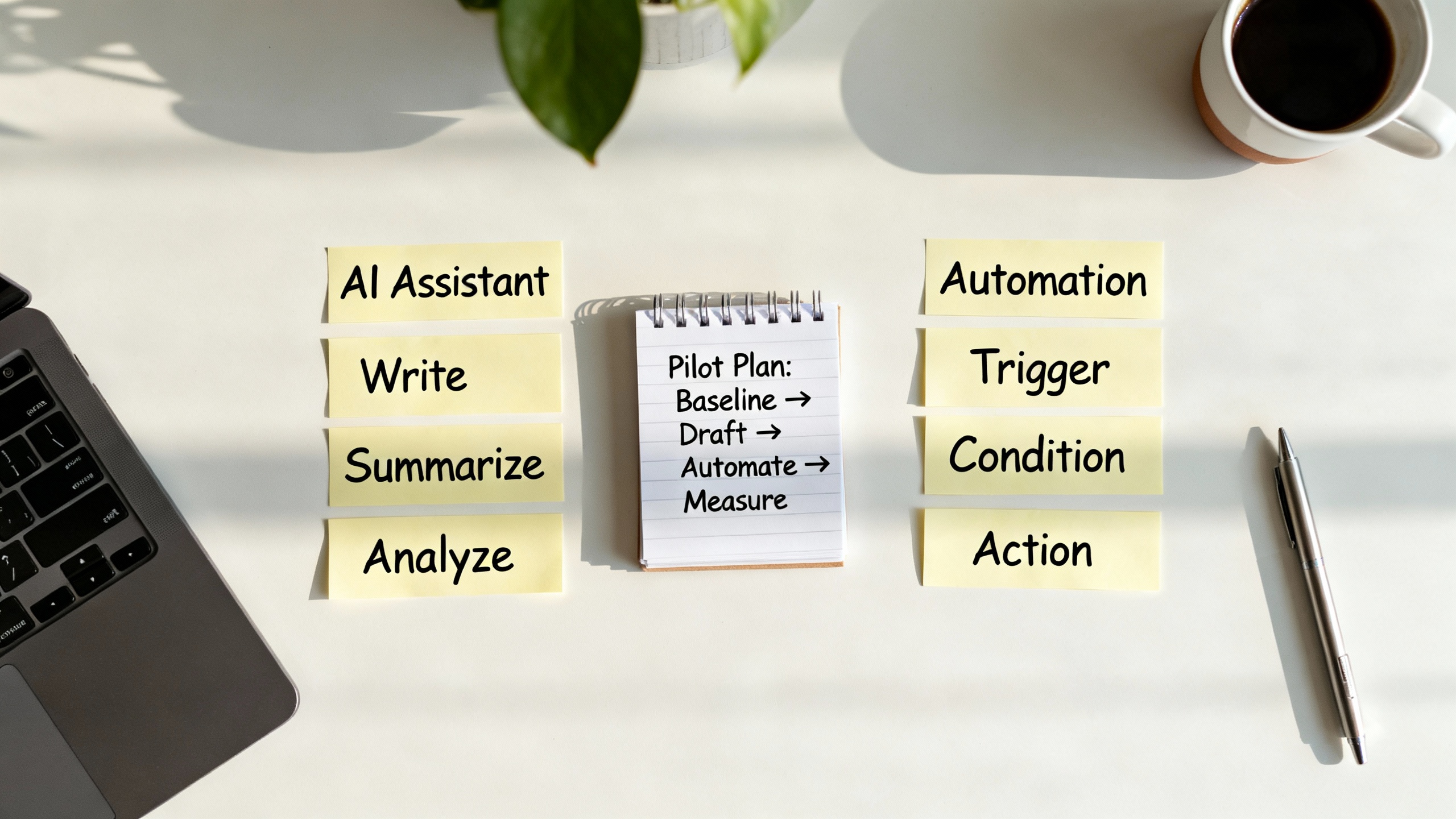
- Draft with ChatGPT → human edits
- Hand off to Zapier: publish, notify, archive, and log
- Circle back with ChatGPT for a post-mortem summary (what worked, what to change)
6. Verdict
If your work starts messy and ends polished, ChatGPT is the faster lift. If your work is repeatable, cross-app, and error-sensitive, Zapier wins on dependability. The strongest ROI usually comes from pairing them: let ChatGPT reduce the thinking time and Zapier eliminate the clicking time.
Practically, that means: use ChatGPT to create or clarify; use Zapier to execute and enforce. Together, they turn “Is AI a productivity tool?” into a daily yes—measured not in more output, but in better outcomes you can prove.
For further reading and evidence: Microsoft Work Trend Index, McKinsey on generative AI’s economic potential, and the BCG/MIT/Harvard field experiment on where gen‑AI helps—and where it doesn’t.