

Start Here: What “Business ChatGPT” Really Means
In practice, the business version of ChatGPT means an enterprise-grade AI assistant with admin controls, SSO, privacy guarantees (no training on your data), and integrations your teams actually use. OpenAI offers ChatGPT Enterprise and Team, and there are strong alternatives from Microsoft, Google, Anthropic, AWS, and Azure’s managed GPT service. Think of it as “consumer-quality UX meets enterprise guardrails”.
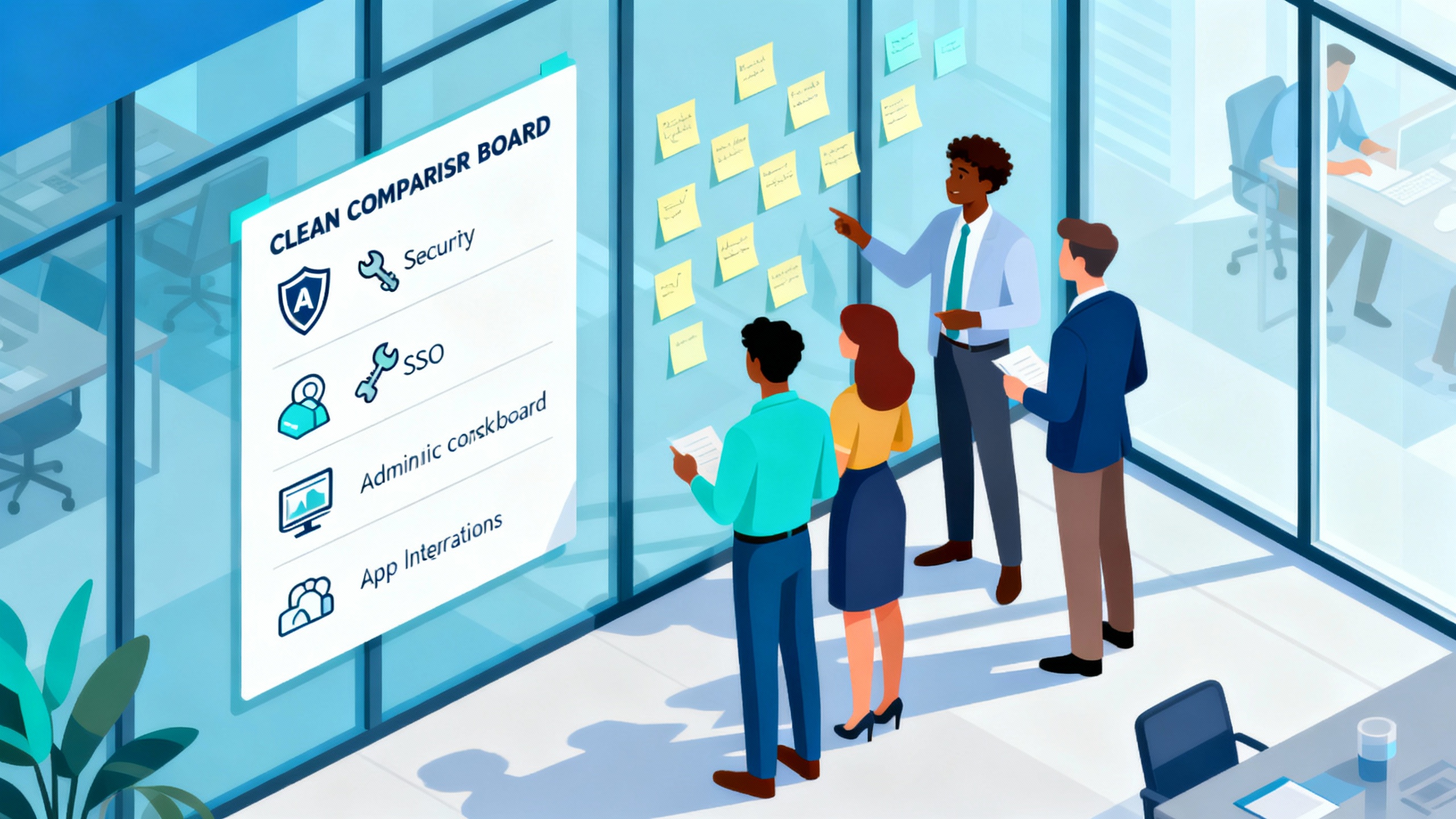
Business ChatGPT options at a glance
| Option | Best For | Training on your data by default | SSO/Admin | Price (indicative) |
|---|---|---|---|---|
| ChatGPT Enterprise (OpenAI) | Large orgs wanting fast rollout | No | Yes | Contact sales |
| ChatGPT Team (OpenAI) | SMBs/teams that need controls | No | Team workspace | Posted per-seat |
| Copilot for Microsoft 365 (Microsoft) | Microsoft-centric shops | No | Yes | Seat-based |
| Gemini for Workspace (Google) | Google Workspace orgs | No | Yes | Seat-based |
| Azure OpenAI Service (Microsoft) | Regulated/IT-led deployments | No | Enterprise IAM | Consumption-based |
| Claude for Teams/Enterprise (Anthropic) | Writing-heavy, safety-first teams | No | Yes | Seat/enterprise |
ChatGPT Enterprise: The Official Business Flagship
If you want “the business version of ChatGPT” straight from OpenAI, this is it. It includes enterprise-grade privacy (no training on your data), SSO, an admin console with usage analytics, longer context windows, and priority access to the latest models like GPT-4-class and GPT-4o-class tiers per OpenAI’s enterprise overview. It’s ideal for quick, organization-wide rollout without custom infrastructure.
ChatGPT Team: Smaller Teams, Big-League Privacy
ChatGPT Team delivers a private workspace with the same fundamental data protections as Enterprise—your content isn’t used to train models—plus shared GPTs and basic admin controls (OpenAI). It’s designed for teams that don’t need enterprise procurement, offering posted per-seat pricing. Great for piloting before a larger rollout.
Microsoft Copilot for Microsoft 365: ChatGPT Where You Work
Copilot brings GPT-4-class capabilities into Word, Excel, Outlook, PowerPoint, and Teams, grounded in your Microsoft Graph data with enterprise-grade compliance and data boundaries (Microsoft). For Microsoft-centric stacks, the “in your workflow” value is enormous: draft docs, analyze sheets, summarize meetings, and answer questions with organizational context. Typically licensed per user, it’s a strong default for Microsoft shops.
Google Gemini for Workspace: Natively in Gmail, Docs, and Meet
Gemini Enterprise/Business adds drafting, editing, and reasoning directly in Google Workspace apps, with admin controls and clear data-handling commitments (Google Workspace). If your organization lives in Docs, Sheets, and Gmail, the native context and collaboration features are a win. Seat-based tiers make it easy to start with a subset of users and expand.
Azure OpenAI Service: Private GPT in Your Cloud Perimeter
For organizations that need network isolation, regional control, and Azure-native security, Azure OpenAI lets you deploy GPT-4-class models behind your enterprise IAM and policies (Microsoft Docs). Data isn’t used to train models, and you can layer in private networking, customer-managed keys, and auditing. It’s the pick when “chat” must live inside your cloud with enterprise plumbing.
Anthropic Claude for Teams/Enterprise: Polished Writing and Safety
Claude is known for helpful, honest, and harmless responses, with standout performance on writing, structuring long documents, and thoughtful analysis (Anthropic). Business offerings add team workspaces, admin controls, and enterprise agreements; content is not used to train models. If your workflows are writing-heavy, Claude is a delightful primary or complementary option.
AWS Bedrock (with Guardrails): Build Your Own, Compliantly
Bedrock is a managed platform to access multiple foundation models (including Anthropic, Amazon, and others) with enterprise governance, Guardrails, and private VPC access (AWS). It’s best when you want a “builder’s” path: compose retrieval, grounding, and orchestration around your data while keeping it in AWS. You’ll invest more engineering effort, but you gain deep control over compliance and integration.
How to Choose: A 30-Day, No-Drama Game Plan
Pick one “native” option (Copilot or Gemini) plus one “generalist” (ChatGPT Enterprise/Team or Claude) and run a two-week head-to-head on 10 real tasks; measure time saved and output quality. If you need strict data perimeter controls, include Azure OpenAI Service or AWS Bedrock in the pilot; for CRM-heavy use cases, shortlist Salesforce Einstein Copilot (Salesforce). Document decisions in a short rubric: security, integrations, cost per seat/API, quality on your content, and admin simplicity.