

Introduction
If you’ve ever asked, “What’s the business version of ChatGPT?”—this is it: ChatGPT Enterprise. It’s OpenAI’s managed, secure tier designed for companies that want the familiar ChatGPT experience with enterprise controls, better performance, and stronger guarantees around data. After weeks of testing it across knowledge work, analytics, and light coding, we think it’s one of the fastest on-ramps to practical AI at work—provided you understand its limits and the alternatives.
TipTL;DR for busy leaders
If you need a governed, ready-to-use AI assistant with strong privacy, admin controls, and fast GPT-4 class performance, ChatGPT Enterprise is a top pick. If you require deep Microsoft 365 integration, data residency guarantees, or VNet-style isolation, compare it with Microsoft Copilot for Microsoft 365 and Azure OpenAI.

What We Tested (Overview)
ChatGPT Enterprise layers enterprise-grade security, admin tooling, and performance upgrades on top of ChatGPT. The appeal is straightforward: minimal setup, familiar UX, and policies that won’t make your security team twitch. Highlights include:
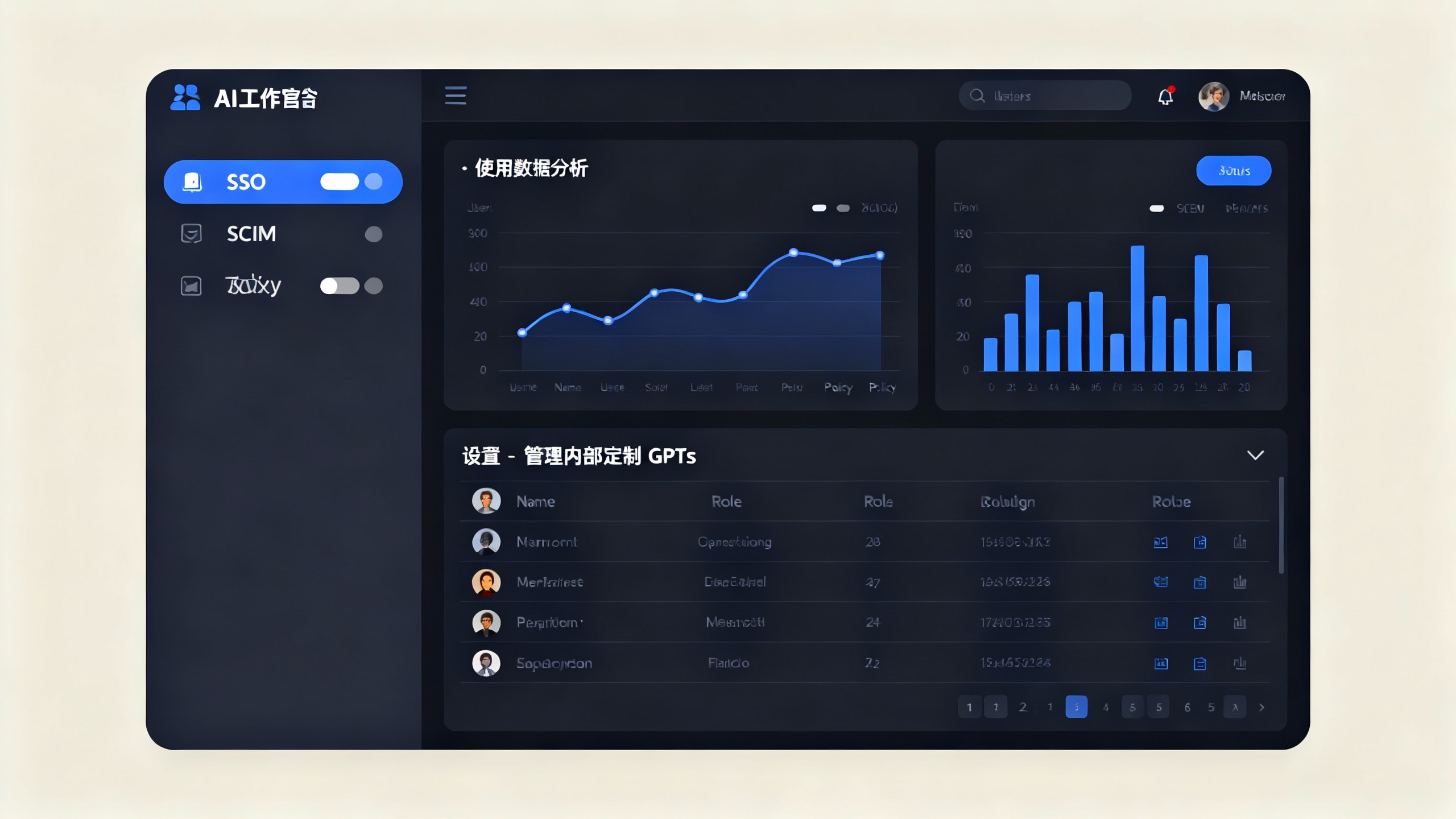
- Security and privacy: prompts and responses aren’t used to train OpenAI models; encryption in transit and at rest; SOC 2 Type II compliance; SAML SSO and SCIM provisioning. See OpenAI’s statements on security and privacy for details: OpenAI Security and OpenAI Enterprise.
- Admin features: centralized workspace management, domain verification, usage analytics, member roles, and organization-wide policy controls (e.g., limiting external sharing, governing custom GPTs).
- Performance: access to OpenAI’s latest high-end models (e.g., GPT‑4-class, including multimodal capabilities) with higher message caps and longer context windows than consumer tiers. Model lineup changes over time; expect updates.
- Tools: Advanced Data Analysis (formerly Code Interpreter) for spreadsheets and Pythonic analysis; secure browsing for up-to-date answers; image generation; and organization-specific custom GPTs.
- Support: priority support, faster throughput, and enterprise-grade SLAs via sales—details vary by contract.
Pricing remains sales-led for Enterprise (no public list price). For smaller teams, ChatGPT Team offers a per-seat plan and inherits the “no training on your data” policy, but with lighter admin controls. See ChatGPT Team for current pricing.
Standout Pros
-
Strong privacy posture by default Prompts and outputs aren’t used to train models, which is a baseline many compliance teams now require. Encryption and SOC 2 Type II checks the right boxes for most mid-market and many enterprise environments.
-
Fast path to value with minimal change management Because it’s the same chat experience employees already know, adoption is friction-light. We saw immediate productivity gains in summarization, knowledge search, and drafting—without needing a multi-month platform roll-out.
-
Advanced Data Analysis is a quiet superpower Upload a CSV, spreadsheet, or small dataset and it will run Python to clean, transform, and chart insights. For analysts and PMs, it can be a force multiplier on ad-hoc data projects and QA.
-
Admin controls that scale SSO, SCIM, domain verification, and policy toggles make it manageable for IT. The ability to govern internal custom GPTs is especially helpful as teams start building specialized assistants.
-
Model breadth in one place Having text, image, and browsing in a managed workspace keeps experimentation centralized. You avoid the sprawl of point tools for generation, analysis, and search.
Real Drawbacks
-
Not the deepest suite for Microsoft-first shops If your organization lives in Outlook, Teams, Excel, and SharePoint, Microsoft Copilot for Microsoft 365 often wins on native context and permissions-aware grounding. ChatGPT Enterprise can browse and analyze files, but it isn’t woven into every app ribbon.
-
Data governance ≠ data residency guarantees ChatGPT Enterprise improves governance, but if you require strict regional data residency or private network isolation, consider Azure OpenAI (for building your own experiences) or vendors offering customer-managed environments.
-
Source grounding and citations are improving but uneven ChatGPT can browse and provide links, yet it’s not a turnkey, fully-cited research engine. For high-stakes outputs (legal, medical, regulatory), human review and internal knowledge connectors are still essential.
-
Pricing opacity Enterprise pricing is custom and can slow procurement. If you’re budget-sensitive or under 200 seats, start by piloting ChatGPT Team to validate ROI before you call sales.
How It Stacks Up (At a Glance)
Enterprise AI assistant options compared
| Product | Security posture | Model access | Pricing | Best for |
|---|---|---|---|---|
| ChatGPT Enterprise | SOC 2 Type II; SSO/SCIM; no training on your data | Latest OpenAI GPT‑4-class, multimodal, tools | Sales-led | Fast, general-purpose rollout with strong admin controls |
| ChatGPT Team | Team-level governance; no training on team data | GPT‑4-class with key tools | Per-seat | Small teams piloting AI safely |
| Microsoft Copilot for M365 | Deep M365 permissions integration; enterprise compliance | Microsoft frontier models | Per-seat | Microsoft-centric orgs needing in-app assistance |
| Claude for Business | Enterprise policies; strong long-context models | Anthropic Claude family | Per-seat/sales-led | Long-document reasoning and safety-first orgs |
Footnote: Offerings evolve quickly; verify current security claims and model versions with each vendor’s documentation.
Who Should Buy It (And Who Shouldn’t)
- Choose ChatGPT Enterprise if you want a managed, broadly capable assistant with solid privacy, admin controls, and minimal deployment friction.
- Choose ChatGPT Team if you’re under strict headcount or cost pressure and need fast validation.
- Choose Microsoft Copilot for M365 if maximizing value inside Office apps is the mission.
- Choose Azure OpenAI (or Vertex/Bedrock equivalents) if you need to build custom apps with private data, network isolation, or specific residency.
Our Verdict
ChatGPT Enterprise is the most turnkey path we’ve seen to get a capable, governed AI assistant into employee hands. It doesn’t solve every enterprise concern—especially for organizations with stringent residency or deep M365-first needs—but in day-to-day knowledge work, it’s a rocket booster. The Advanced Data Analysis workflow alone can pay for itself in saved analyst hours, and the admin controls keep risk from spiraling as usage scales.
- Score: 8.6/10
- Best for: Mid-market and enterprises that want fast, governed adoption with minimal integration overhead.
- Not ideal for: Organizations demanding hard residency guarantees or in-app Office assistance above all else.
For further reading, check official materials and independent research on AI impact and governance: OpenAI Enterprise, OpenAI Security, and McKinsey’s analysis of generative AI’s economic potential: McKinsey, 2023.