

-
Introduction
If you’re wondering which free AI creator is “best,” here’s the truth: the best one is the tool that nails your specific job with acceptable quality, speed, and limits—today. This guide walks you through a practical, zero-cost process to shortlist, test, and ship with free AI tools for text, images, and even simple video. You’ll leave with a repeatable playbook you can rerun in under an hour whenever tools or quotas change.

-
Preparation
Before testing, get your toolkit and ground rules in place.
- Accounts: Create free accounts for 3–5 contenders (text and image at minimum).
- Data: Prepare 5–10 real prompts or tasks representing your typical work (emails, product descriptions, social captions, blog intros, help-desk replies, image briefs).
- Success criteria: Define what “good” looks like (accuracy, tone, formatting, safety, speed, and any must-have features like file upload or image generation).
- Tracking: Use a simple spreadsheet with columns for tool, prompt, result, score, time, and notes.
-
Step 1: Define the Job-To-Be-Done
Get specific. Instead of “I need a free AI creator,” identify the exact outcomes you want.
- Text: Draft a 120-word LinkedIn post from a bullet summary, in a confident-but-warm tone, with 1 emoji and 3 hashtags.
- Image: Generate a 1:1 product hero image with a soft gradient background and photoreal lighting.
- Support: Turn a customer bug report into a clear, empathetic response with 3 numbered steps.
Write 1–2 acceptance criteria per task, such as maximum edits needed or specific formatting requirements. Your tests should reflect these.
-
Step 2: Shortlist Free AI Creators
Mix general-purpose chat models with specialized tools so you cover your likely tasks. Verify current limits and policies before relying on any free tier.
Free AI creators by use-case
| Use case | Good free options | Notes |
|---|---|---|
| General text chat | ChatGPT Free, Microsoft Copilot, Google Gemini, Perplexity, Meta AI | Great for drafting, rewriting, brainstorming, quick research. Perplexity excels at cited answers. |
| Image generation | Playground AI, Clipdrop by Stability, Canva’s AI tools | Stable Diffusion-based tools offer generous free tiers; Canva is friendly for social assets. |
| Video (basic/experimental) | Pika, Luma Dream Machine | Free queues can be slow; quality varies by prompt complexity. |
| Automation glue | Zapier, Make, Pipedream | Free tiers help stitch apps together without code. |
-
Step 3: Build a Tiny Test Suite
Make a 30-minute “shootout” that mirrors your real work:
- 5–10 prompts per modality (text/image) that span easy, medium, hard difficulty.
- A simple scoring rubric (0–5 scale each): accuracy, tone/fit, formatting, safety, speed, edit effort.
- A timing approach: use a stopwatch or note rough seconds per task.
Example rubric point descriptions:
- 5 = Ready to ship; no edits
- 4 = Minor edits
- 3 = Usable with several edits
- 2 = Partially correct; heavy rewrite
- 1 = Misses the brief
- 0 = Unsafe/off-topic
-
Step 4: Run Head-to-Head Tests
Test each tool on the same prompts without changing the wording. Log outputs, speed, and your scores. For text tasks, also measure how much editing you had to do to make it publish-ready. For images, check style consistency, resolution, and artifacting.
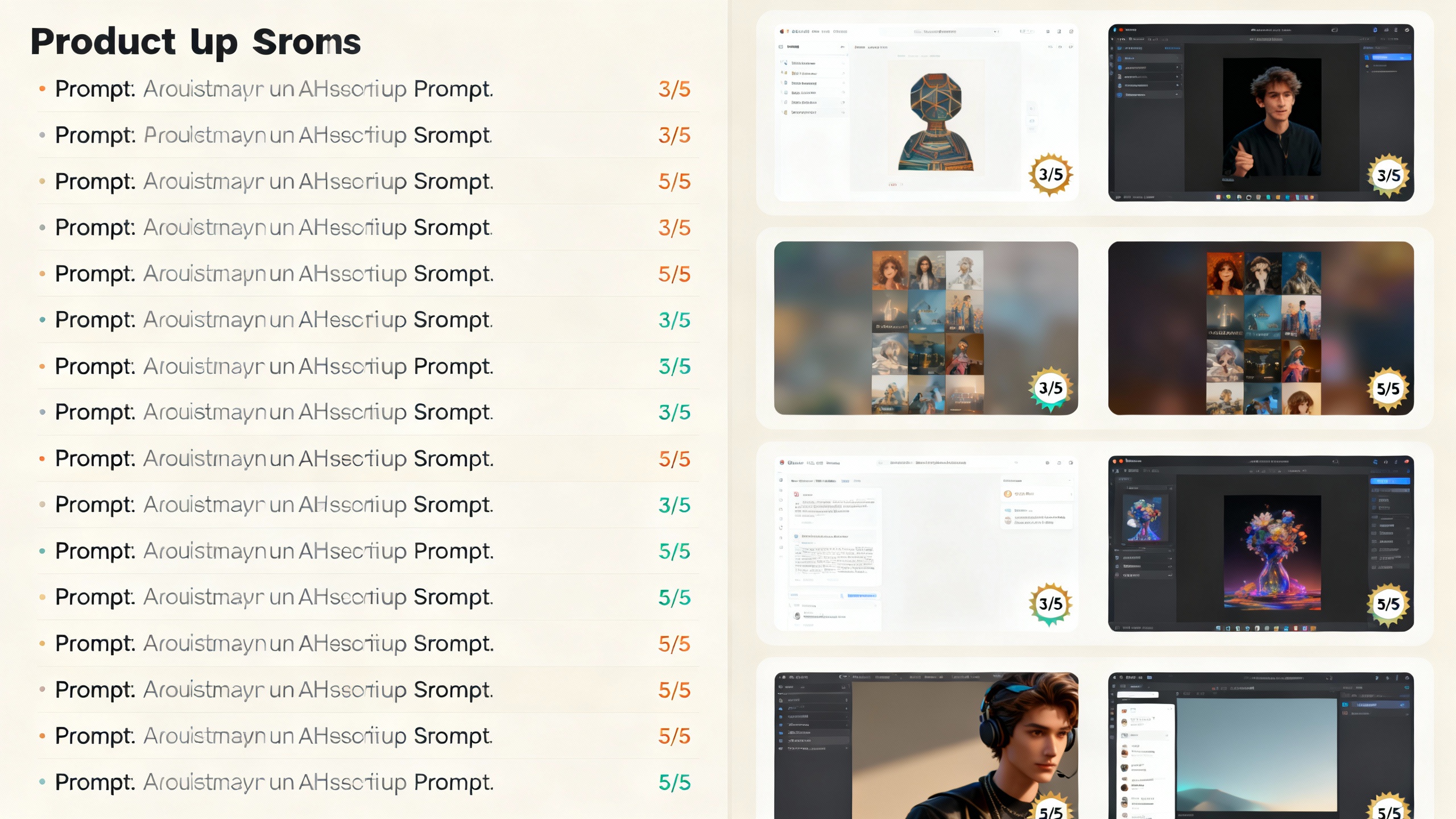
How to keep it fair and fast:
- Lock your prompts: copy/paste exactly.
- One pass per tool: no retries unless that’s how you’ll use it day-to-day.
- Track limits: note when you hit message or image caps.
- Note standout strengths or annoyances (links, citations, inline formatting, hallucinations, upload support).
-
Step 5: Check Safety, Privacy, and Limits
Before you crown a winner, confirm it’s safe and sustainable for your context.
- Privacy policies: Review what providers say about data retention and training (OpenAI, Google, Microsoft). Avoid pasting sensitive data into free tools.
- Safety and governance: Align with lightweight best practices from the NIST AI Risk Management Framework.
- Content rights: For images/video, confirm usage rights in the provider’s terms and your region.
- Rate limits and quotas: Make sure your expected weekly volume won’t constantly hit caps.
-
Step 6: Assemble Your Zero-Cost Stack
Often, your “best free AI creator” is a small stack:
- Drafting and polishing: A general chat model (Copilot, Gemini, ChatGPT Free) for text.
- Research answers with citations: Perplexity when source transparency matters.
- Visuals: Playground AI or Clipdrop for images; Pika/Luma for simple video clips.
- Glue: Zapier/Make/Pipedream to route inputs and outputs.
Example no-cost workflow:
- Use a Google Form to capture your content brief (title, audience, tone, keywords).
- Send submissions to a Google Sheet.
- Trigger an automation (Zapier/Make) calling your chosen chat tool via web action to draft a post.
- Save the draft back to the Sheet; review and lightly edit.
- Generate a matching 1:1 image with Playground AI and attach the link.
-
Pro Tips and Common Mistakes
- Start narrow: Optimize for one high-impact task before expanding.
- Keep a prompt library: Save winning prompts alongside the outputs they produced.
- Don’t overfit to one prompt: Use a small variety so your winner generalizes.
- Beware of hidden costs: Time spent waiting in free queues can negate savings for time-sensitive work.
- Document failures: Knowing when a tool misfires helps you avoid costly reruns.
- Refresh quarterly: Free tiers, models, and quality shift fast; rerun a mini-shootout every few months.
-
Conclusion
There isn’t a single “best free AI creator” for everyone—but there is a best one for your job, today. Define your outcome, shortlist smartly, test with real work, score fairly, and assemble a tiny stack that plays to each tool’s strengths. With a one-hour shootout and a simple rubric, you’ll know exactly which free tools help you ship faster without spending a cent.