


-
Introduction
Great AI prompts aren’t magic—they’re method. In this guide, you’ll learn a practical, repeatable way to write prompts that get clearer answers, reduce rework, and make AI a dependable partner for research, writing, analysis, coding, and more. We’ll cover structure, examples, formatting, and iterative feedback so you can turn “meh” responses into precise, high-value outputs.
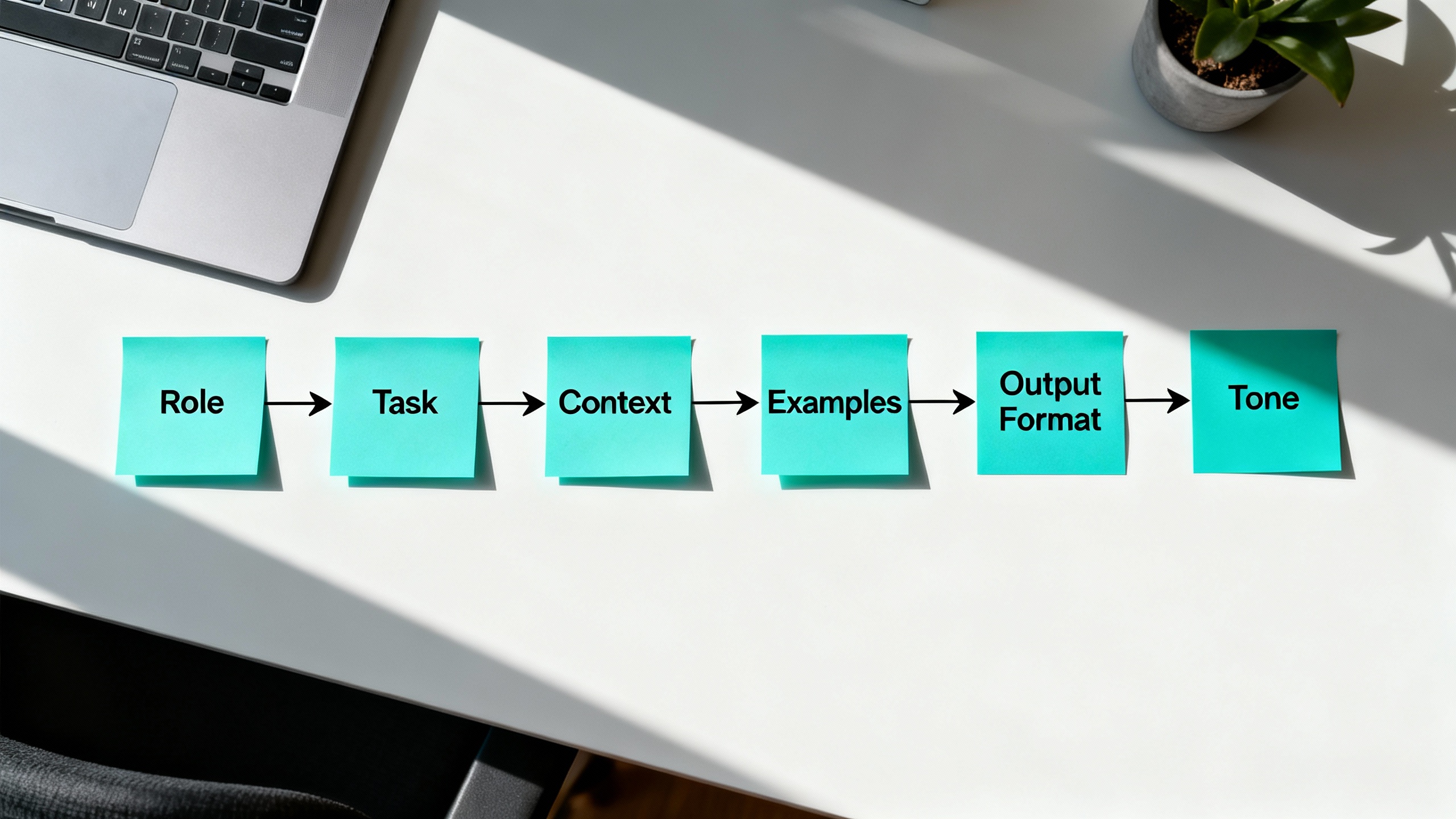
For deeper reading, see official guidance from OpenAI’s Prompt Engineering overview and examples, Anthropic’s prompt engineering best practices, and Microsoft’s practical tips for enterprise prompting.
-
Preparation
Before writing a single word, clarify three things:
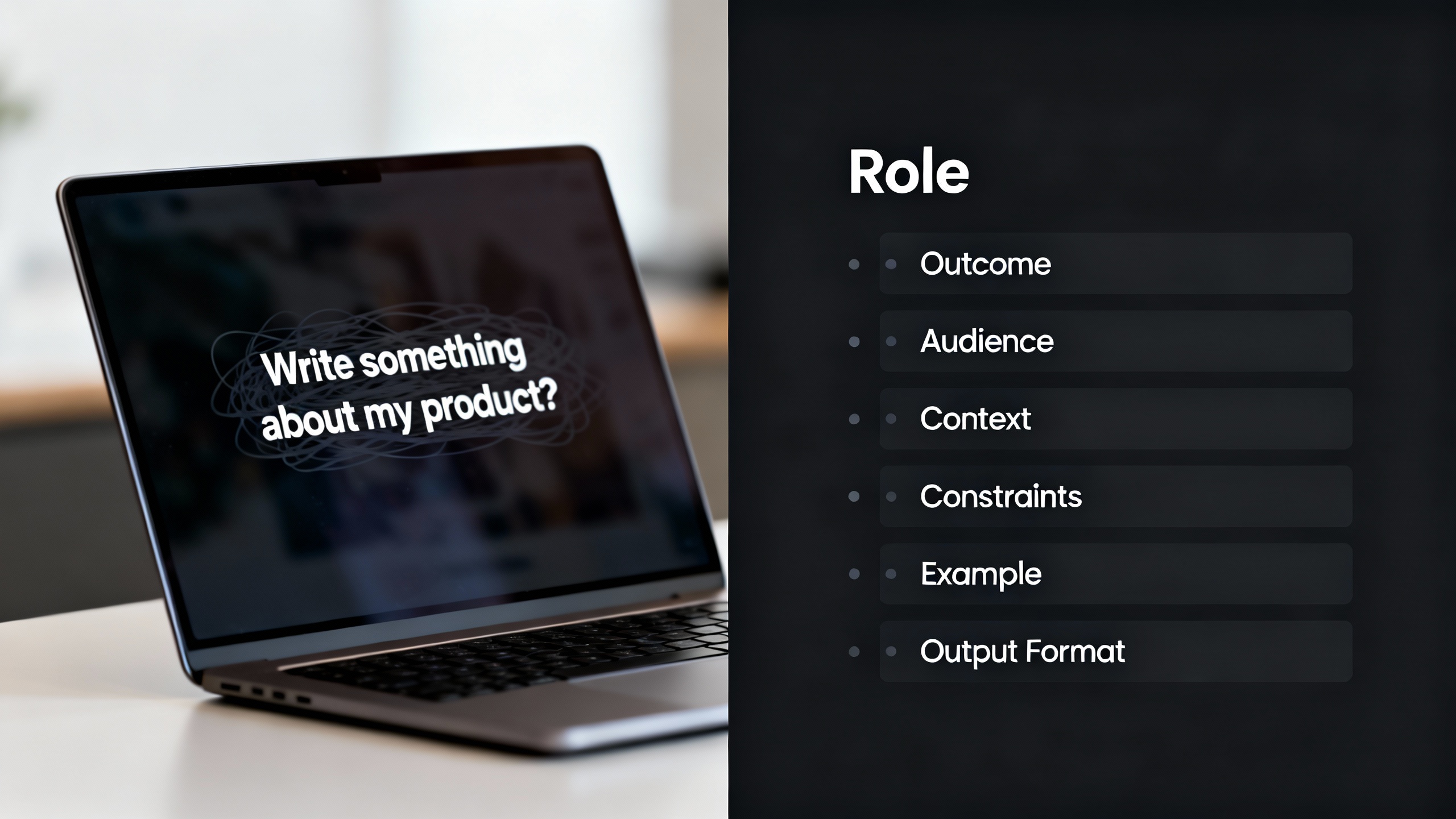
- Your outcome: What does “good” look like? A crisp summary? A marketing email? A JSON plan?
- Your audience: Who will use this output and what do they care about?
- Your guardrails: What must the AI avoid (jargon, sensitive data, hallucinations)?
Tools to have ready: the right model for the task, key source material (links, quotes, data), and an example of the desired output if you have one (even a rough sketch helps a lot).
TipPick the right model for the job
Use lightweight models for paraphrase or grammar; stronger reasoning models for planning, research synthesis, or code. If you’re stuck, ask the model: “Given this task, what information would help you produce a better answer?”
-
Step 1: Set Role, Outcome, Audience (ROA)
A good prompt starts by assigning the model a role, defining the output, and naming the audience. This reduces guesswork and aligns tone and depth.
Example:
- Role: “You are a senior product marketer.”
- Outcome: “Write a 150-word comparison summary.”
- Audience: “Non-technical SMB owners with limited time.”
Put it together: “You are a senior product marketer. Write a 150-word comparison summary for non-technical SMB owners with limited time.”
-
Step 2: Add Context and Constraints
Models perform better with relevant inputs and clear boundaries. Provide source facts, definitions, and limits.
Include:
- Context: domain, product, or problem details (paste summaries or link to sources).
- Constraints: length limits, tone, reading level, banned terms, and must-include points.
- Citations: request in-line citations or a references section when factual accuracy matters.
Template snippet:
“Context: [brief]. Constraints: 120–150 words, plain language, avoid hype. Include 2 bullet benefits and 1 risk. Cite sources as [Author, Year] with links.”
-
Step 3: Show and Tell with Examples (Few-Shot)
Examples are the fastest way to calibrate style and structure. Provide one or two high-quality samples.
- Show a “golden” example and label it clearly.
- If you have time, show a “bad” example and say why it’s bad.
- Keep examples short—quality beats quantity.
Prompt skeleton:
“Here is an example of the style and structure I want: [example]. Do not copy wording; match structure and tone.”
-
Step 4: Specify Output Format
When you want structured output, say so explicitly. Ask for bullet lists, tables, or valid JSON. This enables automation and reduces cleanup.
- For content: “Return 3 sections with H3 headings; each section ≤ 80 words.”
- For data: “Return a valid JSON array with keys: title, audience, length, bullets[]. No commentary.”
Prompt templates by task
| Task | Template snippet | Example output format |
|---|---|---|
| Summarization | “Summarize for [audience] in [N] bullets. Preserve key numbers and uncertainties.” | Bulleted list |
| Planning | “Create a 7-day plan with daily milestones, risks, and mitigations.” | Markdown table |
| Research | “Synthesize from these sources. Note agreement/disagreement. Add 3 open questions.” | Sections with citations |
| Data extraction | “Extract fields: company, url, size, notes. Return valid JSON only.” | JSON |
| Writing | “Draft in [voice]. Include a hook, body, CTA. 120–150 words.” | H3 sections |
-
Step 5: Ask for Reasoning and Verification (Safely)
Encourage transparent thinking without requesting sensitive chain-of-thought details. Prefer visible checks over verbatim internal reasoning.
Use:
- “List assumptions before answering.”
- “Provide a brief rationale (3 bullets).”
- “Add a verification checklist and apply it to your output.”
Research shows stepwise prompting can improve reliability in reasoning-heavy tasks; for background, see the chain-of-thought literature (e.g., Kojima et al., 2022). Use discretion in regulated contexts and avoid sharing confidential logic or data.
-
Step 6: Iterate with Rubrics and Feedback
Treat the first response as a draft. Score it against a simple rubric and ask for revisions.
Example rubric:
- Accuracy: Are facts supported or cited?
- Relevance: Does it focus on the brief and audience?
- Clarity: Is it scannable and free of fluff?
- Structure: Does it follow the specified format?
Follow-up prompt:
“Score your draft 1–5 on accuracy, relevance, clarity, structure. Improve the lowest score without increasing length.”
-
Step 7: Use Modular Prompt Templates
Save time by turning best-performing prompts into reusable templates. Here’s a versatile pattern:
- Role: “You are [role].”
- Task: “Your task is to [verb + outcome].”
- Audience: “For [audience].”
- Context: “Here’s context: [bullet facts or sources].”
- Constraints: “Follow [constraints: length, tone, must/avoid].”
- Examples: “[few-shot example].”
- Format: “Return [format instructions].”
- Quality gate: “List 3 assumptions, then apply this checklist: [criteria]. If any fail, revise once.”
-
Pro Tips and Common Mistakes
- Be specific, not verbose: The best prompts say exactly what matters in the fewest words.
- Don’t paste everything: Curate your context. Irrelevant text can confuse the model.
- Guard against hallucinations: Ask for sources, require uncertainty notes, or request “If unknown, say ‘unknown.’”
- Avoid ambiguous verbs: Replace “analyze” with “compare X and Y on A/B/C” or “extract fields A, B, C.”
- Iterate quickly: Shorten the loop—ask for an outline first, then fill it in.
- Protect data: Never include sensitive or personal data. Use redacted samples.
-
Conclusion
Powerful prompts are built, not wished into existence. Start with ROA (Role, Outcome, Audience), add context and constraints, show an example, specify the output format, request reasoning checks, and iterate with a rubric. Turn your winners into templates so your future self can work faster with less friction. The result: consistently better outputs—and fewer frustrating do-overs.
Use this starter prompt to practice:
“You are a [role]. Your task is to [outcome] for [audience]. Context: [3–5 bullet facts or links]. Constraints: [length, tone, must/avoid]. Example: [short sample]. Output format: [bullets/table/JSON]. Before the answer, list 3 assumptions; after, apply this checklist: [criteria].”