


-
Introduction
Microsoft’s Copilot for Microsoft 365 promises a simple pitch: turn your daily tools—Outlook, Word, Excel, PowerPoint, Teams—into an always-on assistant that drafts, summarizes, analyzes, and organizes. For knowledge workers drowning in meetings and messages, that sounds like oxygen. We lived with Copilot for a month across a typical work stack to see what sticks once the demo gloss wears off.
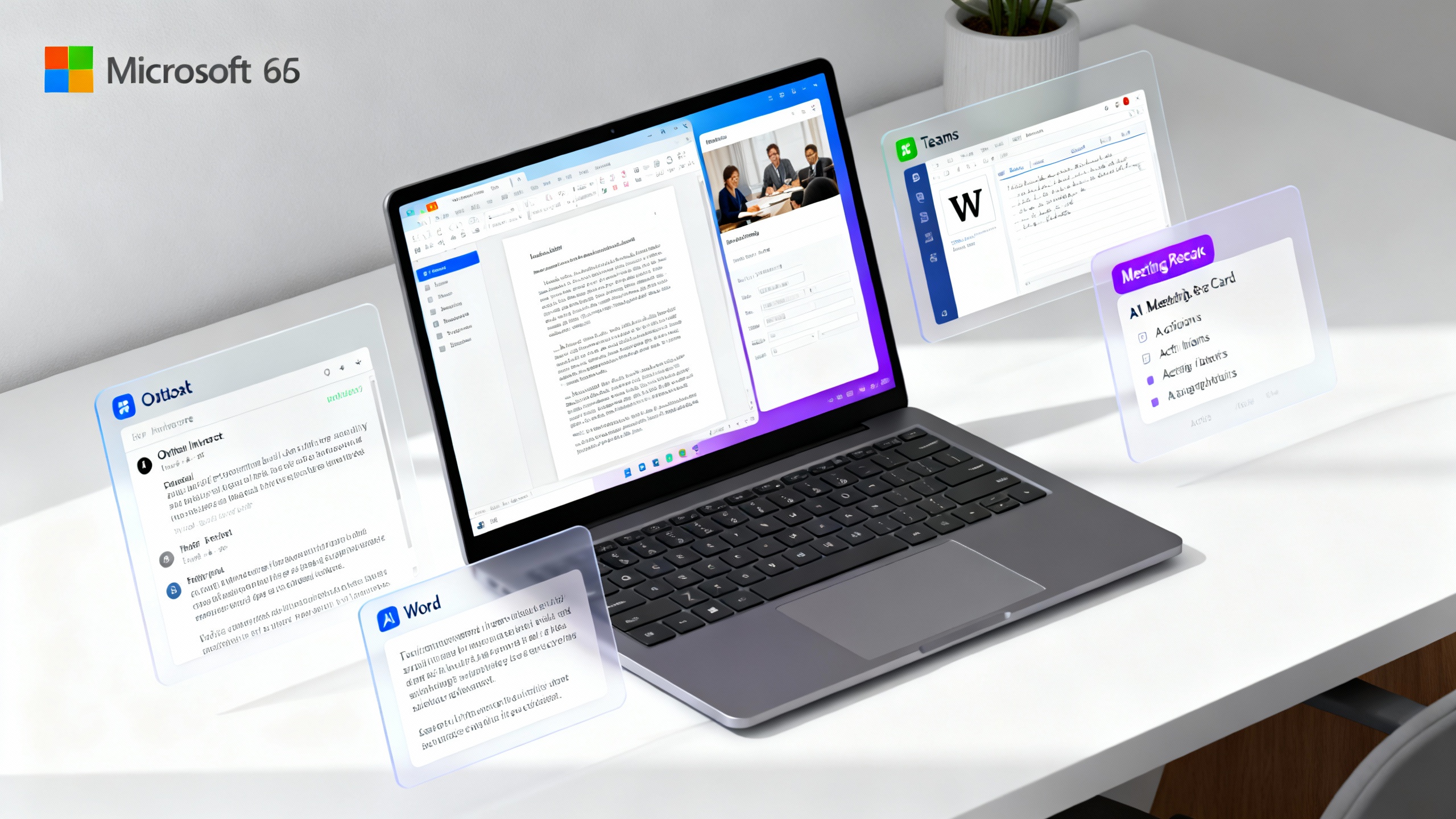
In short, Copilot can feel like a second brain for your Microsoft data, but it’s not magic. It shines when your org is already deep in Microsoft 365, permissions are clean, and your prompts are clear. It stumbles in complex data analysis and sometimes plays it too safe (or too vague). For many teams, that’s still a compelling trade.
-
Overview
Copilot for Microsoft 365 is Microsoft’s AI layer embedded directly into Outlook, Word, Excel, PowerPoint, Teams, and more. You invoke it via in-app side panels or prompts (e.g., “Draft a reply summarizing key asks” or “Build a deck from this doc”). It respects Microsoft 365 permissions, so it can only see what you can see—a major plus for enterprise adoption.
- Where it lives: Outlook, Word, Excel, PowerPoint, Teams, Loop, and Edge.
- Pricing: Typically an add-on per licensed user (enterprise plans often list near $30/user/month); check your tenant’s current pricing and eligibility.
- Strengths: Email triage and summaries, meeting recaps, first-draft content, quick slide generation, doc synthesis across OneDrive/SharePoint.
- Weak spots: Complex Excel modeling, niche domain nuance without context, inconsistent citations, and occasional bland drafting.
- Admin & security: Honors existing Microsoft 365 permissions; extensive tenant controls and DLP/Compliance options. See Microsoft’s privacy overview for details: Microsoft 365 Copilot privacy.
Microsoft’s 2024 Work Trend Index reports that early Copilot users felt more productive and faster on everyday tasks—useful context, though real-world mileage varies by role and data quality. Microsoft Work Trend Index 2024
-
Pros
-
Deeply embedded where work happens: Because Copilot sits inside Outlook, Word, and Teams, it reduces context switching. Drafting a reply from the email itself or spinning a summary from the Teams transcript feels natural and fast. For many users, that friction reduction is where the real time savings live.
-
Meeting recaps that actually help: Teams recaps with decisions, tasks, and attendee-specific mentions are a quiet superpower when your calendar is chaos. If your org records/transcribes meetings, Copilot can produce surprisingly coherent summaries and follow-up lists.
-
Document and deck acceleration: Give Copilot a doc and ask for a 6-slide executive summary. Or paste a brief and ask Word for a first draft. The outputs aren’t final, but they’re excellent “blank-page killers,” especially when you provide tone and audience.
-
Enterprise-grade governance: Unlike general-purpose chatbots, Copilot respects Microsoft 365 permissions, making it easier for IT to deploy without creating shadow data flows. Admin controls, auditability, and compliance integrations will matter to any regulated team.
-
Continuously improving ecosystem: Microsoft is iterating quickly—plugging Copilot into Loop, SharePoint, and Viva, and rolling out connectors (e.g., to ServiceNow, Jira) that broaden context. The more of your knowledge graph Copilot can see (safely), the more useful it becomes.
-
-
Cons
-
Price adds up fast: The add-on fee can be a tough sell for large teams if adoption is uneven. Without training and clear use cases, some users won’t realize meaningful gains, making ROI look soft.
-
Excel isn’t a data scientist: Copilot can help with formulas, simple analysis, and explaining charts, but it won’t replace robust modeling or BI tools. Expect to guide it carefully, especially with messy data.
-
Occasional blandness and hedging: Drafts often lean generic unless you feed strong context (docs, examples, tone). Copilot prefers safe generalizations over bold claims, which is good for compliance but can feel vanilla.
-
Adoption depends on clean permissions and good hygiene: If file permissions are a mess, Copilot’s context can be thin or irrelevant. Similarly, if meetings aren’t recorded/transcribed, recaps have less to work with.
-
-
Verdict
If your organization already lives in Microsoft 365, Copilot is the most practical AI productivity upgrade you can buy in 2025. It compresses routine knowledge work—email, meetings, summarization, first drafts—without making you leave your tools. For many teams, those reclaimed minutes add up to meaningful throughput.
Who should buy:
- Microsoft-first teams with strong SharePoint/OneDrive habits.
- Roles swamped by meetings and messages (PMs, EMs, sales, CS, operations).
- Leaders ready to train staff and measure outcomes.
Who should wait:
- Orgs with minimal Microsoft usage or messy permissions.
- Teams primarily needing advanced analytics or creative copy flair.
- Budget-constrained teams that won’t invest in enablement.
TipHow to pilot Copilot (30-day plan)
- Pick 25–100 users across roles; set 3–5 measurable scenarios (email triage, meeting recaps, doc summaries, slide drafts, SOP updates).
- Provide a 90-minute enablement workshop with role-based prompts and examples.
- Turn on meeting transcription and tidy key SharePoint/OneDrive spaces.
- Track before/after metrics: email response time, meeting follow-up lag, time-to-first-draft.
- Reinvest saved time into higher-value work; share wins in a weekly digest.
Alternatives to consider
- Notion AI: Superb for knowledge bases and personal/ team docs with flexible templating. Great drafting; less embedded in enterprise email/meetings.
- Google Gemini for Workspace: Strong if you live in Gmail/Docs/Meet. Comparable features to Copilot but shines in Google-native orgs.
- ChatGPT Teams or Claude: Excellent for open-ended research, brainstorming, and writing. Pair with strict data policies and exports back into your tools.
- Reclaim AI or Motion: If scheduling is your bottleneck, these may deliver a faster ROI than a general assistant.
Bottom line: Copilot for Microsoft 365 earns a solid 4/5 for the average Microsoft-centric team in 2025. It won’t replace judgment or deep analysis, but it will buy back time where it hurts most—your inbox, meetings, and blank page—if you deploy it intentionally.
For a deeper dive into early enterprise results, see Microsoft’s summary of independent research on Copilot’s impact: Forrester TEI insights.