


-
Introduction
If you’ve ever watched a shutdown clock tick while people hunt for “that one note” from a night shift six months ago, you know the cost of scattered knowledge. This guide shows you how to find operator field notes across emails, paper logbooks, CMMS/EAM, and chats—then digitize, tag, and automate access so teams get answers in seconds instead of hours. Expect pragmatic steps, light-touch governance, and smart search that respects safety and context.
According to McKinsey, knowledge workers spend up to 20% of their time searching for information—time you can reclaim with a well-designed knowledge hub. See: McKinsey, The social economy.
-
Preparation: Tools and Access
Before we start, line up:
- A central knowledge base: SharePoint/Teams, Confluence, Notion, or your CMMS/EAM knowledge module (e.g., IBM Maximo, SAP PM).
- OCR/ingestion: native PDF OCR, Tesseract OCR, or managed services like AWS Textract / Google Document AI.
- Integrations: email ingestion rules, chat connectors (Slack/Microsoft Teams), and API access to CMMS/EAM.
- Security: agree on access groups (e.g., Site, Role, Asset-line) and retention rules.
-
Step 1: Map Where Field Notes Live (and What’s Worth Keeping)
Walk the data trail. Interview operators and shift leaders; shadow a handover. Catalog sources and volume; prioritize by business impact.
Common sources and how to extract
| Source | Typical Content | Extraction Method |
|---|---|---|
| Paper logbooks & binders | Shift logs, deviations, workarounds | Scan + OCR; mobile capture forms |
| CMMS/EAM (e.g., Maximo, SAP PM) | Work orders, failure notes | API export; scheduled report drop |
| Email & chat (Outlook, Gmail, Slack, Teams) | Ad-hoc fixes, photos, checklists | Mail rules to a shared inbox; chat slash-command to post to hub |
| SharePoint/Network drives | PDFs, SOPs, photos | Connector crawl + metadata mapping |
| HMI/SCADA snapshots | Alarm notes, setpoint adjustments | Export annotated screenshots; link by asset/time |
Aim for 80/20: the most-referenced 20% of notes often unlock most of the value.
-
Step 2: Digitize Everything with OCR (But Keep Originals)
Scan paper, export PDFs, and run OCR so text is searchable. Keep the original as a non-editable attachment for audit.
- Batch-scan paper logs; use 300 DPI or higher.
- Use automated OCR with language packs; test for accuracy on technical terms and common acronyms.
- Name files consistently: Site_Asset_Line_Shift_Date_v1.pdf.

TipTemplate First, Then Scan
Create a one-page capture template (title, asset, shift, problem, action, outcome). Stick it inside physical logbooks so every new note is structured before it’s scanned.
-
Step 3: Build a Single, Searchable Home
Pick one system as the front door. You can leave source systems intact, but users should search one place.
- If you’re Microsoft 365-forward, use SharePoint as the library and index with Microsoft Search.
- For wiki-style knowledge, use Confluence and enable space-level permissions.
- If you want developer-style versioning, consider a Git-backed wiki; expose it via your portal.
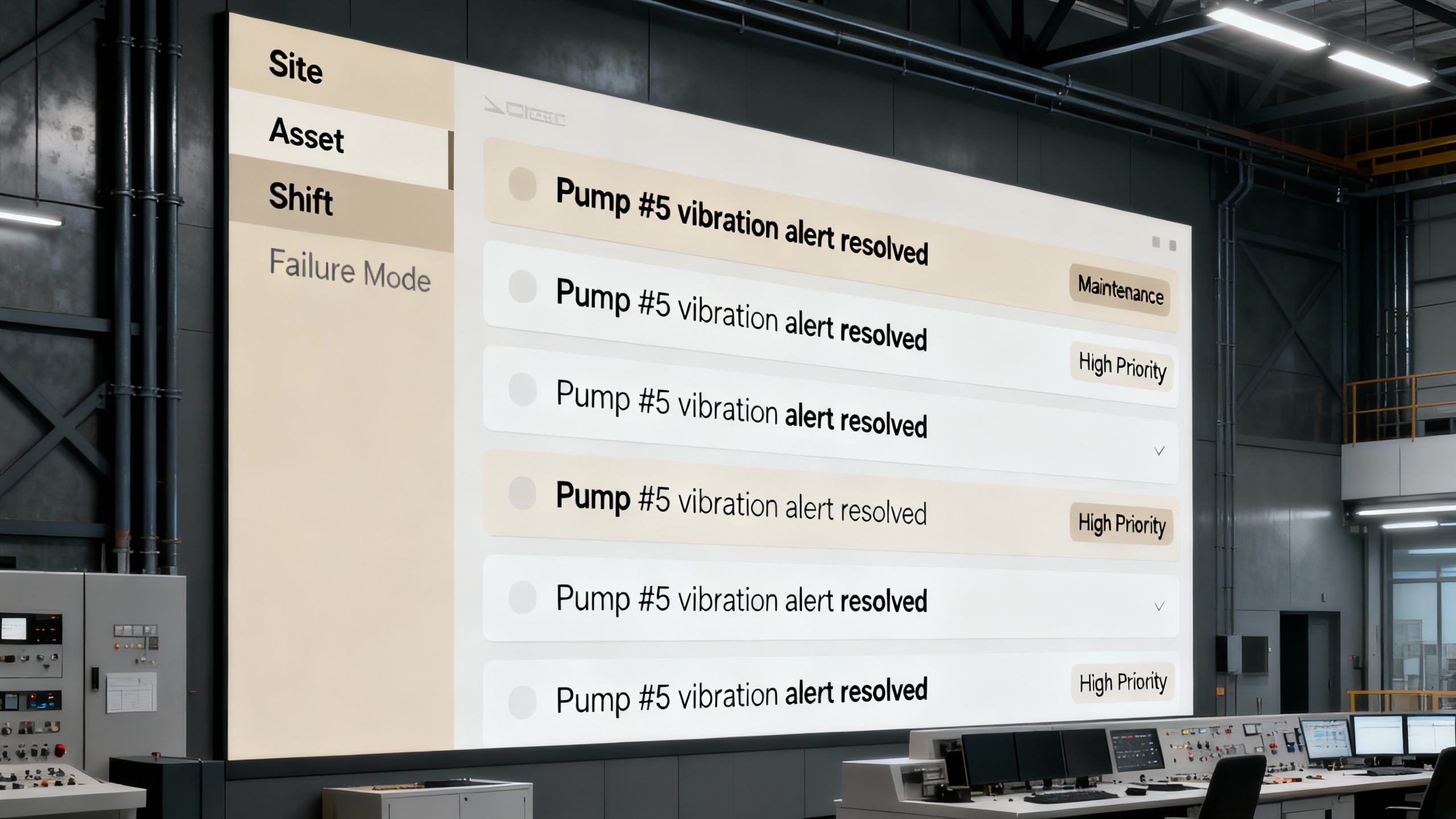
For better relevance and filters, consider search platforms like Elastic App Search. Whatever you choose, set default filters by Site and Asset so operators land in the right neighborhood.
-
Step 4: Tag Notes with an Operator-Friendly Taxonomy
Metadata is your superpower. Define a small, durable set of tags the team will actually use:
- Asset: equipment ID, line, and system.
- Context: shift (day/night), environment (hot, wet), operating mode (startup/shutdown/steady-state).
- Failure mode: leak, jam, overheat, miscalibration.
- Criticality: High/Medium/Low.
- Compliance: safety-critical, GMP, PSM, etc.
Keep tag lists short. Where needed, auto-tag based on file location or filename patterns.
-
Step 5: Wire Up Automation and Smart Search
Reduce manual work and boost discovery.
- Drop folders: Anything placed in “To Ingest” triggers OCR, tagging by pattern, and moves to the right library.
- Email ingestion: Send to notes@yourplant.com; auto-extract subject, asset IDs, and dates.
- Chat capture: A /note command posts a snippet and photo to the hub with tags.
- Semantic search: Layer a vector index (e.g., Pinecone or open-source Haystack) so “sticky valve on Line B startup” finds “plugged condensate trap during warm restart.”
- Summaries and highlights: Auto-generate a 3-bullet summary, but always keep the original note prominent.
-
Step 6: Create Capture Templates and a Two-Minute Upload Habit
Make good documentation the path of least resistance.
- Mobile form: Asset, symptom, action, result, photos, and checklist of failure modes.
- Handover template: “What changed? What’s risky? What needs eyes today?”
- SLA: Every shift adds at least one learnable note; supervisors spot-check daily.

-
Step 7: Govern, Measure, and Iterate
Define who can view, post, and approve; set retention for safety or regulated content.
- Access: default read for site ops; elevated write for supervisors; audits read-only.
- Retention: safety-critical notes never expire; general notes review every 12 months.
- Metrics: search queries with no results, most-viewed notes, time-to-resolution before/after.
Tie metrics to a quarterly cleanup. Use insights to refine tags and templates.
-
Pro Tips and Common Mistakes
- Start small: pilot on one line or area; expand once search feels “unfairly fast.”
- Photos matter: a single annotated image can beat a 500-word paragraph.
- Link to source of truth: SOPs, P&IDs, and CMMS work orders should be one click away.
-
Conclusion
Finding operator field notes isn’t about chasing paper—it’s about building a trustworthy memory for your operation. Map where knowledge hides, digitize with OCR, centralize access, tag with intent, automate ingestion, and coach a two-minute capture habit. Within a few weeks, your crews will spend less time hunting and more time fixing—and your plant’s “tribal knowledge” will finally stick around for the next shift.