

Why this comparison matters
Generative tools have turned design, copy, and content production into drag-and-drop workflows—often for free. For solo creators and small teams, the right free AI creator can replace a grab-bag of apps and save real time.
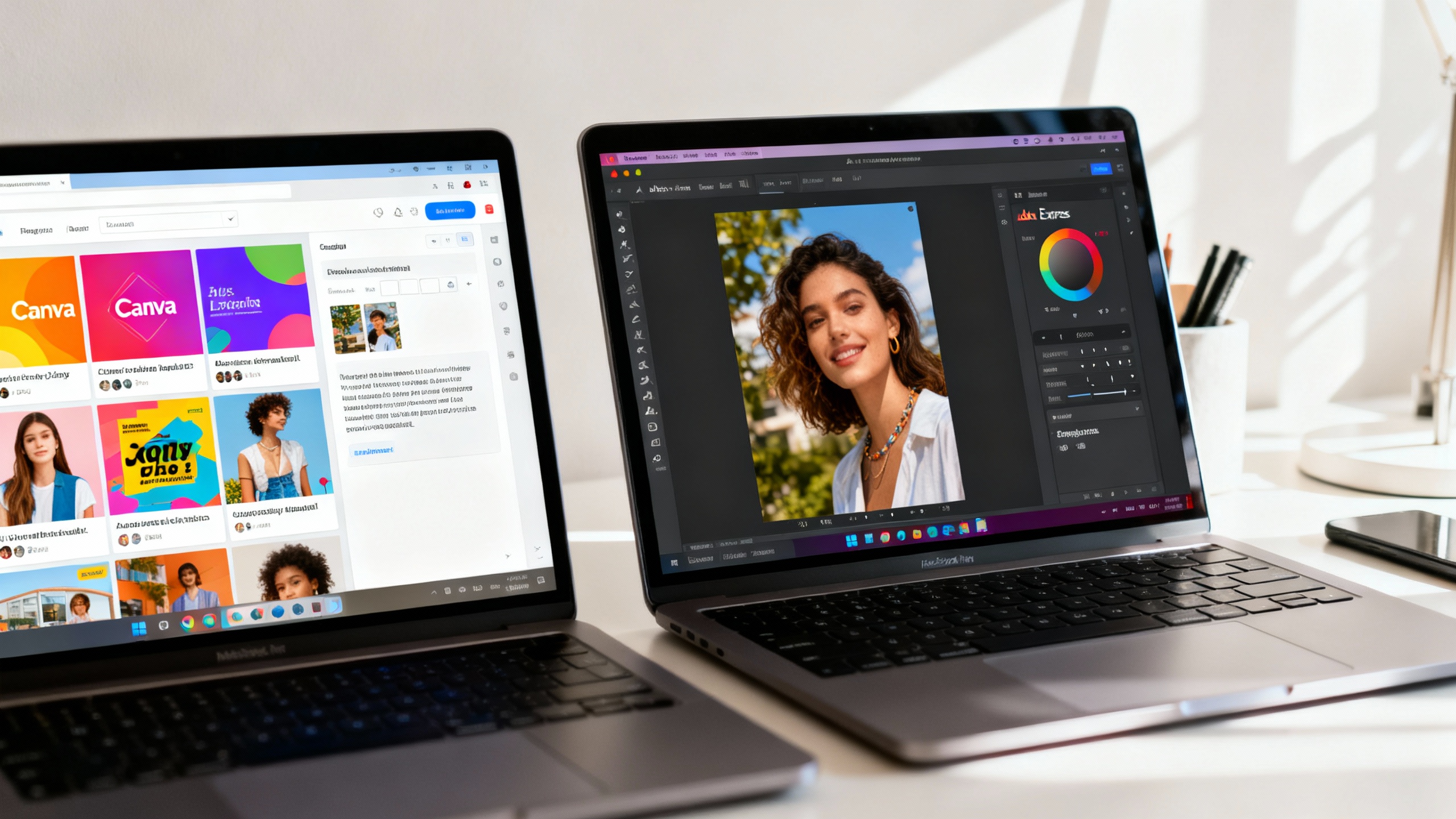
In this guide, we compare two of the most popular free, all-in-one AI creators—Canva Free and Adobe Express Free—to see which one delivers the most value without opening your wallet.
The contenders at a glance
- Canva Free: A template-first design platform with a massive library, snappy editor, and a suite of AI features under “Magic Studio” (e.g., Magic Design, text-to-image, Magic Write). It’s friendly for non-designers and widely adopted by classrooms, entrepreneurs, and social media teams. Canva overview and pricing.
- Adobe Express Free: Adobe’s streamlined, browser-based creator powered by Firefly generative AI (text-to-image, generative fill) with strong brand and content safety credentials, plus integrations with Creative Cloud. It’s geared toward small businesses, marketers, and anyone who values Adobe’s color science and type quality. Adobe Express and pricing.
Key differences that actually matter
-
AI generation and rights
- Adobe Express uses Firefly models with a focus on commercially safe training data and content credentials—comforting for brand-sensitive work.
- Canva’s “Magic” features span text, design, and image generation via multiple models; quality is solid, but rights and limits vary by feature and plan.
-
Template ecosystem
- Canva’s library is enormous and constantly refreshed (presentations, social posts, video, print). Discovery via Magic Design is fast.
- Adobe Express offers fewer templates overall, but the quality of typography and color palettes often feels more polished.
-
Editing experience
- Canva’s editor is exceptionally approachable with drag-and-drop everything, quick alignment, and multiplayer collaboration.
- Adobe Express brings Adobe-grade type controls, generative fill/expand, and smart object handling—great for brand consistency.
-
Export and file handling
- Canva makes downloading common formats trivial; however, features like transparent PNG and advanced compressions typically require Pro.
- Adobe Express exports cleanly to common formats and plays nicely with Creative Cloud pipelines if you upgrade later.
-
Limits and credits
- Canva Free: Access to many AI tools with limited monthly usage (credits) and some features locked behind Pro. See Canva pricing.
- Adobe Express Free: A limited pool of Firefly “generative credits” per month; once you use them up, some AI features pause until credits reset. See Adobe generative credits.
Free plan comparison at a glance
| Category | Canva Free | Adobe Express Free |
|---|---|---|
| AI image generation | Yes (limited credits) | Yes (Firefly; monthly credits) |
| AI design assistance | Magic Design, Magic Write, Magic Switch (limited) | Templates + AI text effects; Generative Fill/Expand |
| Template depth | Very large, broad scenarios | Smaller but highly polished |
| Background removal | Often paid (Pro) for full access | Available in Express; AI edits use credits |
| Export options | Common formats; transparent PNG is Pro | Common formats; smooth CC handoff |
| Collaboration | Real-time co-editing | Share and comment |
| Commercial safety stance | Varies by feature; check license | Strong emphasis on commercially safe training |
| Integrations | Social scheduling, app integrations | Creative Cloud ecosystem, Adobe Fonts |
Pros and cons
Canva Free
- Pros
- Massive template and asset library; fast to a finished draft.
- Friendly editor and collaboration that even non-designers grasp instantly.
- Broad AI coverage (text, images, layouts) with “good enough” results.
- Cons
- Some essentials (e.g., transparent PNG, robust brand kit) require Pro.
- AI credit limits can pinch during busy campaigns.
- Rights and models vary—requires diligence on licensing per use.
Adobe Express Free
- Pros
- Firefly’s commercially-focused training is attractive for brand work.
- Strong typography, color handling, and Adobe-quality effects.
- Easy on-ramp to Creative Cloud if you later need Photoshop/Illustrator.
- Cons
- Fewer templates than Canva; discovery can feel narrower.
- Generative credits cap advanced AI edits; heavy users will hit limits.
- Some workflows feel more "Adobe"—great for precision, less playful.
Who should choose which?
- Social media managers and creators who live on templates: Choose Canva Free. You’ll move quicker, remix designs faster, and collaborate easily with stakeholders.
- Small businesses needing safer commercial guardrails: Lean toward Adobe Express Free. Firefly’s stance on training data and content credentials can simplify brand risk conversations.
- Educators and students: Canva Free excels thanks to its approachable UI and vast classroom-ready templates. It’s the shortest path from idea to presentable output.
- Design-adjacent teams in Adobe ecosystems: Adobe Express Free if you plan to graduate into Photoshop or Illustrator—Express fits neatly in that ladder.
- Frequent exporters of transparent assets: Canva typically requires Pro for transparency; Adobe Express may meet more of these needs on the free tier—test your specific workflow before committing.
TipStress-test before you decide
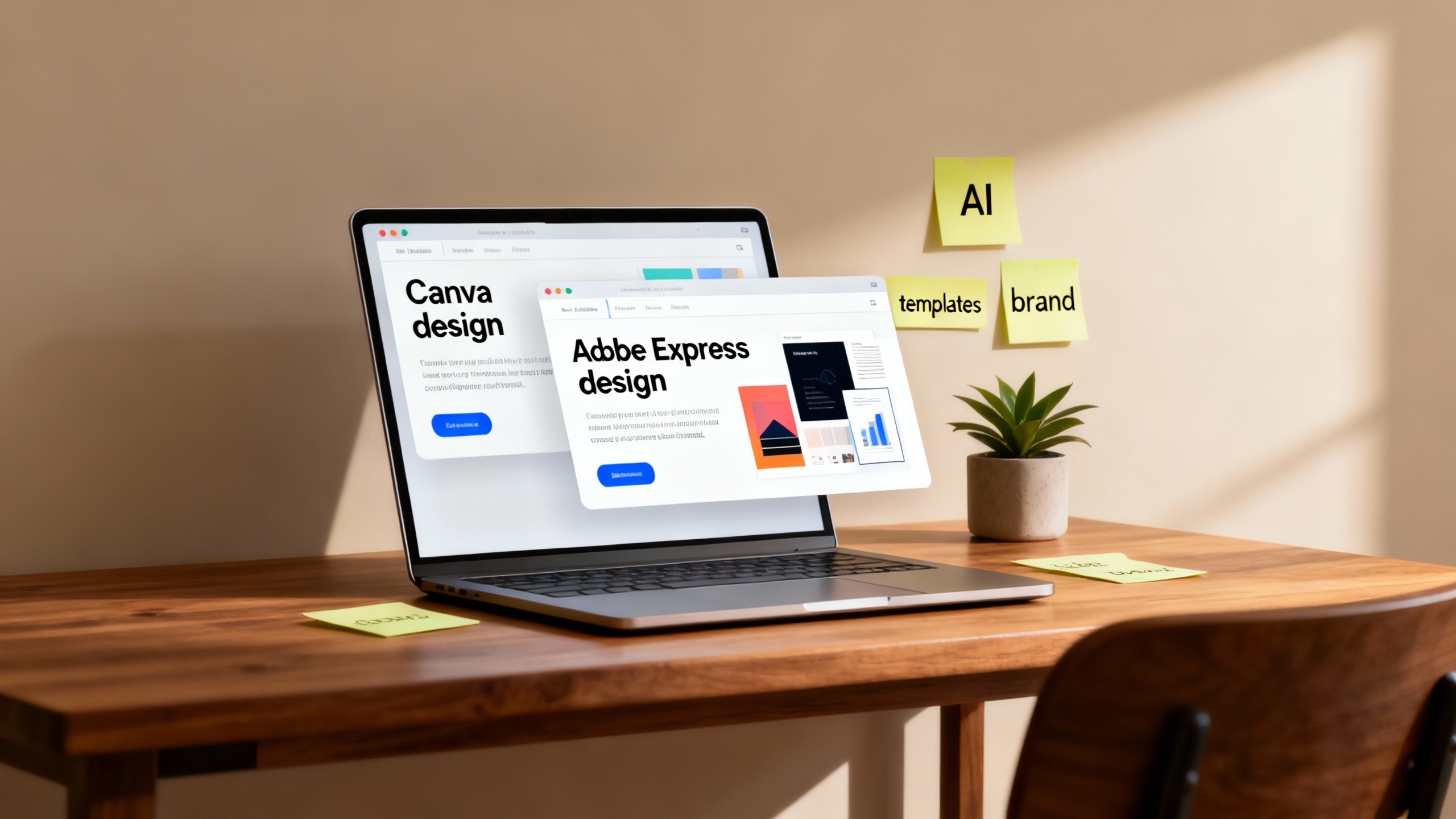
Queue a real task: generate a hero image, spin up 3–5 social variants, export in required formats, and iterate once with AI edits. Track time-to-draft, credit usage, and any licensing questions that arise. Your best tool will reveal itself in one sprint.
The verdict
If you want the fastest path from idea to finished post, Canva Free is the more versatile free AI creator for most people—thanks to its colossal template ecosystem and beginner-friendly editor. If you operate in brand-sensitive contexts and value Adobe’s commercial-safety posture and typography polish, Adobe Express Free takes the lead, especially as a stepping stone into Creative Cloud.
Both are excellent starts at $0. The real differentiator is your workflow: Canva wins on breadth and speed; Adobe Express wins on assurance and refinement. Test them with your next campaign and let your own outputs be the tie-breaker.