


-
Introduction
For many small businesses, growth exposes a simple truth: your team spends too much time copying data between SaaS tools. Zapier promises to connect those tools and automate the drudgery—no code, minimal setup. We put Zapier through its paces to see if it’s a smart pick for small teams that want speed without hiring developers.

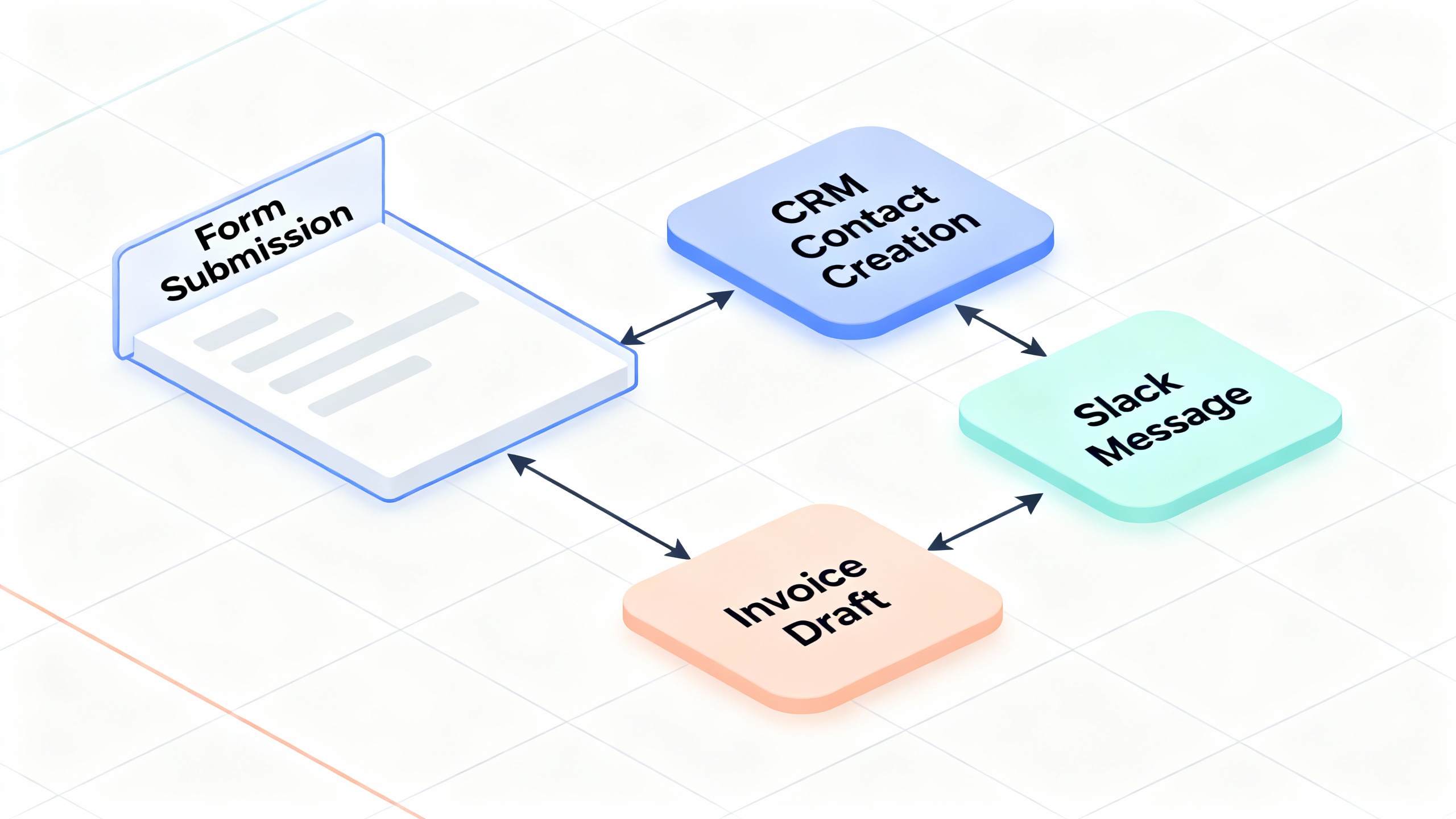
If you’re juggling leads from forms into your CRM, sending invoices, slacking alerts, and updating spreadsheets, Zapier can become the connective tissue for your tech stack. But is it the best option for small businesses in 2025? Let’s break it down.
-
Overview
Zapier is a no‑code automation platform that links 6,000+ apps and services via “Zaps”—workflows triggered by an event (a new form submission, a new row in a spreadsheet) that perform one or more actions (add a CRM contact, send an email, post to Slack).
Core capabilities include:
- Multi‑step Zaps with branching logic (Paths), Filters, and Delays
- Data transforms and Validators; Webhooks; Code steps (JavaScript/Python)
- AI features to draft logic, build Zaps from plain language, and power chatbots
- Operational add‑ons: Zapier Tables (a lightweight database), Interfaces (simple apps/portals), and Transfer (bulk data moves)
For small teams, the draw is speed: point‑and‑click connectors, templates for common workflows, and enough logic to handle most everyday business processes. The platform is cloud‑based with per‑task usage limits and tiered features. You can explore the app directory and pricing on Zapier’s site: App Directory, Pricing, and Security & Compliance.
When Zapier Fits (and When It Doesn’t)
Scenario Zapier is a Good Fit Consider Alternatives You need quick, reliable integrations across common SaaS tools Yes—templates and 6k+ apps cover most use cases — Complex, high‑volume workflows with strict governance Sometimes—Professional+ tiers help, but may strain Workato, Make (Integromat), Microsoft Power Automate Developer‑heavy, event‑driven architectures Partially—Webhooks/Code exist but limited at scale Pipedream, n8n (self‑hosted), AWS Step Functions Data residency/advanced compliance requirements Check policies; SOC 2 & GDPR supported Enterprise iPaaS with granular controls
-
Pros
- Huge app ecosystem and templates. With thousands of integrations and ready‑made recipes, connecting popular tools like Google Workspace, Slack, HubSpot, Shopify, and QuickBooks is fast. The breadth of connectors is a major reason small teams choose Zapier.
- Approachable builder with real power. The visual editor is beginner‑friendly, yet features like Paths, Filters, and Code steps let you implement nuanced business logic as your needs grow.
- Fast to production. You can pilot an automation in an afternoon without provisioning infrastructure or writing boilerplate. For small businesses, this speed often beats custom dev work.
- Operational extras reduce tool sprawl. Zapier Tables and Interfaces can host lightweight data and create simple forms/portals, eliminating the need for an extra database or app builder for many use cases.
- AI‑assisted setup. Plain‑language prompts to draft Zaps, map fields, or generate text save time—especially for non‑technical users.
<<callout type="tip" title="Quick pilot that pays off"> Start with one high‑frequency pain point (e.g., new lead → CRM + Slack + email). Add error alerts, test with sample data, and measure tasks per week saved. If the pilot saves 3+ hours/week, scale it; if not, refactor or retire it.
-
Cons
- Costs can scale faster than expected. Pricing is usage‑based: the more tasks your automations run, the more you’ll pay. Complex, multi‑step Zaps amplify task counts. Review your task audit logs to avoid overage surprises. See Zapier Pricing for details.
- Some triggers are poll‑based, not instant. On lower tiers, certain apps check for new data on a schedule, introducing delays. If you need immediate, guaranteed delivery, confirm “instant” triggers or use webhooks where available.
- Limited enterprise‑grade governance. While roles, folders, and transfer tools exist, large‑scale change management, fine‑grained access, and versioning aren’t as robust as dedicated enterprise iPaaS platforms.
- Debugging complex Zaps can get fiddly. When logic branches and data transforms stack up, tracing a failure takes discipline. Strong naming conventions, alerting, and test data are essential.
-
Verdict
For most small businesses, Zapier is an excellent way to remove manual busywork and connect the tools you already use. It’s easy to learn, broad in capability, and quick to prove value. If your workflows are typical sales/marketing/ops patterns—forms to CRM, notifications, invoices, spreadsheets—Zapier likely delivers a strong return without added headcount.
Where it stumbles is at the edges: very high volume, tight SLAs, heavy compliance needs, or deep developer‑centric event pipelines. In those cases, evaluate Make, Microsoft Power Automate, Pipedream, or n8n alongside Zapier.
Our rating for small teams: 4.5/5 for usability and speed; 3.5/5 for complex scale and governance. If you’re a small business with mainstream SaaS and a long list of repetitive tasks, start with Zapier—measure savings, mind task usage, and set alerting from day one.
Additional resources:
- Zapier App Directory: https://zapier.com/apps
- Zapier Pricing: https://zapier.com/pricing
- Zapier Security & Compliance: https://zapier.com/security
- Alternatives to explore: https://www.make.com, https://powerautomate.microsoft.com, https://pipedream.com, https://n8n.io