

The news
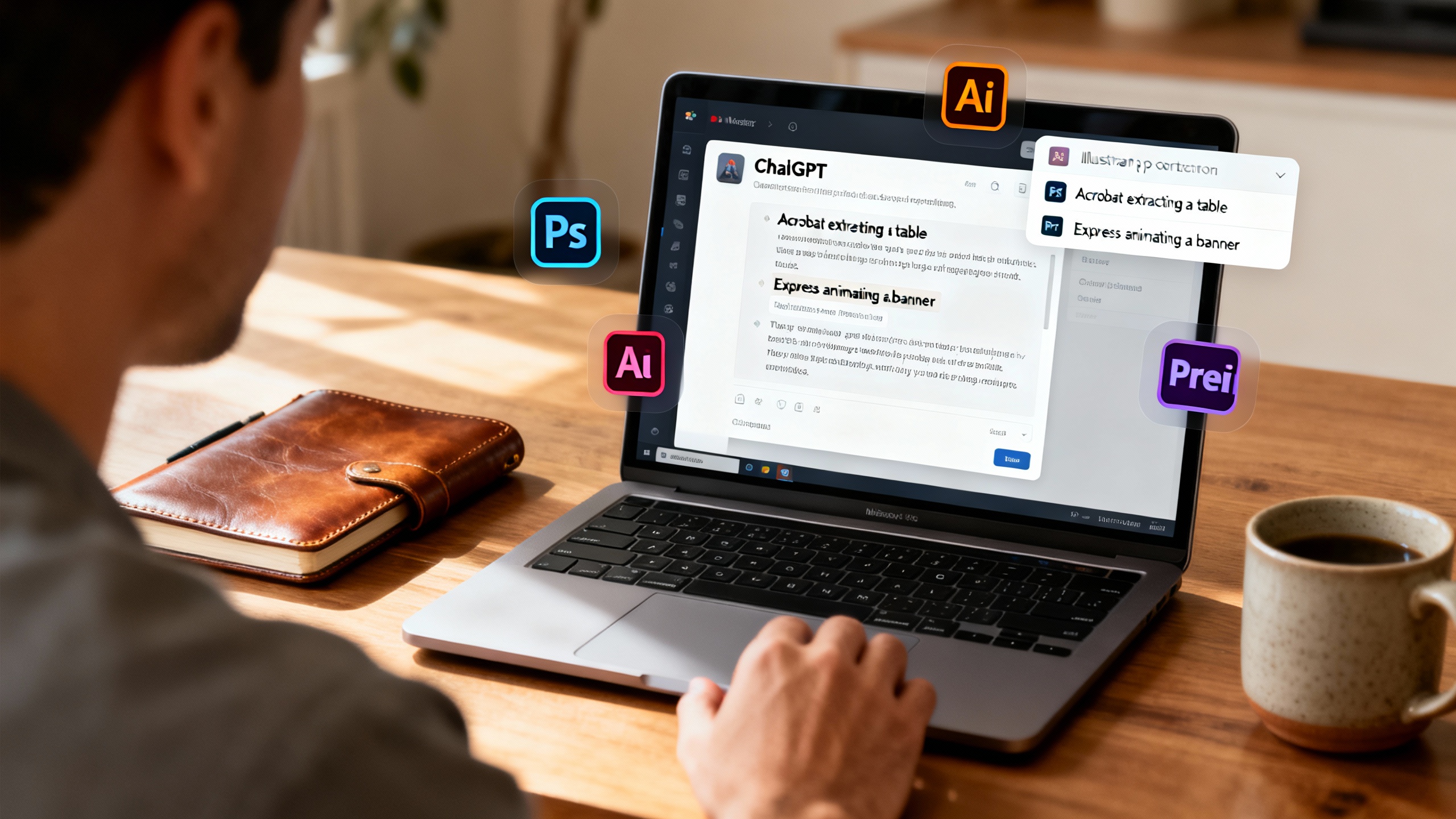
On December 10, 2025, Adobe and OpenAI switched on native ChatGPT apps for three of Adobe’s biggest products: Photoshop, Acrobat, and Adobe Express. The integrations let you tell ChatGPT what you want—“Adobe Photoshop, blur the background of this image” or “Adobe Acrobat, merge these PDFs”—and then watch as embedded Adobe interfaces carry out the edit right inside the chat. Adobe says the goal is to remove app‑switching friction while showcasing its tools to a much larger audience. Reuters, The Verge, TechCrunch.
How it works inside ChatGPT
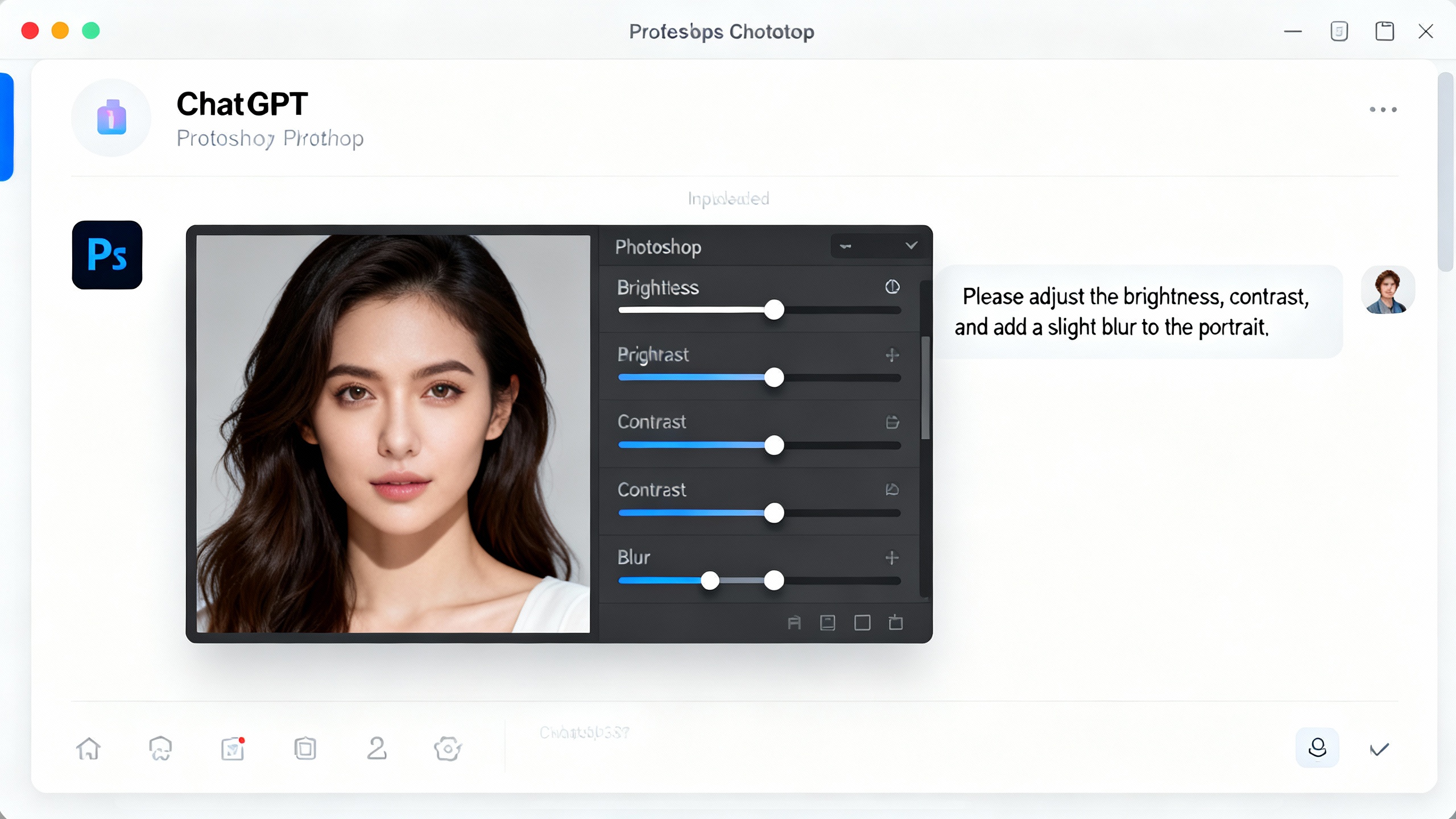
OpenAI’s “Apps in ChatGPT” framework (launched in October 2025) lets services plug UI components directly into a conversation. You can call an app by name, or ChatGPT can suggest one when relevant. The first time you use an app, you connect your account and see what data may be shared. Apps can include interactive elements—like sliders, maps, or file pickers—so you can refine results without leaving the chat. OpenAI blog, The Verge.
What you can actually do (today)
At‑a‑glance features in ChatGPT
| App | Typical tasks now supported in ChatGPT | Notes |
|---|---|---|
| Photoshop | Adjust brightness/contrast/exposure; blur or remove backgrounds; apply creative effects; edit specific sections | Embedded UI can surface sliders for fine control. Not all desktop features are present. The Verge, TechCrunch. |
| Acrobat | Edit text in PDFs; merge, compress, convert, or extract text/tables | Early Acrobat GPT work laid the groundwork for today’s app. The Verge, Adobe Community. |
| Adobe Express | Generate and edit designs; pull from existing templates; animate elements | Designed for conversational creation with quick hand‑offs to the full app. TechCrunch, Adobe newsroom. |
Why this matters
For many teams, ChatGPT is becoming a universal command line for work. Embedding Photoshop, Acrobat, and Express turns that command line into a creative and document console, shrinking the time from idea to asset.
- Scale and reach: OpenAI says ChatGPT now serves 800M+ weekly users; putting Adobe’s tools where those users already are is a distribution play as much as a UX upgrade. OpenAI DevDay 2025.
- Familiar controls in a new place: Sliders and pickers bring the comfort of native apps to the chat surface, lowering the learning curve for non‑experts. The Verge.
- Document productivity: Adobe loves to remind us there are trillions of PDFs in circulation; conversational Acrobat means less “download‑open‑edit‑reupload” grind. Adobe.
A few caveats and guardrails
- Feature scope: These are streamlined, in‑chat versions—not full desktop suites. For advanced workflows you’ll hand off to the native apps. The Verge, TechCrunch.
- Account link required: You must register/sign in with Adobe to enable each app in ChatGPT. Reuters.
- Discovery vs. ads: OpenAI recently disabled ad‑like app promotions after user pushback; app suggestions are expected to return with clearer controls. The Verge.
- Privacy: When you connect an app, ChatGPT shows what data may be shared; apps must publish clear privacy policies and collect only what they need. Review the app’s policy before linking accounts. OpenAI blog.
- Content authenticity: Adobe’s Content Credentials system (and its new Content Authenticity app) adds provenance to exported media; Adobe hasn’t specified whether edits done entirely inside ChatGPT will automatically carry credentials on export. If provenance matters, add credentials when you move into the full app. Adobe Help, Adobe Blog.
What this unlocks for teams
- Marketing “one‑chat sprints”: Draft a one‑pager with ChatGPT, “Adobe Express, build a matching social graphic,” then “Acrobat, compress to under 5MB.”
- Sales enablement: “Acrobat, extract the pricing table from page 7 and export to CSV,” followed by “Express, make a clean one‑slide summary.”
- Creative QA: “Photoshop, remove the color cast and add a subtle vignette; show intensity slider.” Then hand off to the desktop app for layer‑level edits.
TipHelpful prompt patterns
- “Adobe Photoshop, apply a soft background blur to the subject portrait. Keep the eyes sharp. Show me sliders so I can tweak.”
- “Adobe Acrobat, merge these three PDFs in this order, extract any tables to a .csv, and give me both files.”
- “Adobe Express, pull a holiday‑sale template in our brand colors and animate the call‑to‑action for Instagram Stories.”
The bigger picture
Adobe has been steering its apps toward agentic, conversational workflows all year—shipping an AI Assistant in Express and previewing a Photoshop assistant that can understand layers and automate repetitive tasks. Bringing those capabilities into ChatGPT extends that strategy beyond Adobe’s walls and into the broader AI workplace stack. For OpenAI, it’s further proof that ChatGPT is becoming a place where work actually gets done—not just drafted. TechCrunch, Adobe newsroom.
Sources
- Reuters: Adobe plugs Photoshop, Acrobat tools into ChatGPT
- The Verge: ChatGPT can now use Adobe apps to edit your photos and PDFs for free
- TechCrunch: Adobe brings Photoshop, Express and Acrobat features to ChatGPT
- OpenAI: Introducing apps in ChatGPT and the new Apps SDK and OpenAI DevDay 2025 metrics
- Adobe: AI Assistant in Express (newsroom), Photoshop/Express assistants recap
- Adobe Community: Acrobat GPT launch announcement
- Adobe Content Authenticity: Use Content Credentials and Content Authenticity app public beta