


What actually launched (and when)
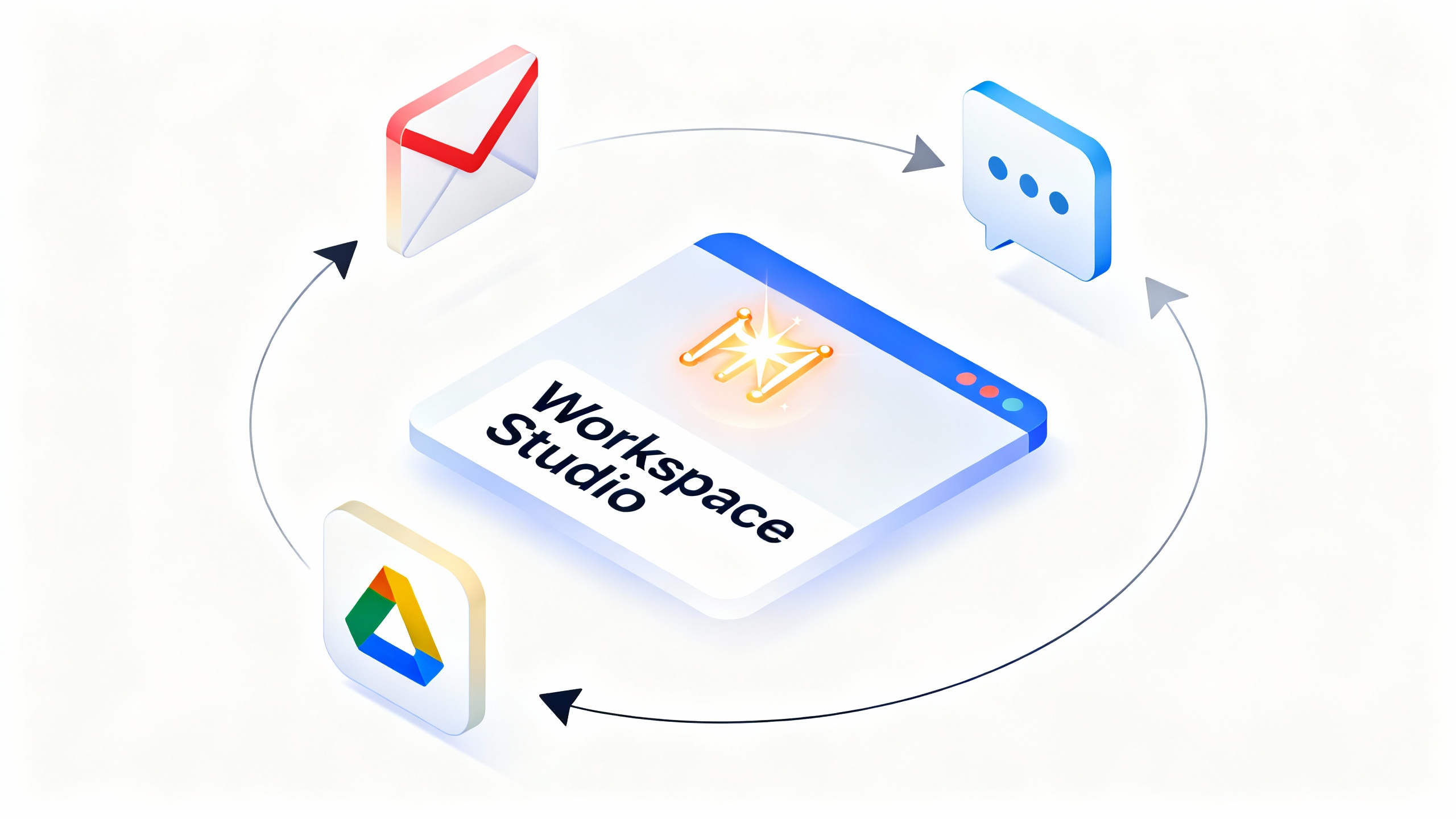
Google announced Google Workspace Studio on December 3, 2025, positioning it as “the place to design, manage, and share AI agents” across Gmail, Drive, Chat and the rest of Workspace. It’s powered by Google’s latest reasoning model, Gemini 3, and it’s rolling out to Workspace customers over the next few weeks. Workspace blog • Workspace Studio site • Workspace Updates rollout details
Why it matters for automation and productivity
For years, Workspace users have had snippets of automation in different places—filters in Gmail, quick actions in Chat, Apps Script projects, and AppSheet apps. Workspace Studio pulls much of that intent into a single, approachable flow builder: describe the task you want in plain English, and Gemini 3 drafts an agent that can reason over your mail, files, calendar and chats, then take actions.
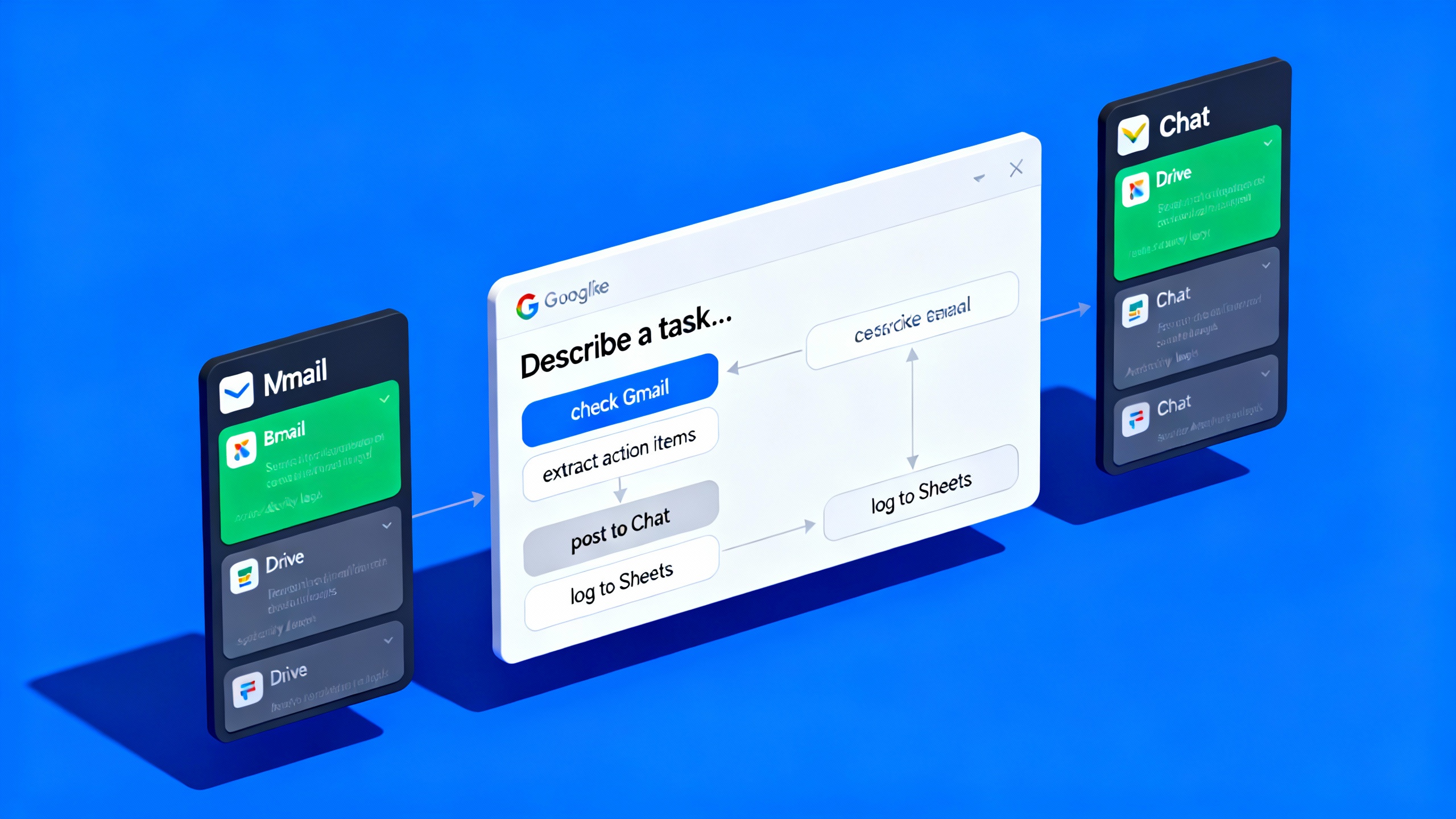
- Agents live where the work happens. You can build them in the Studio web app and monitor activity from within Workspace side panels (Gmail, Drive, Chat), so you don’t have to context‑switch. Workspace blog
- It’s genuinely no‑code. Start from a prompt or template, then fine‑tune logic with pre‑built steps, variables, and test runs. Help Center: Create an agent
- It goes beyond “if‑this‑then‑that.” Because agents use Gemini 3, they can classify, summarize, extract structured details from emails/attachments, and adapt to new information while a run is in progress. Workspace blog
What you can build on day one
Here are examples Google highlights, plus where they run inside Workspace:
- Intelligent email triage: label “to‑respond” messages, star key senders, or auto‑summarize daily unread emails. Runs in Gmail and Studio. Studio site templates
- Meeting briefings: generate pre‑meeting summaries in Chat using Calendar details, attendees, and attached docs. Studio site
- Attachment handling: save Gmail attachments to Drive and log entries in Sheets without leaving Gmail. Studio site
- Sentiment‑aware responses: route negative customer feedback to a “team of Gems” to draft replies before human review. Studio site
Extending agents beyond Workspace
- Pre‑built connectors let agents act in third‑party tools such as Asana, Jira, Mailchimp and Salesforce. Availability and admin enablement can vary by domain. Workspace blog • Help: Third‑party integrations
- Advanced teams can add custom steps using Apps Script (publishable via Marketplace) and call internal services via webhooks. Note: custom steps and webhooks are currently limited to early access/Gemini Alpha in many domains and are expanding. Developers: Extend Studio • Help: Custom steps
How Studio’s builder works
- Describe the automation you want and Gemini drafts the steps. You can insert triggers, add steps (e.g., “Ask Gemini,” “Send Chat message,” “Move file”), define variables to pass outputs between steps, and test runs before turning an agent on. Help: Create an agent • Developers: Variables
- Manage, share, and monitor. Agents can be shared like Google Docs for others to copy; you get an activity log of every run with step‑level details and errors for troubleshooting. Help: Navigate Studio
- Side‑panel visibility. You can view agent activity from Workspace app side panels to keep tabs without leaving your inbox or files. Workspace blog
Security, privacy and governance (the fine print)
Google emphasizes that Studio follows existing Gemini and Workspace commitments:
- Your data remains your property, isn’t used for ads, and prompts/data accessed by agents are not used to train Google’s general AI models outside your domain. Access controls are respected. Studio FAQ
- Studio does not override existing DLP policies for Workspace services like Drive. Studio FAQ
- Admins can granularly enable/disable specific step types (Gemini steps, third‑party integrations, webhooks, service‑specific steps) at the OU or group level. Admin Help
- Users under 18 can’t create AI agents or use AI steps. Workspace Updates
Availability, editions and rollout timeline
- Editions: Available for Google Workspace Business (Starter/Standard/Plus), Enterprise (Starter/Standard/Plus) and Education (Fundamentals/Standard/Plus). Also available to Google AI Pro for Education and AI Ultra for Business add‑on customers. Workspace Updates
- Rollout: Rapid Release domains from December 3, 2025 (gradual). Scheduled Release domains see Admin controls from December 3, 2025, with end‑user access gradually starting January 5, 2026. Workspace Updates
- Usage limits: Promotional higher usage limits apply at launch; Google says it will publish per‑user usage details in January 2026. Workspace Updates
What’s available now (and what’s next)
| Capability | Where it shows up | Status | Notes |
|---|---|---|---|
| Build and run agents | Workspace Studio web app | GA | Rolling out over the coming weeks. Blog |
| Side‑panel activity in Gmail/Drive/Chat | App side panels | Rolling out | View agent activity without leaving apps. Blog |
| Templates (email digests, action‑item labeling, meeting briefs) | Studio | GA | Dozens of zero‑config templates. Studio site |
| Third‑party integrations (Asana, Jira, Mailchimp, Salesforce) | Studio | Admin‑enabled/rolling | Availability may vary; enablement required. Help |
| Custom steps (Apps Script/Marketplace) | Studio | Early access | Expanding beyond Gemini Alpha. Developers |
| Webhooks | Studio | Early access/coming weeks | Admin‑controlled; Alpha‑gated for many orgs. Workspace Updates |
| Under‑18 usage | — | Not allowed | AI steps and agent creation are blocked. Workspace Updates |
| Usage limits | — | Promo limits now | Per‑user details in Jan 2026. Workspace Updates |
How it compares in the market
- Microsoft’s Copilot Studio has offered custom agents inside Microsoft 365 and is steadily adding Outlook/Teams knowledge sources and process actions; Google’s move brings comparable “build‑your‑own” automation natively to Workspace. Copilot Studio updates • June update
- Inside Google’s own ecosystem, Studio is the evolution of “Workspace Flows” (alpha). If you saw Flows in 2025, think of Studio as the GA successor—more integrated, with templates, side‑panel visibility, and clearer admin guardrails. Studio FAQ • Flows overview (alpha)
Quick start for teams
Sources
- Google Workspace Blog: Introducing Google Workspace Studio (Dec 3, 2025)
- Google Workspace Studio site/FAQ
- Google Workspace Updates: Now available—Create AI agents to automate work with Google Workspace Studio (Dec 3, 2025)
- Help Center: Create an agent with Gemini AI; Navigate the Workspace Studio interface; Take actions in third‑party services with agents; Manage access to steps and starters
- Developers: Extend Google Workspace Studio; Variables in Studio steps
- The Verge: Google’s “Gems” inside Workspace side panels; Gemini Deep Research can pull from Gmail/Drive/Chat
- Google: Gemini 3 model overview and availability