

What changed — and why it matters
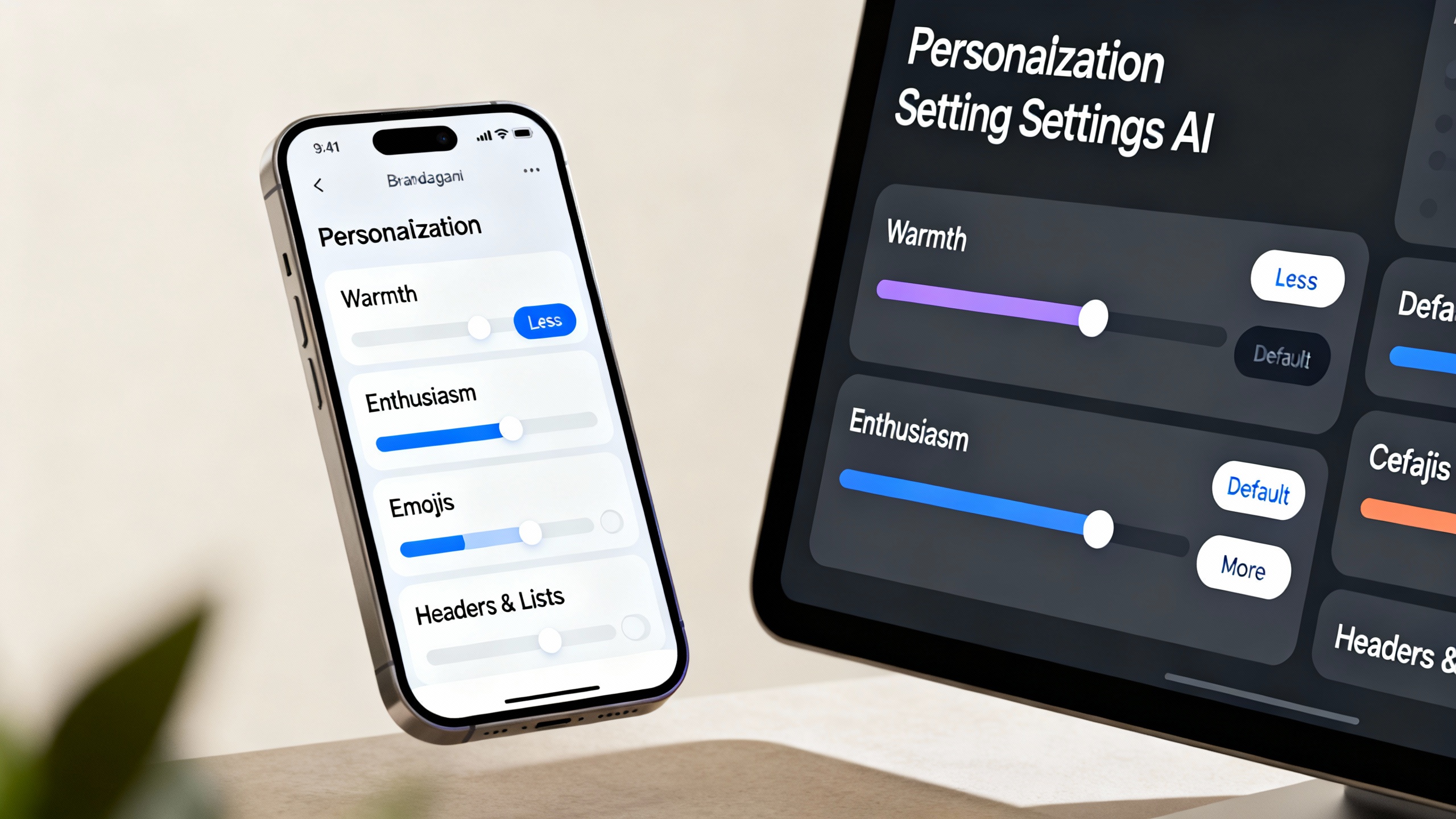
OpenAI is giving people precise control over ChatGPT’s “vibe.” A new Characteristics panel in Personalization lets you nudge specific traits—warmth, enthusiasm, and emoji use—toward “More,” “Less,” or leave them at Default. There are toggles for formatting, too (headers and lists), so you can make answers more scannable when needed. OpenAI says these controls work alongside your chosen personality preset, custom instructions, and memory, and they apply across existing and future chats. The rollout is gradual. OpenAI Help Center, OpenAI blog.
Where to find the new tone dials
- On web: profile icon (bottom-right) → Personalization → Characteristics → adjust Warm, Enthusiastic, Emojis, and formatting.
- On iOS/Android: profile icon → Personalization → Characteristics → adjust sliders to More/Less. OpenAI Help Center.
TipTry it now: a 30‑second setup
- Set Warmth to More for coaching, feedback, and onboarding docs that benefit from a kinder tone.
- Set Enthusiasm to Less for incident reports, legal notes, or sober PR.
- Set Emojis to Less for briefs and specs; to More for informal chat or social posts.
- Turn Headers & Lists to More when you want skimmable output (briefings, status reports). These choices won’t change what ChatGPT can or cannot do—they shape style only. OpenAI Help Center.
How this works with personalities and custom instructions
In November, OpenAI expanded personality presets (Default, Friendly, Efficient, Professional, Candid, Quirky) and kept Nerdy and Cynical—eight options in total. These presets set a base style; Characteristics then fine‑tune specific traits on top. The company also notes that certain task types (e.g., code, résumés) will follow your explicit prompt instructions rather than the personality’s flair. OpenAI blog, OpenAI Help Center: Personalities.
Quick recipes for work
Suggested dial settings by task
| Task | Personality preset | Warmth | Enthusiasm | Emojis | Headers & lists |
|---|---|---|---|---|---|
| Customer apology email | Professional | More | Less | Less | Default |
| Internal weekly status | Efficient | Default | Less | Less | More |
| Sales outreach draft | Candid or Friendly | More | More | Less | More |
| Incident post‑mortem | Professional | Less | Less | Less | More |
| Onboarding guide | Friendly | More | Default | Less | More |
| Social caption (casual brand) | Quirky or Friendly | More | More | More | Less |
The bigger picture: user control after a year of tone whiplash
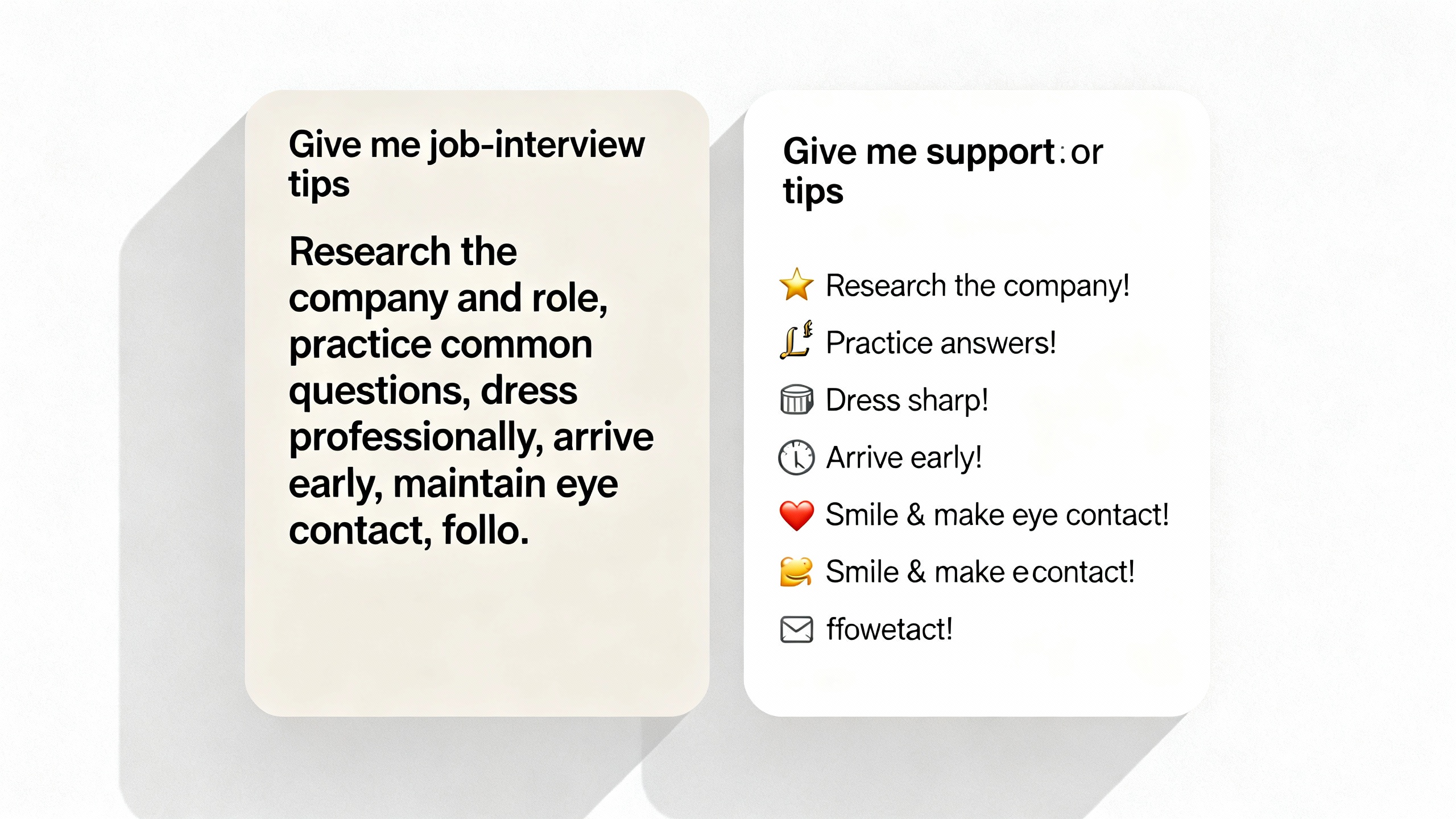
ChatGPT’s tone became a flashpoint in 2025: OpenAI rolled back an update in April after complaints that the bot felt “too sycophant‑y,” then later emphasized making models warmer and more personable. The new dials are a pragmatic response—they shift tone control from one-size-fits-all defaults to user choice. TechCrunch, OpenAI blog explainer, OpenAI blog: GPT‑5.1.
From a productivity standpoint, this matters because tone is not cosmetic—it shapes comprehension and trust. Clear, scannable structure saves time; calibrated warmth helps with change management and feedback; restrained enthusiasm keeps risk and compliance content on the rails. For teams standardizing brand voice, the presets plus dials offer a lightweight alternative to long prompt templates.
What else is new
Reporting from The Verge notes OpenAI also made it easier to edit and reformat text directly inside a chat—useful for polishing emails without rewriting prompts. The Verge.
What to expect next
OpenAI says ChatGPT can proactively suggest updating your preferences mid‑conversation (e.g., “Want this to be less enthusiastic?”), and that fine‑tuning of characteristics will continue as feedback rolls in. Expect wider availability over the coming days. OpenAI blog.
Sources
- OpenAI Help Center: Characteristics in ChatGPT
- OpenAI Help Center: Customizing Your ChatGPT Personality
- OpenAI blog: GPT‑5.1 — “Making ChatGPT uniquely yours”
- OpenAI blog: Expanding on what we missed with sycophancy
- The Verge: ChatGPT will now let you pick how nice it is
- TechCrunch: OpenAI allows users to directly adjust ChatGPT’s enthusiasm level