

On December 11, 2025, OpenAI released GPT‑5.2—a three‑model lineup aimed squarely at professional knowledge work—and Microsoft switched it on the same day inside Microsoft 365 Copilot and Copilot Studio. For teams already living in Word, Excel, Outlook, and Teams, it means deeper reasoning and long‑context “memory” without leaving your workflow.
What just launched—and why it matters
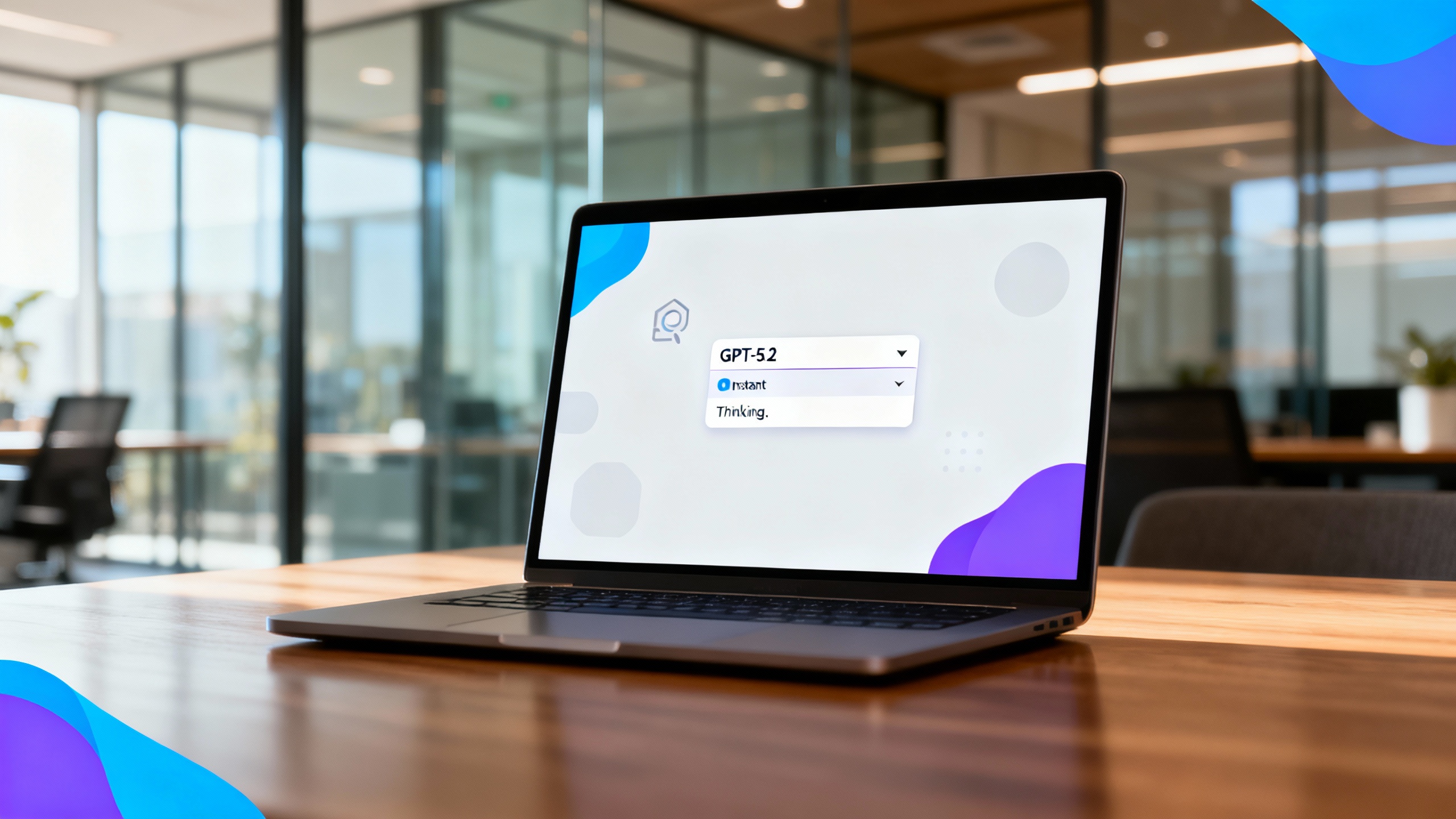
OpenAI’s GPT‑5.2 comes in three variants: Instant (fast, everyday work), Thinking (deeper, structured problem‑solving), and Pro (highest‑quality reasoning). The update emphasizes reliability over flash: improved long‑context comprehension, stronger tool use, better coding performance, and fewer factual errors compared with GPT‑5.1, according to OpenAI’s release notes and system card. Microsoft, for its part, made GPT‑5.2 selectable inside Copilot the day it dropped, so enterprise users can apply those gains directly to their work graph (meetings, mail, docs, and chats) via Work IQ. OpenAI, Microsoft
What’s new in GPT‑5.2
Long‑context, tool use, and fewer errors
OpenAI reports step‑ups in long‑context accuracy (hundreds of thousands of tokens), stronger tool‑calling for agent workflows, and lower error rates on everyday knowledge tasks versus GPT‑5.1. For software teams, GPT‑5.2 Thinking posts improved scores on real‑world engineering evals (e.g., SWE‑Bench Pro). For knowledge workers, it’s designed to generate usable spreadsheets, slides, briefs, and plans with less clean‑up. OpenAI
Availability and pricing (API)
If you build on the OpenAI API, GPT‑5.2 Thinking is available as gpt-5.2 and Instant as gpt-5.2-chat-latest; Pro is available as gpt-5.2-pro. As of December 11, 2025, pricing lists $1.75 per 1M input tokens and $14 per 1M output tokens for GPT‑5.2; GPT‑5.2 Pro is $21 input / $168 output. OpenAI Pricing, Model docs
Safety and governance
OpenAI says GPT‑5.2 improves targeted responses in sensitive contexts (e.g., self‑harm prompts) and is expanding an age‑prediction model to better gate content, part of an ongoing safety program. Enterprises should still apply internal guardrails (DLP, retention, sensitivity labels) and human review for high‑stakes decisions. OpenAI
Microsoft brings GPT‑5.2 to Copilot
Microsoft’s announcement makes GPT‑5.2 available immediately in two places:
- Microsoft 365 Copilot: choose GPT‑5.2 in the model selector for deeper reasoning across your company’s work data via Work IQ.
- Copilot Studio: makers can select GPT‑5.2 for new and existing agents; Studio environments on the early‑release cycle will auto‑upgrade agents from GPT‑5.1. Microsoft
What Work IQ adds: Announced at Ignite 2025, Work IQ is the “intelligence layer” that fuses your work data, personal work patterns, and organizational context so Copilot can infer next‑best actions and connect insights across apps. With GPT‑5.2 reasoning on top, Copilot is better positioned to handle market analysis, board‑level briefs, cross‑functional planning, and long‑running agent tasks. Ignite 2025
TipPrompts to try in Copilot with GPT‑5.2
- “From my last three meetings with [Name], list five likely priorities for our next 30‑minute 1:1.”
- “Create side‑by‑side tables of the top 10 companies by market cap in 2000 vs 2025, analyze the shifts, and tie the implications to our 2025 strategy.”
- “Summarize the three most important insights from today’s meeting and link each to our OKRs and milestones.” Microsoft
Choosing the right variant
How GPT‑5.2 variants map across ChatGPT, API, and Copilot
| Variant | Best for | ChatGPT name | API name | Copilot availability |
|---|---|---|---|---|
| Instant | Fast everyday tasks, translation, concise write‑ups | ChatGPT‑5.2 Instant | gpt-5.2-chat-latest | Model selector (Copilot Chat, Copilot Studio) |
| Thinking | Deeper reasoning, coding, long documents, planning | ChatGPT‑5.2 Thinking | gpt-5.2 | Model selector (Copilot Chat, Copilot Studio) |
| Pro | Highest accuracy when quality > speed | ChatGPT‑5.2 Pro | gpt-5.2-pro | Not announced for Copilot at launch; use API |
What this means for automation and productivity
- Knowledge work outputs get closer to “ready‑to‑ship.” In OpenAI’s GDPval benchmark across 44 occupations, GPT‑5.2 Thinking beats or ties experts a majority of the time; in practice, that can translate to stronger first drafts for spreadsheets, slides, and briefs that need lighter editing. OpenAI
- Agents become more practical. Stronger tool‑calling and long‑context handling reduce brittle, multi‑agent handoffs—useful for research, reporting, and data ops inside Copilot Studio and the OpenAI API. OpenAI, Model docs
- Competitive pressure is real. OpenAI’s release followed a much‑discussed “code red” push in response to Google’s Gemini 3 momentum; expect rapid iteration across models and enterprise features. Reuters, WSJ

Quick start for IT and team leads
- Turn on (or verify) the model selector. Confirm GPT‑5.2 appears in Copilot Chat and Copilot Studio for your tenant and early‑release environments. Microsoft
- Pilot high‑value scenarios. Start with meeting prep, competitive analysis, quarterly planning, financial modeling, and multi‑document summaries. Measure edit time saved and defect rates.
- Update guardrails. Revisit sensitivity labels, DLP, retention, and least‑privilege access. Add human review for regulated outputs.
- Control spend (API). Prefer Instant for routine tasks, cache inputs, and cap max tokens. Use Pro sparingly where accuracy is worth the wait and cost. OpenAI Pricing
- Train for structured prompting. Provide templates for OKR roll‑ups, board updates, and client briefs so teams get consistent, auditable outputs.
The bigger picture
With GPT‑5.2 available both in ChatGPT and across Microsoft’s work stack, the center of gravity for day‑to‑day automation shifts toward long‑running, end‑to‑end tasks. The short‑term takeaway: less time stitching together tools; more time inspecting and deciding. The medium‑term bet: agent workflows that can reason over your company’s knowledge with fewer handoffs and better traceability.
Sources
- OpenAI — Introducing GPT‑5.2 (Dec 11, 2025): https://openai.com/index/introducing-gpt-5-2/
- OpenAI — API Pricing (accessed Dec 13, 2025): https://openai.com/api/pricing/
- OpenAI — gpt‑5.2 model docs (accessed Dec 13, 2025): https://platform.openai.com/docs/models/gpt-5.2/
- Microsoft — Available today: GPT‑5.2 in Microsoft 365 Copilot (Dec 11, 2025): https://www.microsoft.com/en-us/microsoft-365/blog/2025/12/11/available-today-gpt-5-2-in-microsoft-365-copilot/
- Microsoft Ignite 2025 — Copilot and agents built to power the Frontier Firm (Nov 18, 2025): https://www.microsoft.com/en-us/microsoft-365/blog/2025/11/18/microsoft-ignite-2025-copilot-and-agents-built-to-power-the-frontier-firm/
- Reuters — OpenAI launches GPT‑5.2 after ‘code red’ push (Dec 11, 2025): https://www.reuters.com/technology/openai-launches-gpt-52-ai-model-with-improved-capabilities-2025-12-11/
- Wall Street Journal — OpenAI Updates ChatGPT Amid Battle for Knowledge Workers (Dec 11, 2025): https://www.wsj.com/articles/openai-updates-chatgpt-amid-battle-for-knowledge-workers-995376f9
- TechCrunch — OpenAI fires back at Google with GPT‑5.2 after ‘code red’ memo (Dec 11, 2025): https://techcrunch.com/2025/12/11/openai-fires-back-at-google-with-gpt-5-2-after-code-red-memo/