


-
Introduction
If you’ve ever wondered whether AI "agents" are more than glorified workflows, you’re not alone. We spent time testing Zapier’s new agentic AI (often surfaced as Zapier Central/Agents) alongside its classic Zaps to see how the two actually differ in practice. The punchline: classic automation is unbeatable for predictable, high-volume tasks. Agentic AI, by contrast, shines when the goal is fuzzy, the path is unclear, or the data lives across many apps.
Why it matters: businesses are racing to turn sprawling processes into scalable, reliable systems. The real question is not "automation vs. agents" but where each earns its keep.
-
What We Tested (And What It Is)
In this review, we looked at Zapier’s agentic features (chat-style goal setting, tool use across 6,000+ apps, memory, and light planning) alongside classic Zaps (trigger-action pipelines). We focused on real tasks: summarizing customer emails, drafting responses, kicking off tickets, updating CRMs, and following up based on sentiment.
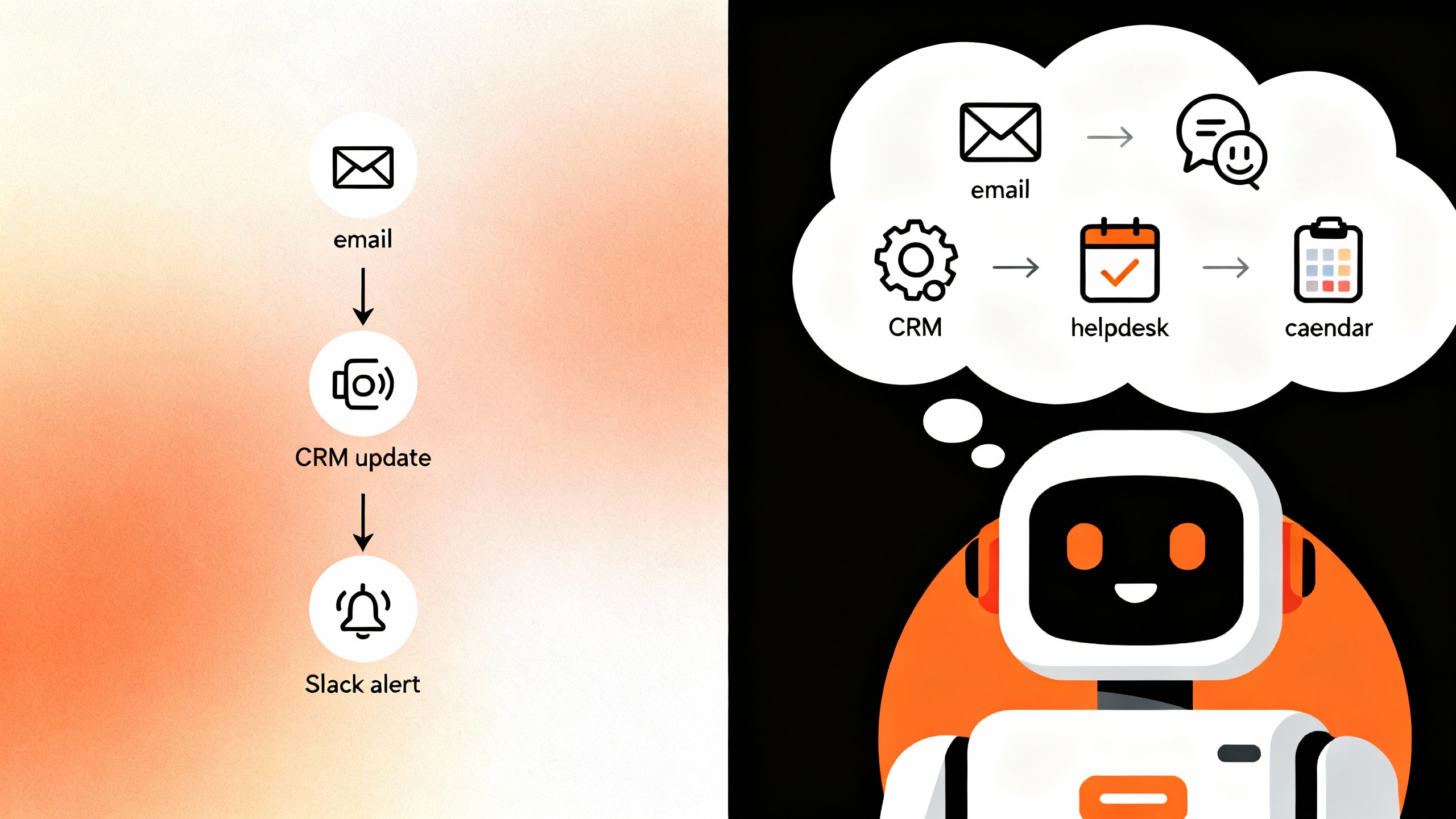
Automation vs. Agentic AI at a glance
| Dimension | Classic Automation (Zaps) | Agentic AI (Zapier Central/Agents) |
|---|---|---|
| Goal vs. Steps | Steps are predefined | You set a goal; steps are planned dynamically |
| Determinism | High; repeatable and consistent | Variable; depends on model reasoning and data |
| Complexity | Best for linear or branched flows | Better for ambiguous, cross-app reasoning |
| Governance | Mature logs/permissions | Improving; needs extra guardrails |
| Speed/Cost | Predictable tasks, stable costs | Can be slower; token/tool-use costs vary |
Worth noting: Zapier’s agent features are evolving and may be labeled Beta. Pricing and quotas vary by plan; check Zapier’s official pricing and feature updates.
-
Pros
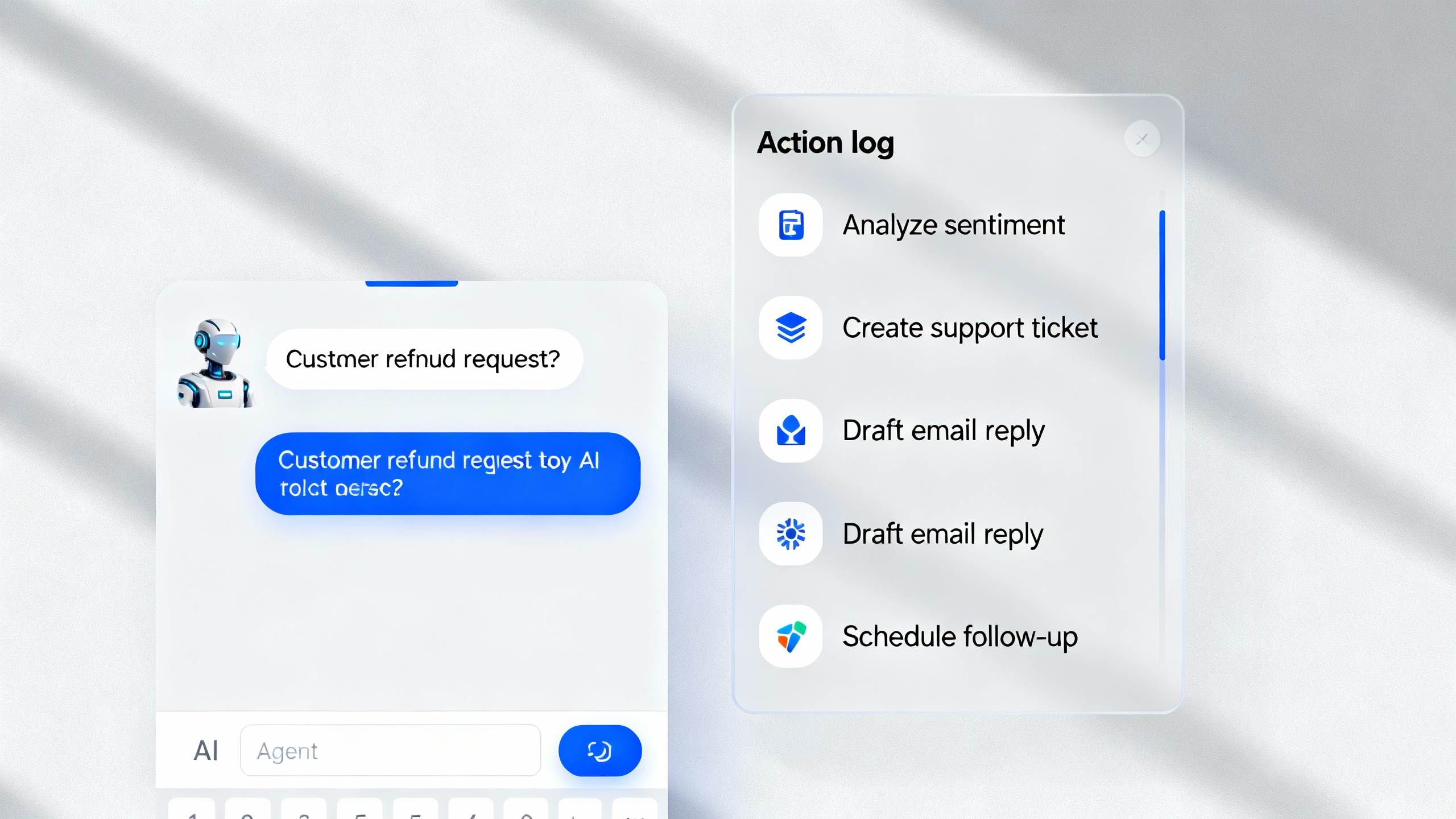
- Adaptive execution across apps: Unlike static Zaps, agents can choose tools on the fly—pulling a customer’s recent activity, drafting a reply, creating a ticket, and scheduling a follow-up without you pre-wiring every branch. This feels closer to how an ops teammate would triage a request. See Zapier’s app ecosystem for breadth: Zapier integrations.
- Natural-language orchestration: You set a goal in plain English (“Handle new refund emails and loop me in for edge cases”). The agent decomposes the work, calls the right actions, and asks for clarification when needed. For teams starting with messy processes, this can be a faster on-ramp than mapping the perfect flowchart upfront.
- Unified stack with Zaps, Tables, Interfaces: Agents can use your existing Zaps, Zapier Tables (lightweight databases), and Interfaces (internal portals/forms), making governance and app connections familiar. Central logs and approvals mean you’re not stitching together a dozen separate tools.
- Human-in-the-loop by design: You can require approvals for sensitive steps (issuing refunds, sending bulk emails). This hybrid model—AI drafts, humans approve—offers a sane middle ground for regulated or customer-facing flows. See NIST’s guidance for risk-aware adoption: NIST AI Risk Management Framework.
- Extensibility for power users: Webhooks, code steps, and custom actions let teams inject policies, enrich context, or constrain agent behavior. You can sandbox an agent’s reach to specific apps and records.
-
Cons
- Reliability still trails deterministic flows: Agents can loop, over-call tools, or misinterpret ambiguous instructions. For repetitive, high-volume tasks where a miss is costly, classic Zaps remain the safer default. Gartner consistently recommends clarity on rules/guardrails for "hyperautomation" programs; agents make that even more critical. See Gartner on automation trends.
- Latency and cost variability: Because agents plan and reason before acting, they often take longer than a simple trigger-action Zap. Multi-step planning also adds model and tool-use costs. If your SLA is tight, measure end-to-end latency and set timeouts.
- Compliance and audit complexity: While Zapier provides logs, agent planning can introduce non-deterministic paths. You’ll want explicit scopes, redaction policies, and human checkpoints for PII, finance, or healthcare workflows.
- Vendor and pattern lock-in: An agent built with a platform’s proprietary actions may be harder to port elsewhere than a standards-based workflow. If portability matters, keep your policies and business logic in code or documented decision tables.
-
How It Actually Feels in Use
For classic "if this then that" use cases—think lead enrichment, form-to-CRM updates, or Slack alerts—Zaps are fast, cheap, and rock-solid. The agent starts to win when there’s ambiguity or conditional reasoning, such as:
- Parsing a customer’s email for urgency and sentiment, then deciding whether to draft a human-like reply, escalate, or create a ticket with the right priority.
- Reconciling partial data across multiple sources (CRM, support, billing) to craft the next-best action.
- Handling "unknown unknowns" by asking clarifying questions rather than blindly executing.
The best pattern we found: let the agent gather context and propose actions, then hand off final execution to trust-tested Zaps. This hybrid keeps your system deterministic where it counts and flexible where it helps.
TipQuick decision rule
Start with classic automation for well-defined, high-volume steps. Add an agent when:
- Inputs are unstructured (emails, notes, chats),
- The path changes based on nuance or judgment, or
- You’d otherwise build a brittle web of conditional branches.
-
Verdict
If your workflows are already clean and deterministic, stick with Zaps for the core. Layer an agent on top where human-like judgment matters—triage, drafting, research, or cross-app reconciliation. Zapier’s agentic features are promising, thoughtfully integrated, and familiar for teams already on Zapier.
- Best for: support ops, rev ops, and small CX teams that need smarter triage and drafting, not raw throughput.
- Not ideal for: hard-SLA, compliance-heavy automations where any variability is a risk.
- Our rating: 4/5. Strong, sensible, still maturing. Pilot with guardrails, measure latency/costs, and keep humans in the loop for sensitive actions.
Further reading: McKinsey on gen AI’s potential impact (McKinsey), and Zapier’s latest on Central/Agents (Zapier Blog).