


-
Introduction: Why this review matters
If your org is deciding between deterministic workflows and more adaptive AI “agents,” Microsoft’s pairing of Power Automate and Copilot Studio is a logical place to start. We spent time building classic flows (cloud and desktop RPA) and agentic copilots to tackle three common scenarios: invoice capture and posting, onboarding orchestration, and support triage with knowledge retrieval. The goal: understand where automation ends and agentic AI begins—plus what it really takes to operate both in production.
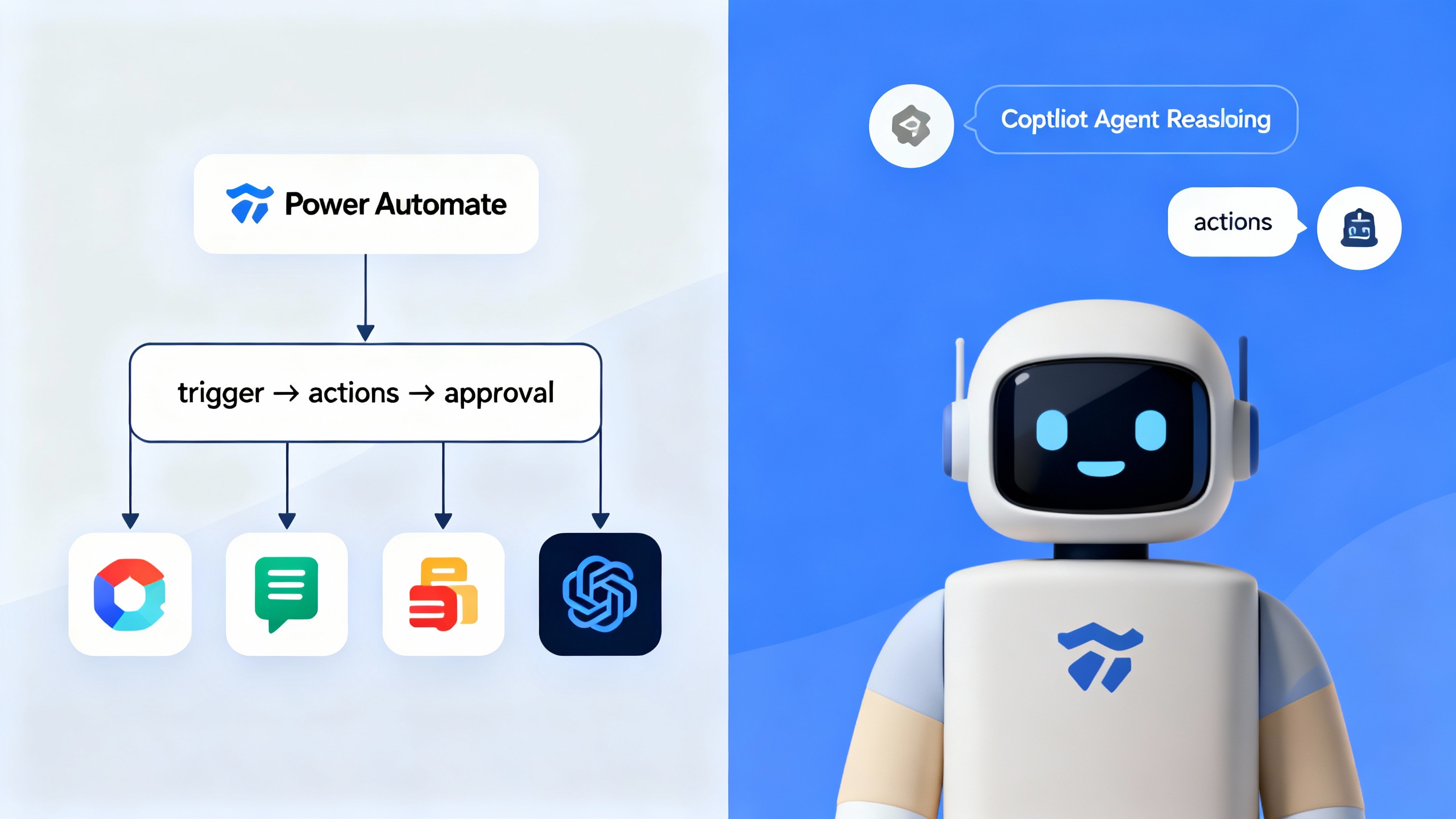
We’ll cut through the jargon and give you a balanced view. In short, Power Automate shines when you need reliability and governance at scale, while Copilot Studio pushes into adaptive, multi-step reasoning for fuzzier tasks like Q&A, data synthesis, and exception handling.
-
Overview: What you actually get
Power Automate bundles cloud flows, desktop RPA, Process Mining, and AI Builder document processing into a single platform with hundreds of connectors. It’s built for triggers, actions, approvals, and deterministic orchestration across Microsoft 365 and beyond. Governance is handled via environments, solutions, and data loss prevention (DLP) policies, all rooted in Entra ID (Azure AD). See the docs for an overview and architecture details: Power Automate documentation.
Copilot Studio (formerly Power Virtual Agents) adds the “agentic” layer. You design conversational copilots that can call actions (via Power Platform connectors), ground responses in enterprise data (Dataverse, SharePoint, websites, files), and handle multi-turn reasoning with prompt flows. It’s designed to live inside Teams, web, or other channels with built-in analytics and handoff to humans. Learn more here: Microsoft Copilot Studio documentation.
- Connectors: Over a thousand prebuilt connectors cover Microsoft 365, Dynamics 365, Salesforce, ServiceNow, Slack, and more. Reference: Connector catalog.
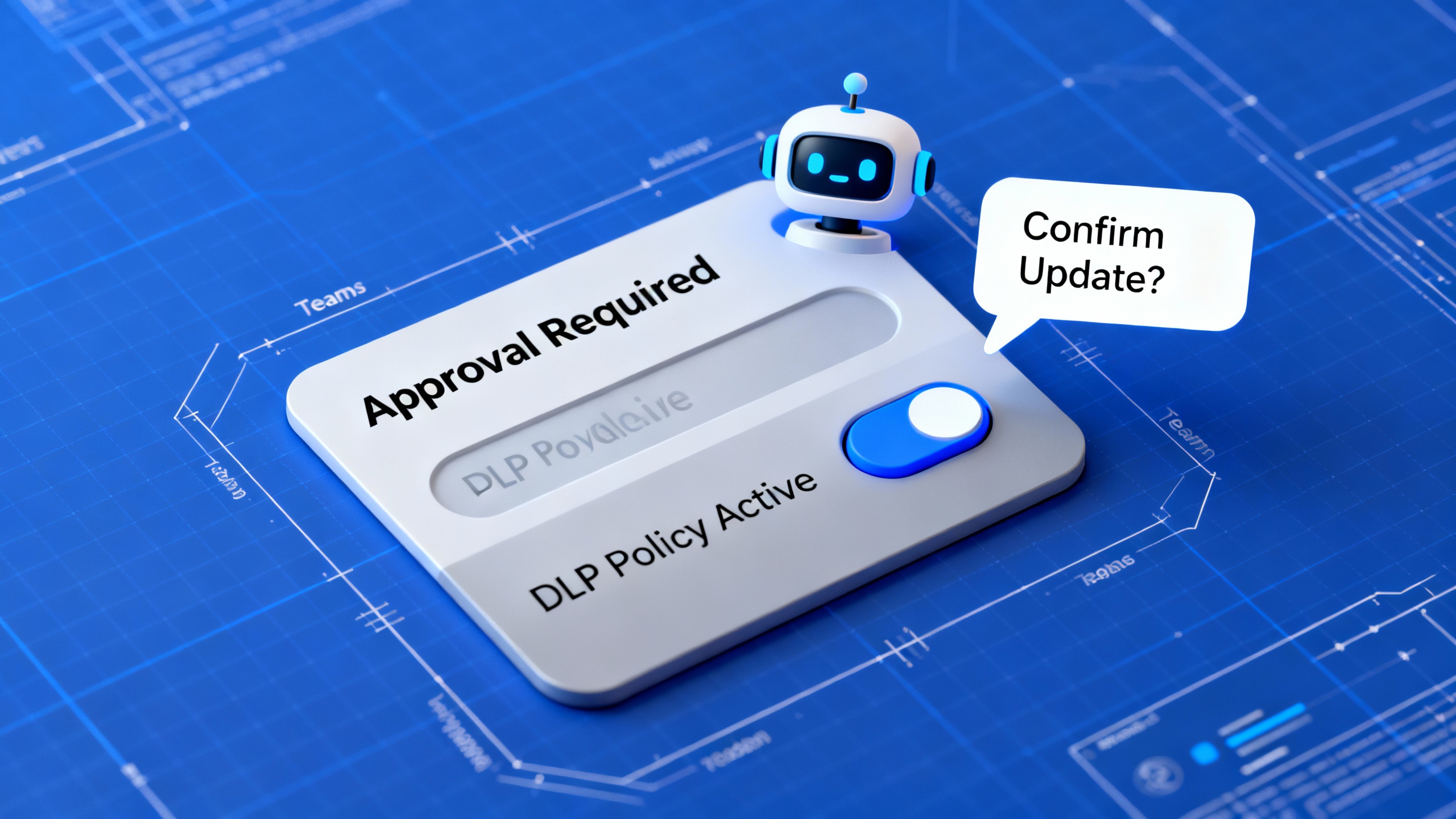
- Governance & security: DLP policies, environment-level guardrails, role-based access control, and audit logs come standard. Reference: Power Platform DLP.
- Pricing: Licenses vary by capability and capacity (flow runs, AI credits, sessions). Check official pages for current details: Power Automate pricing and Copilot Studio pricing.
-
Pros: Where the stack excels
-
One roof for flows and agents. Having deterministic flows and agentic copilots in the same ecosystem is a genuine productivity win. You can trigger a flow from a copilot, or let a flow hand off to a copilot for fuzzy tasks like summarization, exception explanations, or knowledge Q&A.
-
Governance that grown‑ups appreciate. Environments, DLP, and role-based access create a clear path to production—especially important for agentic behavior. Compared with DIY frameworks, you get policies and auditability out of the box. For many enterprises, this is the deciding factor. See the NIST AI RMF for governance alignment ideas.
-
Connector depth and reach. The catalog is mature. For common business apps, connectors are ready, rate-limited, and documented. This reduces custom glue code and accelerates build cycles.
-
Human-in-the-loop by design. Approvals, manual reviews, and Teams integration make it easy to keep a human in control. That’s critical where agents may hallucinate or misinterpret ambiguous instructions.
-
AI features when you need them. AI Builder for document extraction, generative replies in Copilot Studio, and prompt orchestration provide sensible on-ramps. You don’t have to jump into complex agent frameworks to get value.
-
Cons: Real-world limitations to watch
-
Cognitive reliability still varies. Agentic copilots can hallucinate or overstep without tight grounding and guardrails. You’ll need retrieval best practices, confined action scopes, and testing—especially for regulated content.
-
Cost visibility can get fuzzy. Between flow runs, premium connectors, and AI usage, total cost of ownership needs careful monitoring. Budget your copilot sessions and AI credits up front, especially at scale.
-
Complexity creep. It’s tempting to pile logic into prompts or giant flows. Without solution design discipline (naming, versioning, logging), maintenance becomes a tax. Consider separating concerns: flows for deterministic steps; copilots for reasoning and dialog.
-
Throughput and throttling. Connectors and APIs have limits. Long-running or high-volume scenarios may require queuing patterns, retries, and bulk endpoints. RPA is powerful, but UI automation is inherently fragile when UIs change.
-
Verdict: A strong, unified choice—if you’re in Microsoft 365
Overall rating: 4.2/5. If you’re already invested in Microsoft 365, Dynamics, or Azure, this stack is hard to beat for the blend of control (flows) and adaptability (agents). It’s not magic—you’ll still need good prompts, data grounding, and governance—but it gives you practical building blocks without stitching together half a dozen tools.
Where it’s less ideal: lightweight SMB use cases might move faster with consumer-friendly tools like Zapier or Make. And if you’re building cutting-edge multi-agent systems with custom planning logic, frameworks like LangGraph or OpenAI Assistants might suit you better—albeit with more DIY ops.
When to choose flows, agents, or both
| Scenario | Best fit | Why | Risk level |
|---|---|---|---|
| Stable, rule-based file ingestion (billing, exports) | Flow (cloud) | Deterministic triggers and actions | Low |
| Support triage across knowledge bases with exceptions | Copilot (agent) | Needs retrieval + reasoning across ambiguous inputs | Medium |
| Compliance-critical data updates (HR, finance) | Flow | Auditability, approvals, DLP | Low |
| Cross-department onboarding with Q&A | Hybrid | Flow for orchestration; copilot for live guidance | Medium |
| Unattended screen automation for legacy apps | Flow (desktop RPA) | UI automation when APIs don’t exist | Medium–High |
TipQuick rule of thumb
Use a flow when you can diagram the exact steps. Use an agent when the path depends on context or conversation—and keep actions constrained, grounded, and observable.
References worth a look: Gartner on Hyperautomation, Microsoft Power Automate docs, Microsoft Copilot Studio docs, NIST AI Risk Management Framework, and McKinsey’s GenAI economic analysis.