


-
Introduction
If you’re asking, “What’s the business version of ChatGPT?” you’re really choosing between two products: ChatGPT Team and ChatGPT Enterprise. Both bring OpenAI’s latest models (including GPT‑4‑class capabilities like GPT‑4o) into a secure, managed workspace, but they’re built for different stages of company maturity. In this review, we break down how they work, what you actually get, where they fall short, and how they compare to rivals like Microsoft Copilot, Google Workspace’s Gemini, and Anthropic’s Claude for Teams.
TipTeam vs. Enterprise—quick rule of thumb
- Choose ChatGPT Team if you want a private, shared workspace with strong data protections and light admin controls—without lengthy procurement.
- Choose ChatGPT Enterprise if you need enterprise-grade security, SSO/SCIM, domain controls, and higher performance/usage limits at scale.
-
What is the “business” ChatGPT?
OpenAI offers two business-grade plans:
- ChatGPT Team: A private workspace for SMBs and departments that want collaboration, shared GPTs, and admin basics. OpenAI states Team data isn’t used to train models.
- ChatGPT Enterprise: Built for larger companies that require advanced security, SSO (SAML), SCIM provisioning, domain verification, audit/logging, workspace performance controls, and priority access. Enterprise data also isn’t used for training. See OpenAI’s Trust Center for security and compliance details (including SOC 2).
Both plans include popular tools like Advanced Data Analysis (formerly Code Interpreter), file uploads, and the ability to build and share custom GPTs internally with admin guardrails.
-
Key features and specs
- Security and privacy: Enterprise-grade encryption in transit/at rest, workspace-level controls, admin policies, and data isolation from model training (for Team and Enterprise). For compliance posture, refer to the OpenAI Trust Center.
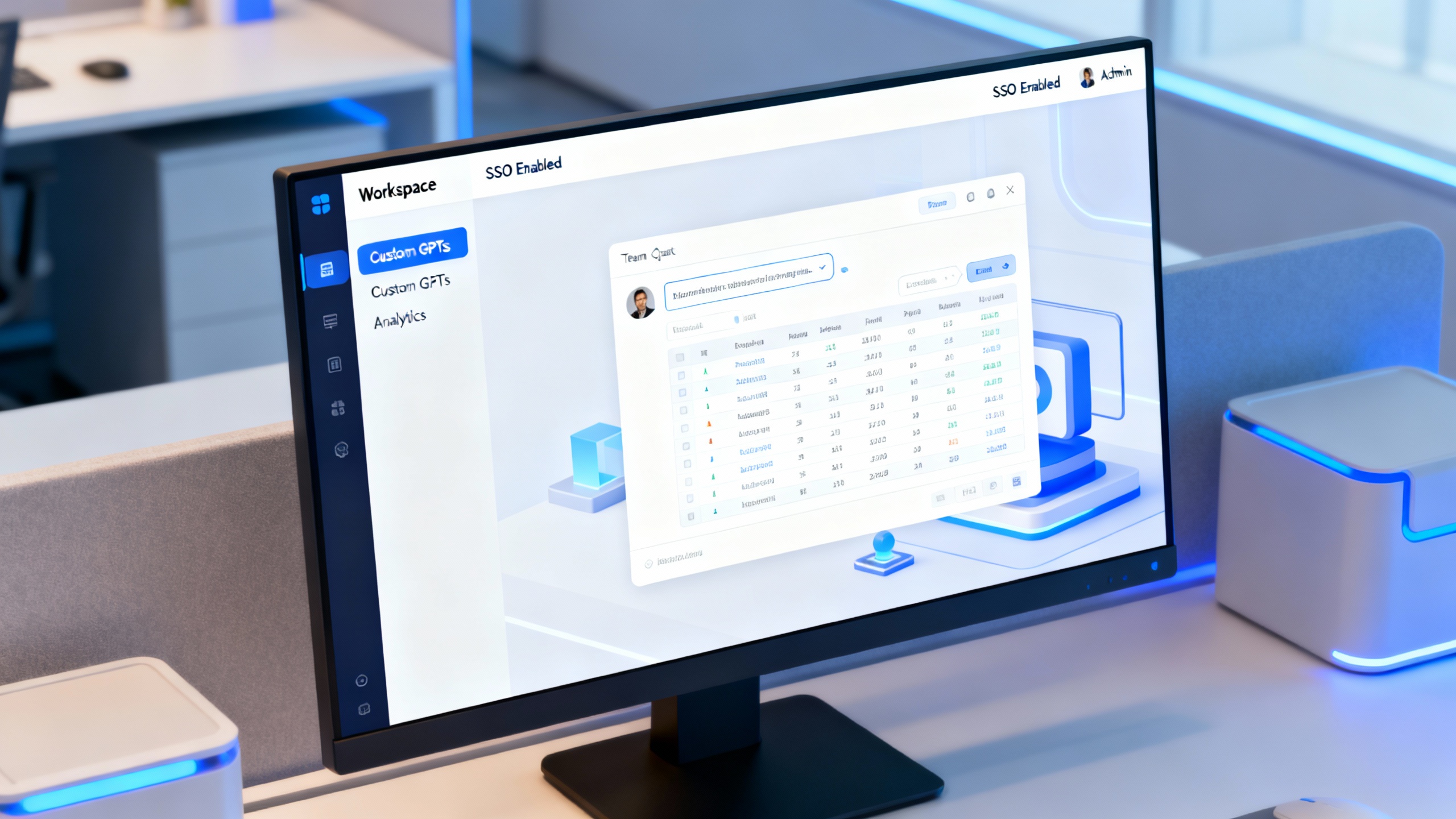
- Identity and access: Team supports workspace admins and shared resources. Enterprise adds SSO (SAML), SCIM user provisioning, domain verification, and more granular permissions.
- Collaboration: Shared workspace, shared custom GPTs, and library of prompts/templates so teams aren’t reinventing the wheel.
- Models and tools: Access to the latest ChatGPT models (e.g., GPT‑4o) with vision, data analysis, and image generation features. Enterprise typically enjoys higher usage caps and faster throughput.
- Admin console: Usage analytics, policy controls, and monitoring. Enterprise exposes deeper controls to align AI usage with internal risk and compliance frameworks.
ChatGPT business tiers at a glance
| Capability | ChatGPT Team | ChatGPT Enterprise |
|---|---|---|
| Data used for training | No | No |
| Admin controls | Basic (workspace settings, sharing) | Advanced (SSO/SAML, SCIM, domain controls, audit) |
| Usage/performance | Standard business limits | Higher caps, priority performance |
| Custom GPTs | Create and share within workspace | Create, govern, and distribute with advanced controls |
| Compliance posture | Strong privacy, standard controls | Enterprise security/compliance features, SOC 2 noted on Trust Center |
| Pricing | Listed per-seat; monthly/annual | Custom enterprise pricing |
-
Pros
- Strong privacy posture for businesses: OpenAI explicitly states that data from Team and Enterprise isn’t used to train their models, addressing a core legal/compliance concern. Documentation at the Trust Center is a helpful reference for security reviews.
- Best-in-class generalist model quality: For brainstorming, drafting, analysis, and code help, ChatGPT remains a top performer—especially with Advanced Data Analysis for spreadsheets, CSVs, and lightweight ETL.
- Fast time-to-value: Teams can be using shared prompts and custom GPTs within a day. No heavy integration is required to start seeing productivity lift in marketing, ops, sales, finance, and support.
- Admin guardrails without friction: Enterprise adds SSO/SCIM, usage analytics, and policy controls that let IT set boundaries without killing experimentation.
- Internal “app store” via custom GPTs: You can package workflows (RFP drafting, QA summarization, SOC responses) as GPTs, share them with teams, and keep everything inside your workspace.
-
Cons
- Pricing and procurement opacity at the Enterprise tier: Enterprise is quote-based, which can slow down pilots and make cost forecasting harder. Seat minimums and contract terms vary by org size.
- Not a data governance silver bullet: While privacy and controls are strong, you still need internal red-teaming, prompt standards, and human reviews—especially for regulated content and customer data.
- Hallucinations and compliance risk remain: Like any LLM, ChatGPT can be confident and wrong. You’ll want review steps, retrieval-grounded answers for sensitive domains, and clear disclosure in customer-facing outputs.
- Limited network isolation by default: If your org requires private networking (e.g., VPC peering) or on-prem deployments, you may need additional architecture or to consider alternatives with deeper tenant isolation.
-
Pricing, limits, and alternatives
- ChatGPT Team: Public per-seat pricing (commonly billed monthly or annually). Good fit for smaller companies or departments that want secure collaboration without enterprise procurement overhead.
- ChatGPT Enterprise: Custom pricing and higher usage/performance, plus enterprise controls. Budget and procurement fit larger orgs prioritizing security and scale.
Alternatives to consider:
- Microsoft Copilot for Microsoft 365: Tight integration with M365 apps and data governance, appealing if you already standardize on Microsoft.
- Google Gemini for Workspace: Strong native Workspace integrations and meeting docs/notes workflows.
- Anthropic Claude for Teams: Competitive reasoning and long‑context performance; noted for safer-by-design focus.
If your stack is heavily Microsoft or Google, their AI copilots may be more “plug-and-go.” If you want model flexibility and rapid, workspace-level rollout without migrating ecosystems, ChatGPT Team/Enterprise is compelling.
How to choose quickly
| If you need… | Choose… | Why |
|---|---|---|
| Fast rollout for a small team | ChatGPT Team | Easiest setup, strong privacy, shared GPTs |
| Company-wide governance and SSO | ChatGPT Enterprise | SAML/SCIM, domain controls, higher caps |
| Tight M365 integration | Microsoft Copilot | Native with OneDrive/SharePoint/Outlook |
| Workspace-native docs/meet | Gemini for Workspace | Strong Google apps integration |
| Conservative safety posture | Claude for Teams | Safety research focus, thoughtful constraints |
-
Verdict
ChatGPT’s business lineup is easy to recommend—but pick deliberately. ChatGPT Team is ideal for SMBs or departments that want a secure, shared AI workspace today. ChatGPT Enterprise is the right move if you need SSO/SCIM, advanced admin, and higher performance at scale. Against rivals, OpenAI’s strengths are model quality, speed to value, and a smooth admin experience; its weaknesses are enterprise pricing opacity and the realities of LLM risk management that still demand your governance.
Our rating: 4.5/5 for Enterprise (if you’ll use the admin stack and performance headroom), 4.3/5 for Team (excellent value for secure collaboration with minimal overhead).
For most organizations, starting on Team and graduating to Enterprise as usage formalizes is a pragmatic, low‑regret path.