

What You’ll Learn (and Why It Matters)
Picking the “best free AI creator” isn’t about a single tool—it’s about finding the right fit for your specific job. In this guide, you’ll learn a practical, test-driven process to evaluate free AI tools across text, image, and video so you can ship better work, faster, with confidence. Along the way, you’ll see how to compare quality, limits, privacy, and automation potential—without getting lost in hype.
What You Need Before You Start
- A clear goal (e.g., “draft weekly blog intros,” “generate product images,” “cut a 60-second promo video”).
- A short set of test inputs: 3–5 prompts or raw assets that represent your real work.
- 30–60 minutes to run a quick bake-off across 2–4 tools.
The Shortlist (Free, Popular, and Capable)
Free AI Creator Shortlist
| Category | Tool | What it’s good at | Link |
|---|---|---|---|
| Text (chat/assistant) | ChatGPT (Free) | General writing, brainstorming, lightweight data tasks | OpenAI |
| Text (chat/assistant) | Google Gemini | Fast ideation, search-like knowledge tasks | Gemini |
| Text (chat/assistant) | Microsoft Copilot | Web-aware drafting, Office integration | Copilot |
| Text (chat/assistant) | Claude (Free tier) | Clear writing, structured reasoning | Anthropic |
| Images | Stable Diffusion (web UIs) | Flexible image generation, style control | Playground AI |
| Images | Canva Magic Design | Designs, social posts, templates + AI | Canva |
| Video | CapCut AI | Quick social edits, captions, short-form | CapCut |
| Video | Runway (Free tier) | AI video tools, background removal | Runway |
For neutral performance signals on text models, see the LMSYS Chatbot Arena Leaderboard and Stanford HELM. For business impact context, see McKinsey’s GenAI report.
The Steps
-
Define One Clear Outcome
Write a one-sentence success metric, such as: “Produce a 300-word blog intro with two credible sources and a warm tone.” If you’re doing images: “Generate three hero images in a cohesive brand style.” Specificity beats generic “be creative” prompts every time.
-
Build a Tiny Test Set
Create 3–5 representative prompts or assets that match your real workflow. Examples:
- Text: a product description, a Q&A prompt, a data-to-summary task.
- Images: a brand style prompt, a product photo brief, a logo refresh.
- Video: a 90-second raw clip for trimming, captions, b-roll generation. Keep them consistent across all tools so your comparison is fair.
-
Choose 2–4 Tools to Trial
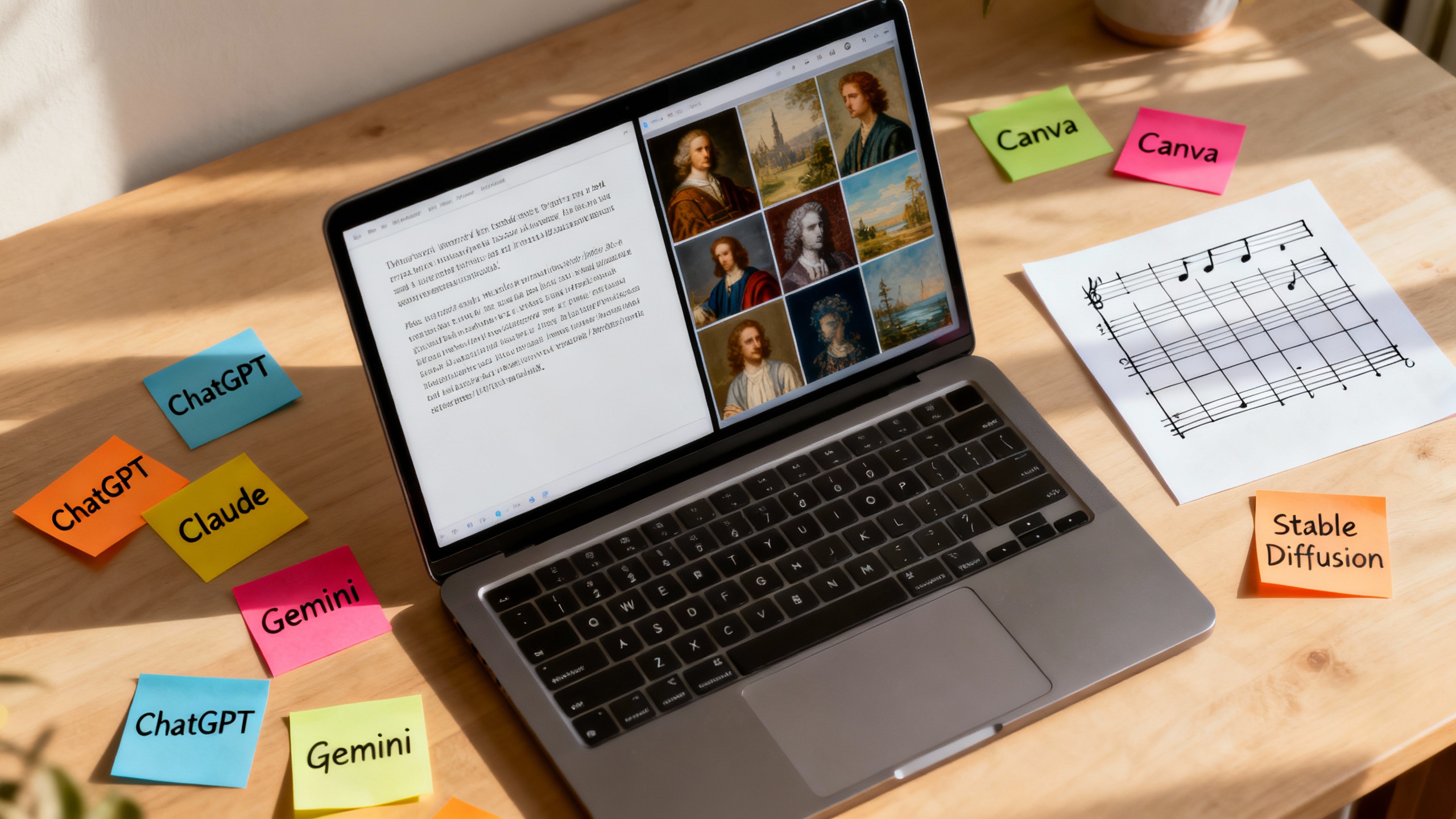
Use the shortlist table above. Aim for variety: one general-purpose chat model plus one domain tool. For example, for marketing copy and assets:
- ChatGPT or Claude for text
- Canva or Stable Diffusion (via Playground AI) for images
- CapCut for quick social video
-
Create a Scoring Rubric
Make a simple 1–5 scale for these criteria:
- Quality: accuracy, tone, visual fidelity
- Speed: time-to-first-draft or render
- Ease: friction to get a good result
- Limits: daily caps, watermarking, export options
- Privacy: data controls you’re comfortable with Score each tool per test. Tally the totals to reveal your winner.
TipCopy-ready rubric
Quality (40%), Speed (15%), Ease (20%), Limits (15%), Privacy (10%). Adjust weights to match your priorities.
-
Run the Bake-Off
- Paste the same prompts or upload the same assets to each tool.
- Don’t over-tweak for tool #1—give each tool one retry to improve.
- Save outputs and note any settings you changed. For text, require citations or ask for a reference list and verify links. For images, check upscaling and background removal. For video, assess transitions, subtitles, and aspect ratios.
-
Check the Fine Print and Integrations
Read the free-tier limits and data policies:
- Rate limits and daily credits
- Watermarks and export quality
- Data retention and model training on your inputs
- Sign-in requirements and team access Then confirm how it fits your workflow: does it connect to Google Drive, Notion, or Slack? Can you automate with Zapier or Make? Integration friction often outweighs small quality gains.
-
Decide, Document, and Template It
Pick your winner and document the setup: your best prompt(s), settings, and export steps. Turn outputs into reusable templates:
- Text: prompt + outline macro (e.g., blog intro with voice and sourcing rules)
- Images: base prompt, negative prompt, resolution, upscaler
- Video: template with caption style, cuts, and brand frame Store your “golden” examples so teammates can replicate results.
-
Add Lightweight Automation
Once you trust the outputs, connect the dots:
- Auto-pull inputs from a form or Trello card
- Send a draft to Docs or Notion for review
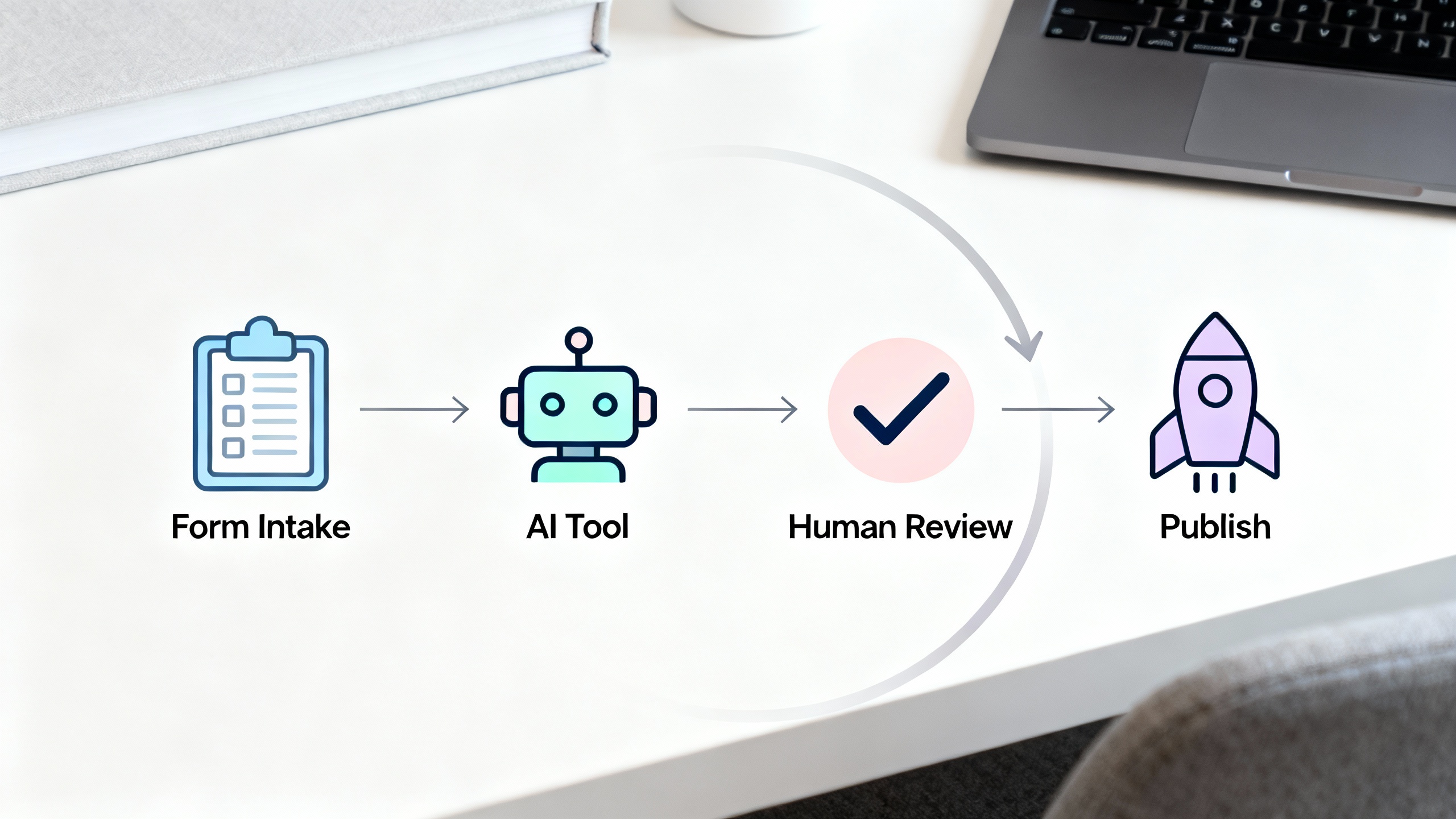
- Post approved images or videos to a scheduling tool Even a simple “intake form → AI draft → editor review” pipeline boosts throughput.
-
Recheck Monthly (Models Move Fast)
Free tiers change, and model quality shifts. Schedule a 30-minute monthly mini-bake-off on one representative task to ensure your chosen tool still wins on your rubric.
Pro Tips and Common Mistakes
- Prefer real tasks over novelty prompts–your work, your constraints.
- Keep a “prompt changelog” so you can trace what improved results.
- Use negative prompts or style guards for images to reduce artifacts.
- For text, request outlines first, then expand; quality jumps.
- Don’t overfit to a single tricky test—use a small variety.
- Avoid uploading confidential data unless policies are crystal clear.
A Few Sensible “Best Free” Picks (By Use Case)
- Fast, general writing: ChatGPT (Free) or Claude for clear, structured prose.
- Research-like answers: Microsoft Copilot or Gemini for web-aware drafts.
- Image generation with control: Playground AI for Stable Diffusion web access; Canva for branded layouts.
- Short-form video: CapCut for auto-captions and social formats; Runway for AI-powered effects.
Your “best” tool is the one that wins your rubric on your content, not a leaderboard.
Wrap-Up
You don’t need to guess. Define a clear outcome, run a tiny bake-off, score objectively, and automate the handoffs. In under an hour, you’ll move from “Which free AI creator is best?” to “This one’s best for my workflow—and here’s the template to prove it.”