


-
Why This Comparison Matters
Small teams live and die by their ability to coordinate work without drowning in admin. The right project management tool should be easy enough to adopt in an afternoon and flexible enough to handle tomorrow’s complexity. Two popular options—Trello and ClickUp—sit at opposite ends of that spectrum: Trello is the iconic Kanban board that nails simplicity; ClickUp is the “everything in one place” platform built to scale.
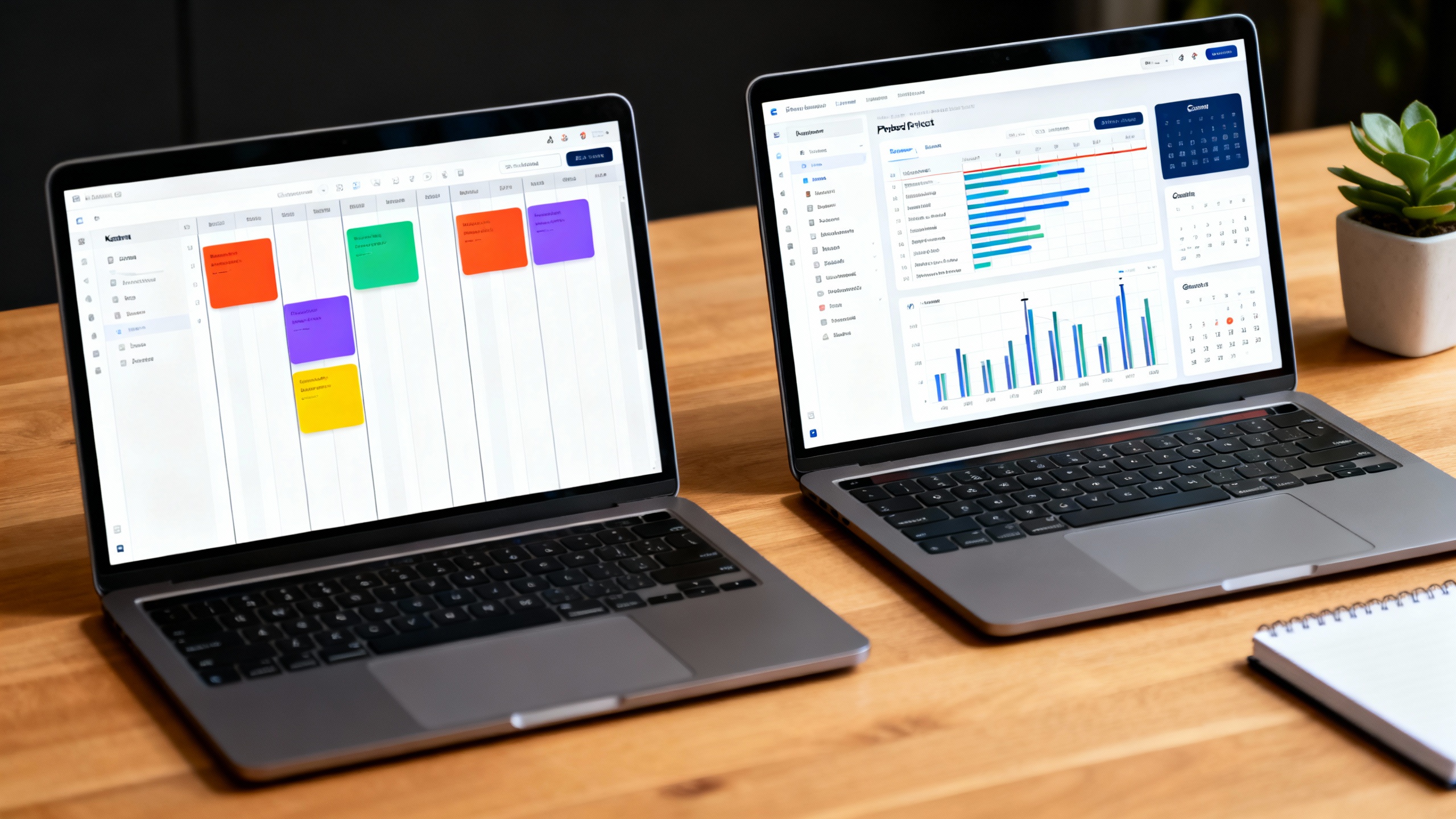
In this guide, we compare them on what small teams actually care about: setup time, learning curve, feature depth, automations, reporting, integrations, and cost. We’ll keep it practical and end with clear recommendations.
-
Quick Overview
-
Trello: A board‑centric, visual task manager by Atlassian. It’s beloved for its minimal friction—lists, cards, drag‑and‑drop. Teams add functionality with Power‑Ups (integrations and extensions). Ideal if you want to get moving in minutes and mostly work from a Kanban board. Trello Pricing • Trello Power‑Ups
-
ClickUp: A full work hub with tasks, Docs, Whiteboards, Goals, dashboards, time tracking, and multiple views (List, Board, Calendar, Timeline, Gantt). It’s more configurable and more complex—but can replace several tools at once for growing teams. ClickUp Pricing • ClickUp Views
In short: Trello emphasizes approachability; ClickUp emphasizes breadth. Your best fit depends on whether you value “almost no setup” or “almost no ceiling.”
-
-
Key Differences That Matter
Setup & Learning Curve
- Trello: Create a board, add lists and cards, and you’re off. Non‑technical teams ramp fast.
- ClickUp: Requires initial structure (Spaces → Folders → Lists). Worth it for teams that need hierarchy and richer reporting.
Views, Hierarchy, and Planning
- Trello: Primarily Kanban. Timeline, Calendar, and Dashboard views are available on paid tiers. Great for visual flow, less so for complex dependencies.
- ClickUp: Many views (List, Board, Calendar, Timeline, Gantt) plus robust task relationships and dependencies. Better for roadmaps and cross‑team coordination. Task Dependencies
Automations
- Trello: Butler automations handle routine card moves, assignments, and due-date changes. Usage limits vary by plan. Automation Limits
- ClickUp: Rich triggers, conditions, and actions across spaces/lists. Limits and availability vary by plan. Good for standardizing workflows at scale. Automations Overview
Docs, Notes, and Knowledge
- Trello: No native docs; pairs nicely with Confluence or Google Docs. Confluence
- ClickUp: Built‑in Docs (with slash commands, templates, and embedding) keep briefs and specs close to tasks. ClickUp Docs
Time Tracking and Reporting
- Trello: Requires add‑ons for granular time tracking. Premium tiers add dashboards and workload but remain lighter weight. Dashboards
- ClickUp: Native time tracking, estimates, custom fields, and dashboards for roll‑ups across teams. Time Tracking
Integrations and Ecosystem
- Trello: Wide catalog of Power‑Ups; especially strong if your org is on Atlassian (Jira, Confluence).
- ClickUp: Broad native integrations plus Zapier/Make; goal is to consolidate tasks, docs, and reporting to reduce tool sprawl.
Pricing Snapshot
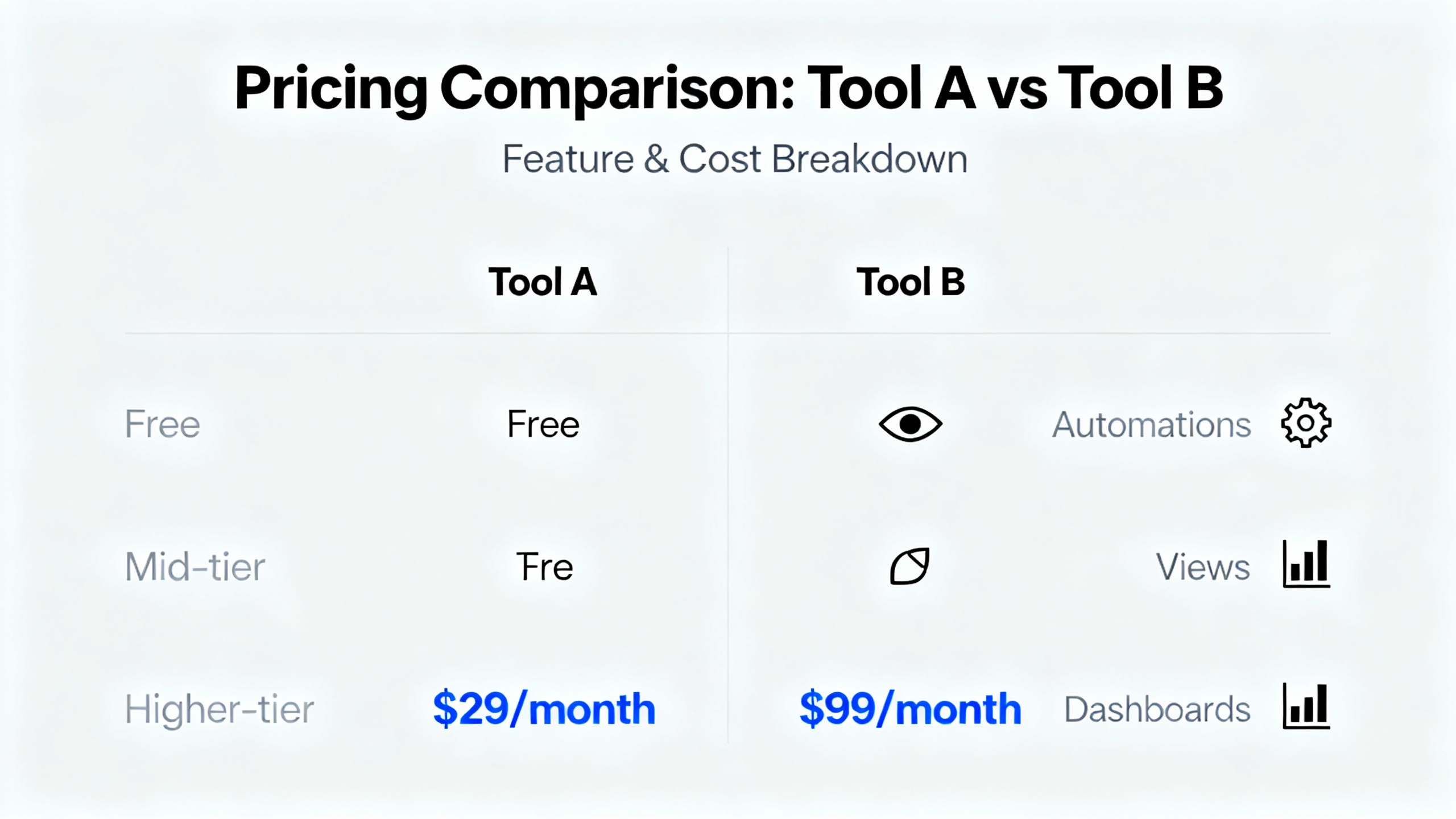
Pricing at a glance
| Tool | Free Plan | Mid Tier (annual billing) | Higher Tier (annual billing) |
|---|---|---|---|
| Trello | Yes | Standard: ~$5/user/month | Premium: ~$10/user/month |
| ClickUp | Yes | Unlimited: ~$7/user/month | Business: ~$12/user/month |
- Always confirm current pricing: Trello Pricing • ClickUp Pricing.
- Real cost depends on needed features (e.g., advanced views, automations, guest access, dashboards).
-
Pros and Cons
Trello
- Pros
- Fastest to adopt; minimal training required.
- Clean Kanban UX; great for creative and ad‑hoc workflows.
- Huge Power‑Ups ecosystem; strong with Atlassian stack.
- Cons
- Limited native hierarchy and dependencies.
- Advanced reporting and time tracking require add‑ons or higher tiers.
- Scaling many boards can get messy without strict conventions.
ClickUp
- Pros
- All‑in‑one: tasks, Docs, goals, dashboards, time tracking.
- Deep views and dependencies for serious planning.
- Can replace multiple tools as your team grows.
- Cons
- Steeper learning curve; requires upfront setup.
- Overkill for very simple, single‑board workflows.
- Configuration sprawl if admins don’t define standards early.
- Pros
-
Which Should You Choose? (Use‑Case Playbook)
- You want to start today with zero friction: Pick Trello. Create a board, invite the team, agree on card labels, done.
- You plan to scale or need multi‑view reporting: Choose ClickUp. The hierarchy, dashboards, and built‑in time tracking pay off quickly.
- You live in the Atlassian world (Jira/Confluence) and want lightweight task boards: Trello integrates naturally and stays simple.
- You want one hub for tasks + docs + goals without juggling tools: ClickUp reduces context switching and centralizes work.
- Client collaboration with lots of guests: Compare guest/permissions models on the specific tiers you can afford—ClickUp often wins on role depth, Trello on ease.
-
Verdict
If your team values immediate clarity, minimal setup, and mostly works from a Kanban board, Trello is a delightfully low‑maintenance choice. It’s the right pick for creative studios, small marketing squads, and founders who hate overhead.
If you expect growth, need roadmaps and dependencies, or want tasks, docs, and reporting under one roof, ClickUp offers more headroom for only a little more per seat. For many small but ambitious teams, ClickUp is the better long‑term value.
The good news: both have solid free plans. Pilot with a real project, keep the feature set honest, and let your team’s velocity be the tiebreaker.