


-
What You’ll Learn and Why It Matters
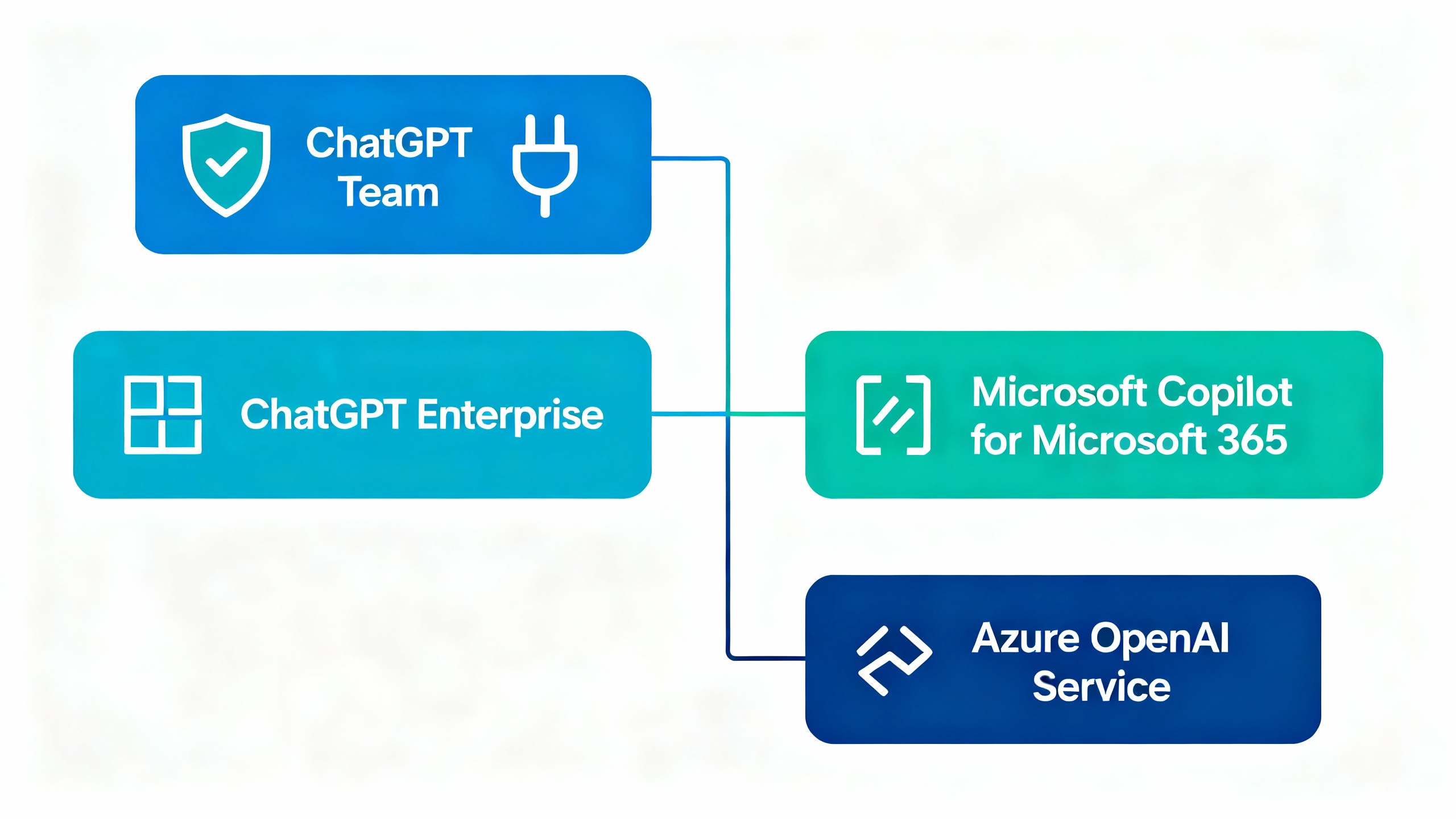
The short answer to “What’s the business version of ChatGPT?” is: products like ChatGPT Team and ChatGPT Enterprise from OpenAI—plus enterprise-grade alternatives such as Microsoft Copilot for Microsoft 365 and Azure OpenAI Service. In this guide, you’ll learn how to choose the right option and roll it out safely, from security setup to employee enablement and ROI measurement.
If you’ve experimented with the free or Plus versions, you already know the upside. The business-grade versions add data privacy controls, administrative features, and integrations your legal and security teams will actually sign off on.
-
Prep: Align Stakeholders and Set Guardrails
Before you buy anything, gather a small task force: IT/security, legal, data, and two or three business owners (e.g., sales ops, support, marketing). Agree on:
- Priority use cases (e.g., drafting, research, data analysis, support assist).
- Data sensitivity (customer data? source code? HR data?) and what must never leave your systems.
- Compliance needs (e.g., SOC 2, ISO 27001, GDPR), retention, and audit requirements.
- Success metrics (time saved, response quality, ticket deflection, revenue lift) and a 90‑day pilot window.
Useful references:
- OpenAI ChatGPT Enterprise overview: OpenAI Enterprise
- ChatGPT Team plan details: OpenAI Team
- Security and privacy posture: OpenAI Trust
- Microsoft alternatives: Copilot for Microsoft 365 and Azure OpenAI Service
-
Step 1: Choose the Right Business Product
You have four common paths. Use this as a quick chooser:
Business-grade ChatGPT Options (At-a-Glance)
Option Best For Controls & Privacy Notable Pros Considerations ChatGPT Team Small teams and departments Org workspace, admin controls; no training on your data Fast start, no infra, advanced analysis Per-seat; lighter central governance than Enterprise ChatGPT Enterprise Mid-large orgs needing centralized control SSO, domain verification, audit, workspace policies; no training on your data Enterprise-grade security, higher limits, admin analytics Sales cycle and procurement; per-seat Microsoft Copilot for M365 Orgs deep in Microsoft 365 Uses your Microsoft 365 permissions; data stays in tenant Natively in Word/Excel/Teams Bound to M365 data; separate licensing Azure OpenAI Service Custom apps with strict data isolation VNET, private endpoints, regional control Full developer control, scaling Requires engineering and cloud ops - If you want turnkey chat with admin controls: start with ChatGPT Team or Enterprise.
- If you want AI inside Office apps: evaluate Copilot for Microsoft 365.
- If you need to embed models in your own apps or keep everything in your cloud: choose Azure OpenAI Service.
-
Step 2: Set Up Security, Identity, and Workspace Basics
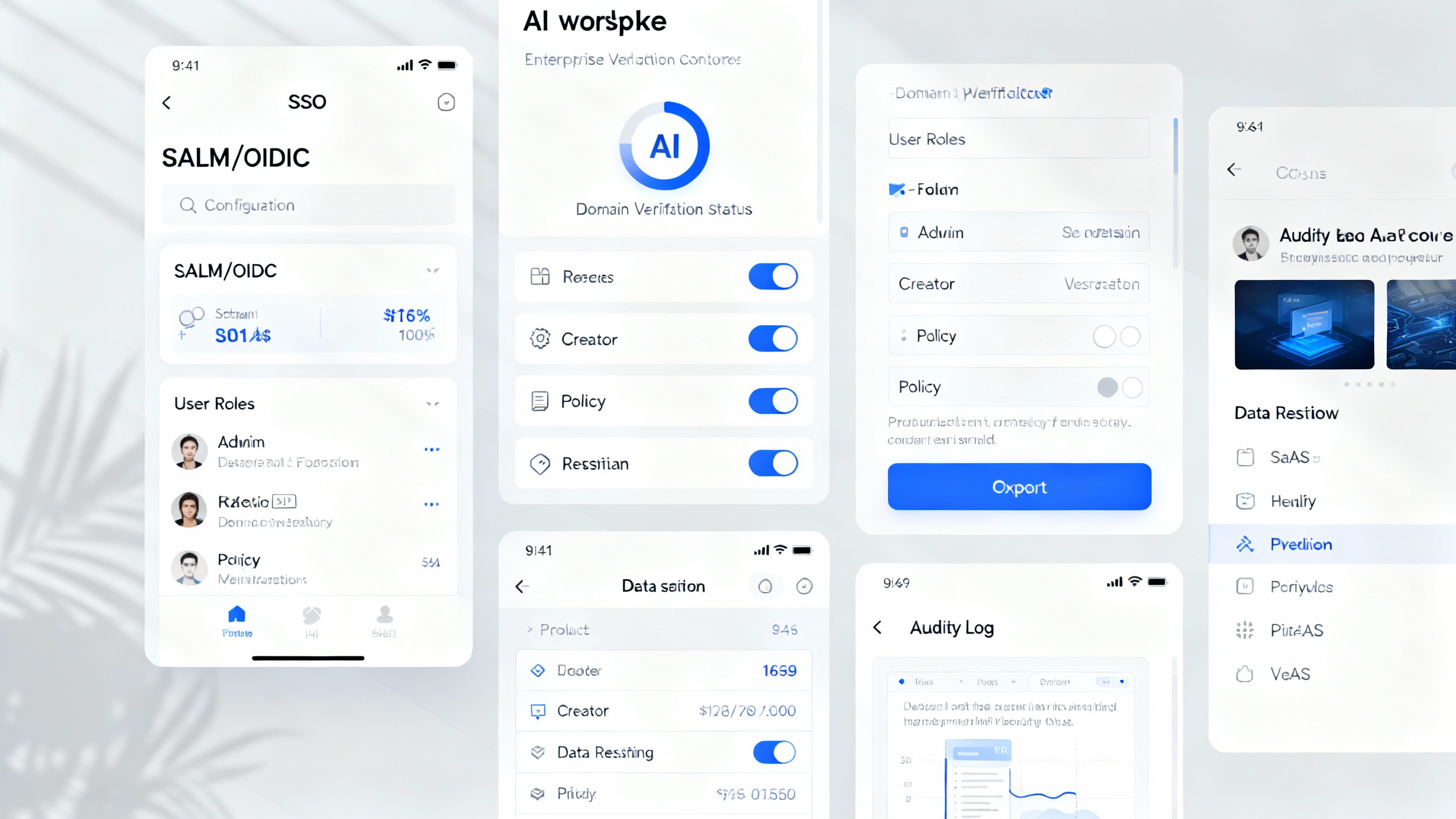
In the admin console, complete the following (names vary by product, approach is similar):
- Enable SSO (SAML/OIDC) and SCIM for lifecycle management.
- Verify your domain and restrict sign-ups to corporate emails.
- Define roles (admin, billing, creator) and least-privilege access.
- Configure logging, retention, and export policies for audit needs.
- If available, enable DLP-like controls and limit external link sharing.
-
Step 3: Establish Governance and Safe Usage Patterns
Write a one-page, friendly policy that covers:
- What data is allowed vs. prohibited (PII, PHI, financials, source code).
- Required disclaimers (e.g., “AI-assisted; verify facts before sending”).
- Review steps for external content (press, customer emails, contracts).
- Where to report issues or hallucinations.
Build a simple prompt library for common tasks (e.g., “polite decline email,” “customer summary,” “SQL exploration with safety checks”). Store it where people already work (Notion, Confluence, SharePoint).
TipUse Templates to Reduce Risk
Create pre-approved templates with instructions, tone, and data boundaries baked in. It’s easier to use a great template than to improvise a risky prompt.
-
Step 4: Pilot 3–5 High-ROI Use Cases
Start with work that is frequent, time-consuming, and low-risk:
- Drafting and editing emails and docs.
- Research summaries and competitive briefs.
- Data cleanup and analysis with Advanced Data Analysis/Code Interpreter.
- Support agent assists and knowledge lookup.
- Sales call prep and follow-up summaries.
For each, capture a baseline (time/quality) and a target. Example: “Reduce RFP boilerplate drafting time by 40%.” Run for 4–6 weeks, then compare results.
-
Step 5: Train People to Get Consistent Results
Host a 60–90 minute enablement session covering:
- Safe-use policy and prohibited data.
- Prompt patterns: role + goal + constraints + examples.
- Iteration technique: ask for two variants, critique, refine.
- Verification habits: cite sources, spot-check facts, add references.
- Feature tour: file uploads, data analysis, image tools, GPTs/assistants.
Give everyone a one-page cheat sheet and 10 ready-to-use prompts tailored to their role. Nominate “AI champions” in each team to share wins and help troubleshoot.
-
Step 6: Integrate and Automate Where It Counts
After the pilot, connect AI to where work happens:
- Add official apps/integrations (Slack, Teams, Zendesk, Salesforce) with admin-approved scopes.
- Use APIs or Azure OpenAI to embed AI in internal tools and workflows.
- For Microsoft tenants, evaluate Copilot if your work lives in M365.
- Set up request/approval flow for new integrations and GPTs.
Track usage analytics (where available) and create a monthly “win report” with time saved and quality improvements.
-
Pro Tips and Common Mistakes
- Don’t skip identity and domain controls—this is how you avoid shadow accounts.
- Pick a few use cases and go deep; scattershot pilots rarely show ROI.
- Treat AI output as a draft, not truth. Require verification for external content.
- Rotate model choices as they evolve; higher context and multimodal features can unlock new use cases.
- Budget for enablement. A great 90-minute training is worth more than another tool.
-
Wrap-Up: From Experiment to Everyday Advantage
The “business version of ChatGPT” isn’t just one product—it’s a set of secure, admin-ready options: ChatGPT Team/Enterprise, Copilot for Microsoft 365, and Azure OpenAI for custom apps. Choose the path that fits your control needs and tech stack, put simple guardrails in place, pilot a handful of high-impact tasks, and train your team to iterate thoughtfully. Do that, and you’ll turn AI from a shiny experiment into a reliable teammate.