


-
What We Really Mean by "Productivity"
Productivity isn’t “doing more stuff.” It’s creating more valuable output per unit of input—time, attention, headcount, and money. For knowledge work, that usually means faster cycle times, higher-quality deliverables, fewer errors, and more capacity for high-leverage work.
AI fits this picture as a tool that can draft, summarize, classify, retrieve, generate code, and reason across documents at astonishing speed. But speed alone doesn’t guarantee productivity: the win happens only when AI reduces the total cost to deliver outcomes you care about—without degrading quality or increasing risk.
-
The Evidence: Where AI Already Delivers
The strongest data we have points to material gains in specific contexts:
- Coding: Developers using GitHub Copilot completed tasks significantly faster in controlled studies. GitHub reports notable time savings for typical coding tasks, with many developers reporting fewer context switches and smoother flow. GitHub Research
- Customer support: A large-scale study of a contact center found that AI assistance increased agent productivity by 14% on average, with the largest gains for less-experienced agents. NBER/Stanford study by Brynjolfsson et al.
- Writing and analysis: An MIT experiment showed substantial time reductions and quality improvements for mid-skill writing tasks using generative AI. MIT—Noy & Zhang
These aren’t edge cases. They’re representative examples of pattern-matching, drafting, and retrieval-heavy work—all sweet spots for AI.
-
Where AI Reliably Boosts Output (and Why)
AI shines when work is repeatable, text- or code-centric, and quality can be verified quickly.
- Writing and editing: First drafts, tone-shifts, condensing long docs, and turning bullets into prose—especially when you already know what “good” looks like.
- Coding: Boilerplate, tests, docstrings, refactoring, and code search across large repos.
- Support and success: Drafting replies, knowledge retrieval, and summarizing tickets or calls.
- Research and analysis: Rapid document triage, extracting facts, making outlines, and proposing hypotheses you can test.
- Operations: Classifying requests, routing, tagging, and summarizing logs or incidents.
Example productivity wins by task
Task Category Typical Gain Evidence/Notes Coding (boilerplate/tests) 20–55% faster GitHub Copilot research Customer support replies 14% total lift NBER contact center study Business writing (drafting/summarizing) ~20–40% faster MIT—Noy & Zhang Meeting summaries + actions 30–60 minutes saved/meeting Vendor-neutral estimates; verify against your baseline Document search + synthesis 2–5× faster retrieval Highly context dependent; strongest with well-curated knowledge bases The consistent theme: AI accelerates the “first 80%,” leaving humans to polish and decide.
-
When AI Slows You Down
AI is not a free lunch. Common failure modes:
- Hallucinations or plausible-sounding errors that slip past review.
- Over-automation that adds process complexity without reducing cycle time.
- Tool sprawl and context switching (five apps to do one thing).
- Poor prompts or missing context that force repeated rework.
- Data privacy and compliance concerns that limit adoption.
-
A Quick Fit Test for Your Workflow
Use this checklist to decide if AI will help:
- Frequency: Is the task frequent enough to matter (daily/weekly)?
- Structure: Are inputs and outputs fairly structured (emails, tickets, code, forms)?
- Verifiability: Can a human check quality quickly (minutes, not hours)?
- Context: Do you have the relevant knowledge base or examples to condition the model?
- Risk: Is the downside of an error low-to-moderate, or can you sandbox it?
- Cycle-time bottlenecks: Does the task block others or elongate delivery?
If you score “yes” on 4+ items, you likely have a viable AI assist candidate.
-
A 90-Day Pilot That Actually Proves ROI
Here’s a pragmatic playbook you can run with a small team.
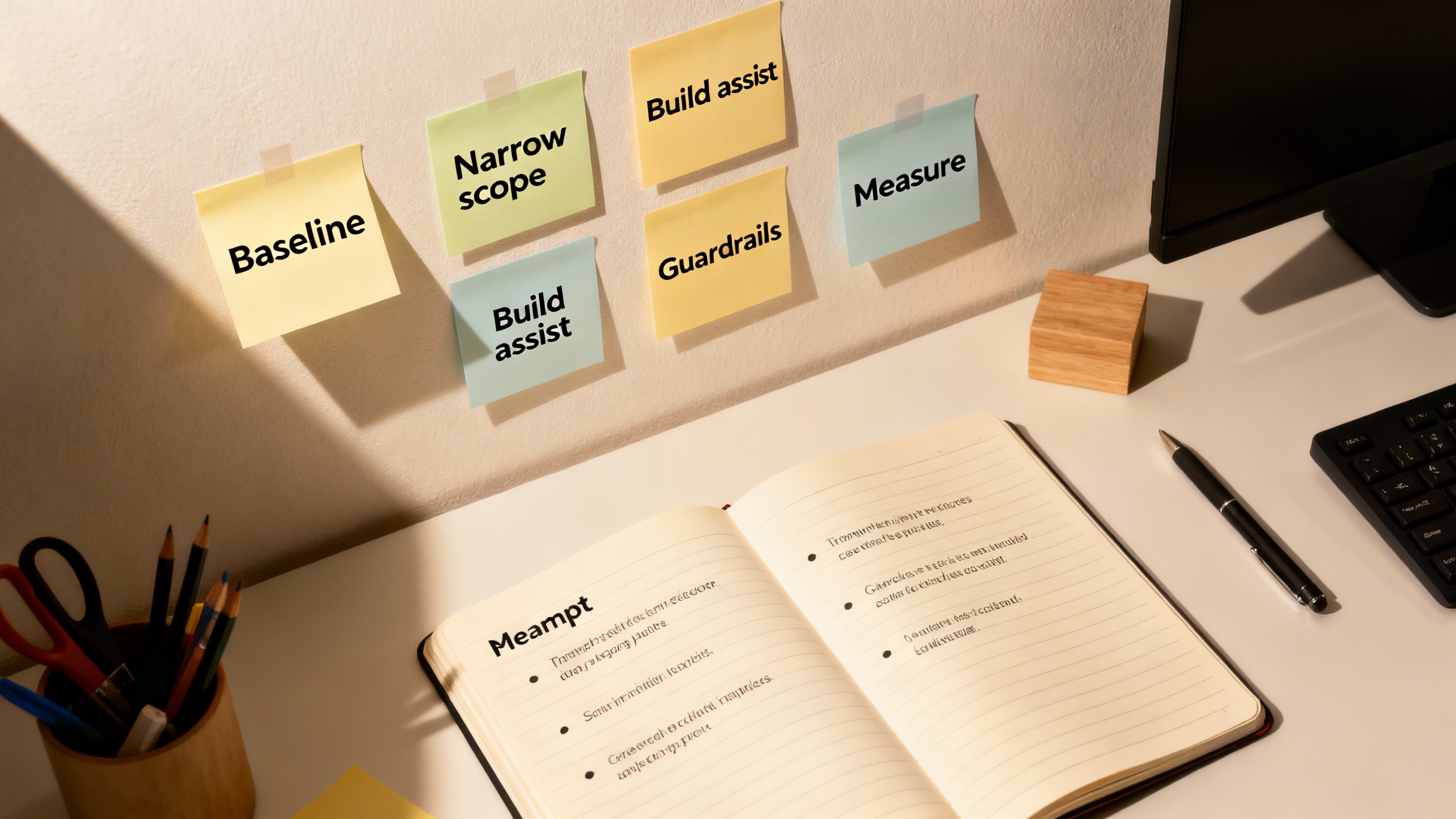
- Week 1–2: Baseline. Time the current workflow (lead time, rework rate, error rate). Document 10–20 representative tasks.
- Week 3–4: Narrow scope. Pick one process with measurable outcomes (e.g., support replies, release notes, weekly reporting). Define “good” with examples.
- Week 5–6: Build the assist. Use a general LLM with retrieval (for your policies/templates). Add a simple review checklist. Keep humans in the loop.
- Week 7–8: Prompt hardening. Create 3–5 reusable prompts for the top scenarios. Capture failures and create counter-examples.
- Week 9–10: Guardrails. Add PII filters, red-team prompts, and a fallback path. Train reviewers on what to scrutinize.
- Week 11–12: Measure and decide. Compare to baseline: time saved, error rate, and satisfaction scores. Expand or sunset.
-
Measuring What Matters (Not Just Time Saved)
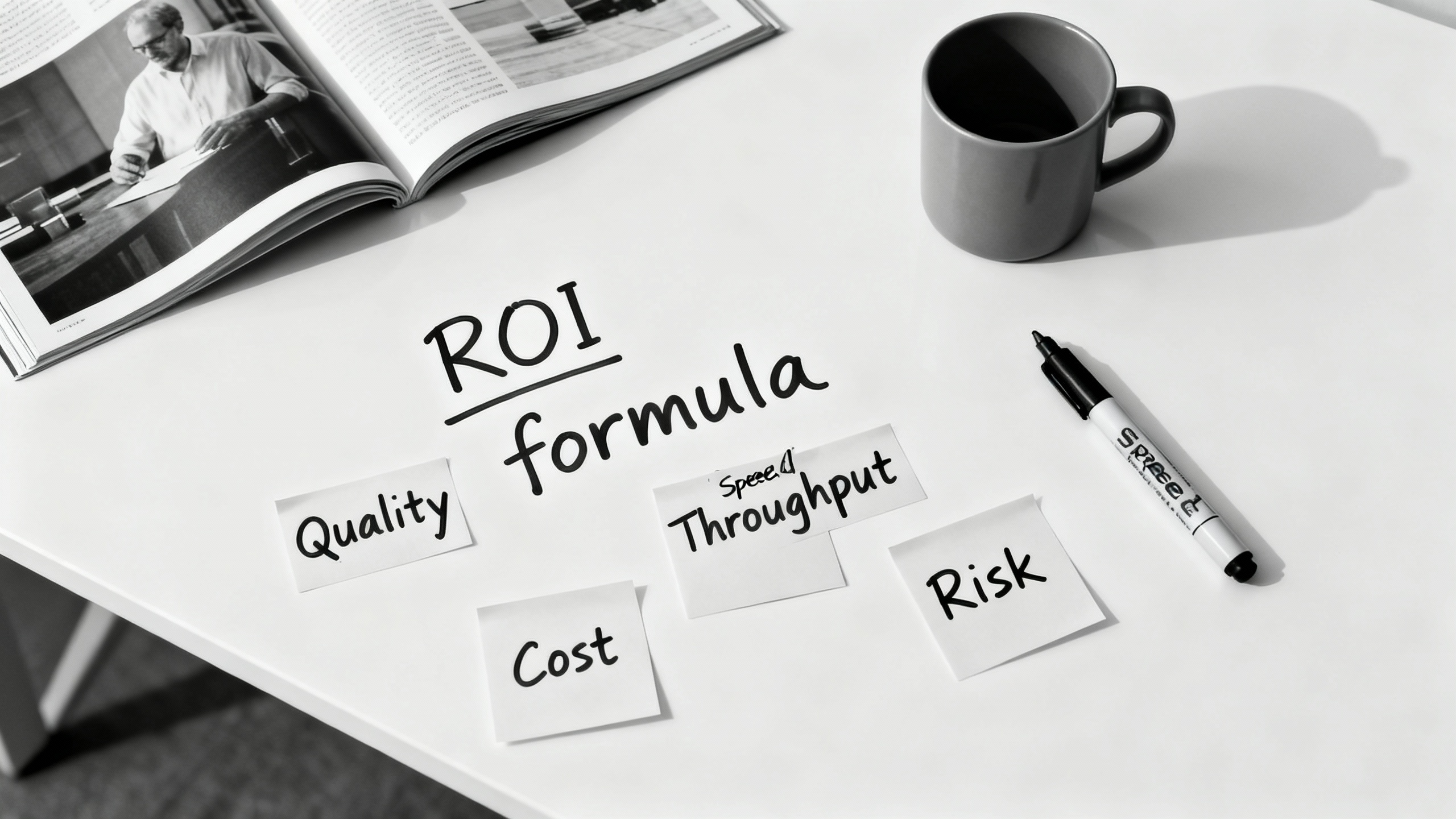
Time savings are easy to claim and hard to bank. Track a balanced set of metrics:
- Speed: Cycle time, time to first draft, queue time reductions.
- Quality: Error rates, revision counts, fact-check pass rate.
- Throughput: Completed items per person-day, backlog trends.
- Experience: CSAT, NPS, or internal satisfaction with AI assist.
- Cost: Tooling costs vs. capacity gained (hours back, deflected tickets).
A simple ROI approach:
- Hours saved = (Baseline time − Assisted time) × Volume × Adoption rate
- Value of hours saved = Hours saved × Loaded hourly cost
- Net ROI = (Value of hours saved − AI tool costs − Rework cost) ÷ Costs
<<stat label="Teams Reporting Positive ROI in 90 Days" value=">60%" source="thinkautomated-field-notes-2024">>
TipDon’t forget second-order effects
Even if “time saved” doesn’t reduce headcount, it can increase speed-to-market, reduce burnout, and unlock higher-value projects—benefits that show up in revenue and retention metrics over time.
-
Tools That Actually Help (By Job-To-Be-Done)
Choose categories first, vendors second:
- Coding copilots: IDE-integrated assistance for boilerplate, tests, and inline docs.
- Document and email copilots: Drafting, summarizing, rewriting, tone tuning.
- Meeting assistants: Live transcription, action extraction, and follow-up drafting.
- Knowledge retrieval: Secure, permissioned search over your docs with citations.
- Workflow/RPA: Hands-off automation for deterministic steps around the AI core.
When evaluating, demand: enterprise security posture, audit logs, admin controls, retrieval with citations, evaluation dashboards, and easy human-in-the-loop reviews.
-
The Human Edge: Skills That Multiply AI’s Value
AI is a force multiplier for well-structured thinking. Level up these skills:
- Prompt design: Provide role, constraints, examples, and success criteria in one message.
- Verification: Fast fact-checking and error-spotting habits; build checklists.
- Decomposition: Break work into verifiable chunks (outline → draft → refine → finalize).
- Domain grounding: Teach the model your language—glossaries, style guides, policy snippets.
- Judgment: Decide when to stop polishing or when to escalate to an expert.
-
Verdict: So, Is AI a Productivity Tool?
Yes—with an asterisk. AI is a powerful productivity tool when you deploy it where it excels (repeatable, verifiable, text- and code-heavy tasks), pair it with tight guardrails, and measure outcomes that matter. The data shows meaningful gains in coding, support, and writing; the risks are manageable with human review and good process design. Treat AI like any other operational improvement: start small, instrument the workflow, and scale what works.
The real win isn’t just faster drafts—it’s a more focused team spending time on work only humans can do: judgment, creativity, and building trust with customers.